
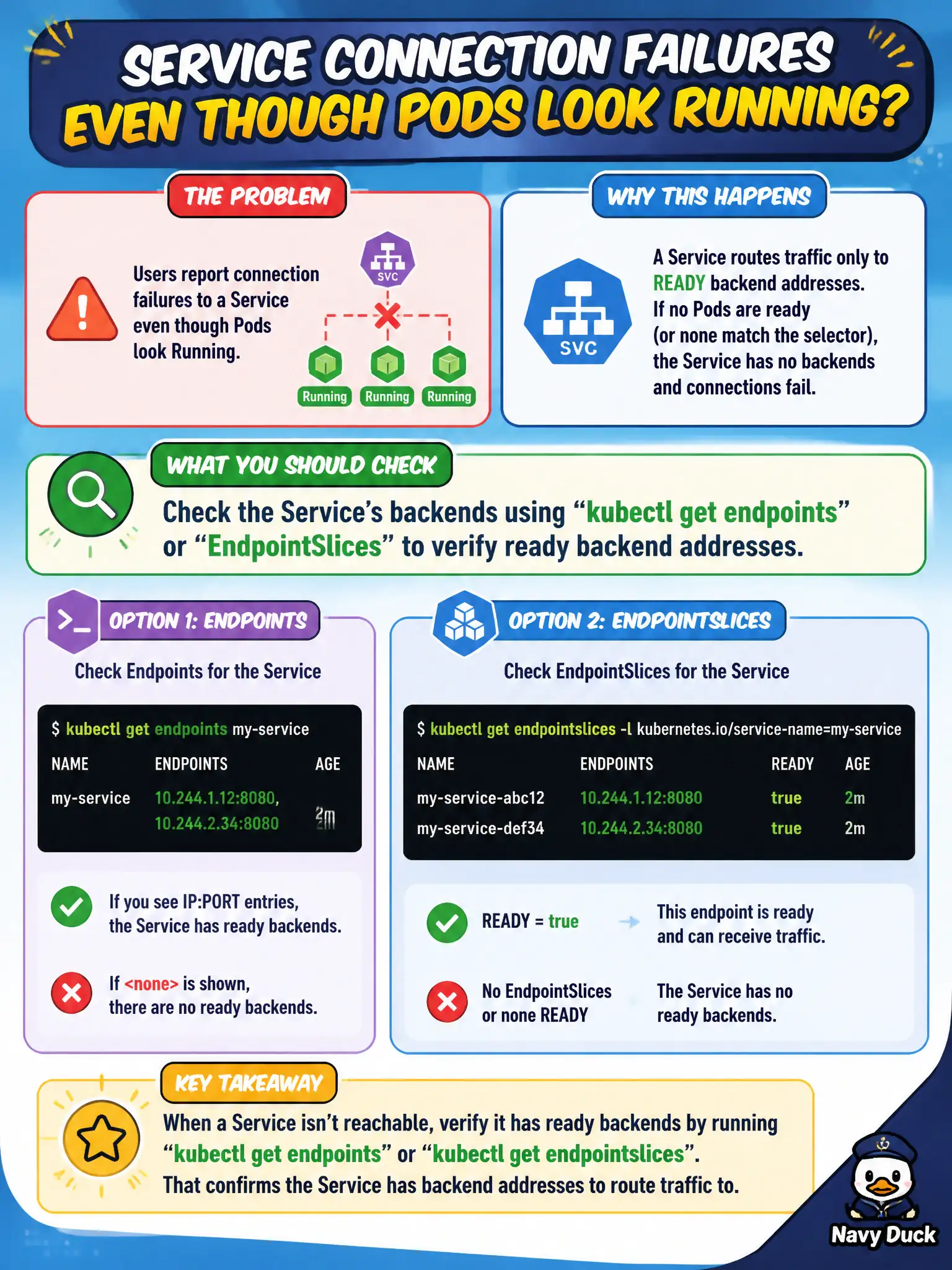
Users report connection failures to a Service even though Pods look Running. What should the developer check to see if the Service has backends?
Select an answer to reveal the explanation.
Short Explanation
A Service without backends is a phone book with no numbers. Check Endpoints or EndpointSlices for that Service—if it’s empty, selectors, readiness, or ports aren’t matching. Running Pods alone don’t guarantee they’re in the Service.
Full Explanation
When users report connection failures to a Service even though Pods look Running, the developer should check kubectl get endpoints or EndpointSlices for the Service to verify ready backend addresses. A Service without backends is a phone book with no numbers—Running Pods are insufficient if selectors differ or readiness failed. This is the critical municipal connectivity check between Service and Pods.
Why the other options fail by concept: Editing etcd ClusterRoles to grant anonymous Endpoints access is a security disaster and not a diagnostic step. kubectl top node ignores Service backend membership. Assuming Running Pods always appear in every Service regardless of selectors/readiness is false.
Exam caveat: Empty Endpoints often mean label selector mismatch, wrong namespace, or all Pods NotReady. Newer clusters emphasize EndpointSlices—inspect those too. Ports on the Service must match container ports named/numbered correctly. Headless Services behave differently for DNS but still show endpoints.
Operational check: kubectl get svc,endpoints,endpointslices -n <ns> <svc>; compare selector to kubectl get pods --show-labels; fix labels or readiness; confirm addresses populate before retesting resident clients.