
A busy shared namespace hosts many apps. How should an operator list only the 311 application Pods for monitoring?
Select an answer to reveal the explanation.
Short Explanation
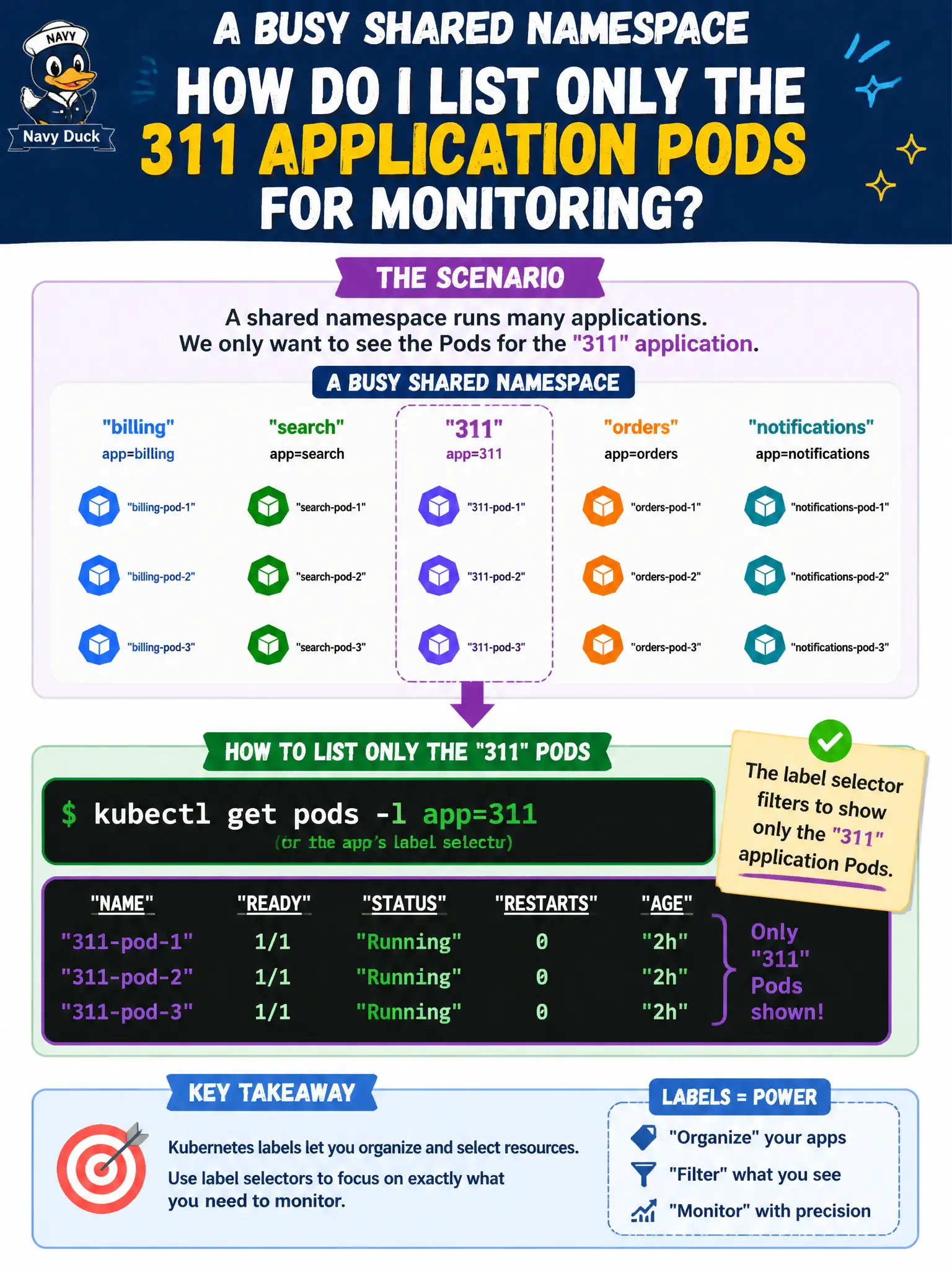
Labels are name tags in a crowded hallway. Use kubectl get pods -l with the 311 app’s selector and you only see that team’s Pods. Scanning every namespace by eye—or deleting everything—isn’t monitoring.
Full Explanation
In a busy shared namespace hosting many apps, an operator should list only the 311 application Pods with kubectl get pods -l app=311 (or whichever label selector the application actually uses). Label selectors are the standard kubectl filter on multi-tenant municipal namespaces, focusing monitoring on one service without destructive resets or error-prone mental filtering of huge get pods outputs.
Why the other options fail by concept: kubectl get pods --all-namespaces and mentally filtering by image name alone is noisy and error-prone under stress. kubectl get nodes -l app=311 confuses node labels with Pod membership and usually returns nothing useful for app triage. kubectl delete pods --all so only new Pods remain is destructive outage-making, not a listing or monitoring strategy.
Exam caveat: Prefer the same labels the Service selector uses so monitoring and traffic selection stay aligned. Always combine -n and -l on shared city clusters. Wrong label keys yield empty lists—confirm with --show-labels. Custom columns can add restart counts and images for denser 311 triage views.
Operational check: kubectl get pods -n <ns> -l app=311 -o wide --show-labels, save the exact selector in the team runbook, and reuse it in watch/logs/top commands during 311 incidents so every on-call filters consistently.