
A bad rollout leaves unclear which ReplicaSet owns the struggling Pods. What kubectl listing helps monitor the Deployment ownership chain together?
Select an answer to reveal the explanation.
Short Explanation
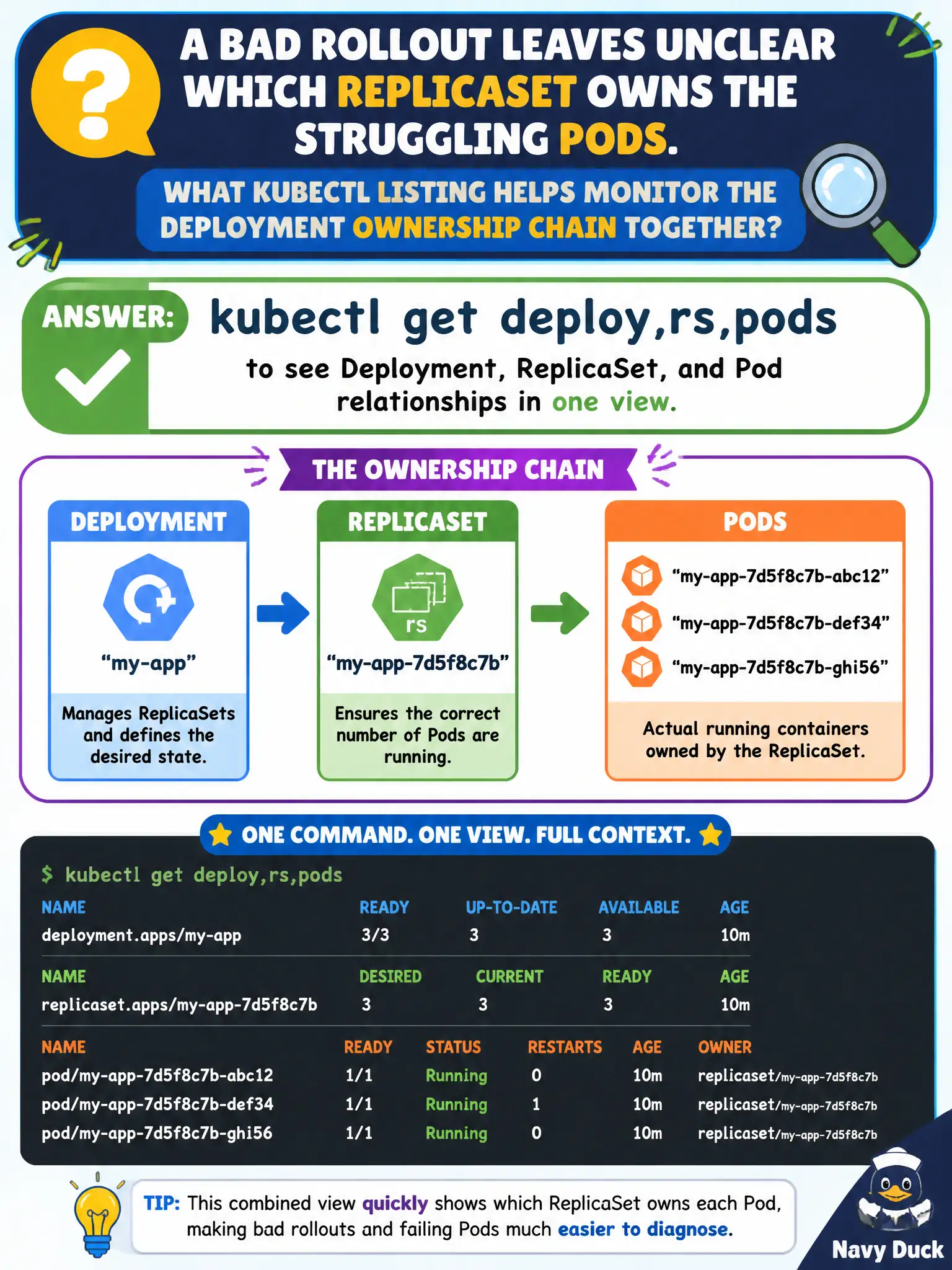
Deployments own ReplicaSets, and ReplicaSets own Pods—like a org chart. kubectl get deploy,rs,pods shows that chain in one glance during a messy rollout. You’ll see which RS is active and which Pods belong where.
Full Explanation
When a bad rollout leaves unclear which ReplicaSet owns the struggling Pods, kubectl get deploy,rs,pods lists Deployment, ReplicaSet, and Pod objects together so you can see the ownership chain and replica counts in one municipal monitoring view. That combined listing quickly shows whether a new ReplicaSet surged, stalled at zero Ready, or left old Pods as the only Serving backends for residents.
Why the other options fail by concept: kubectl get configmaps only does not reveal Deployment ownership chains; Deployments do not store their replica topology in ConfigMaps. kubectl get cs for deprecated component statuses is not a meaningful rollout signal for application Deployments. kubectl get pv across the cluster is unrelated when the app uses only emptyDir and does not explain ReplicaSet ownership.
Exam caveat: Add label selectors (-l) to reduce noise in busy shared namespaces. Use --show-labels or wide output to confirm selectors match. Compare desired versus current versus ready on the Deployment and on each ReplicaSet. Follow with kubectl rollout history/status for revision context before undo.
Operational check: kubectl get deploy,rs,pods -n <ns> -l app=<app>, identify the new RS whose Pods are not Ready, describe those Pods for root cause, and decide on a forward fix versus kubectl rollout undo for the city service. Re-run the combined get after recovery to confirm a single healthy RS owns the Pods.