
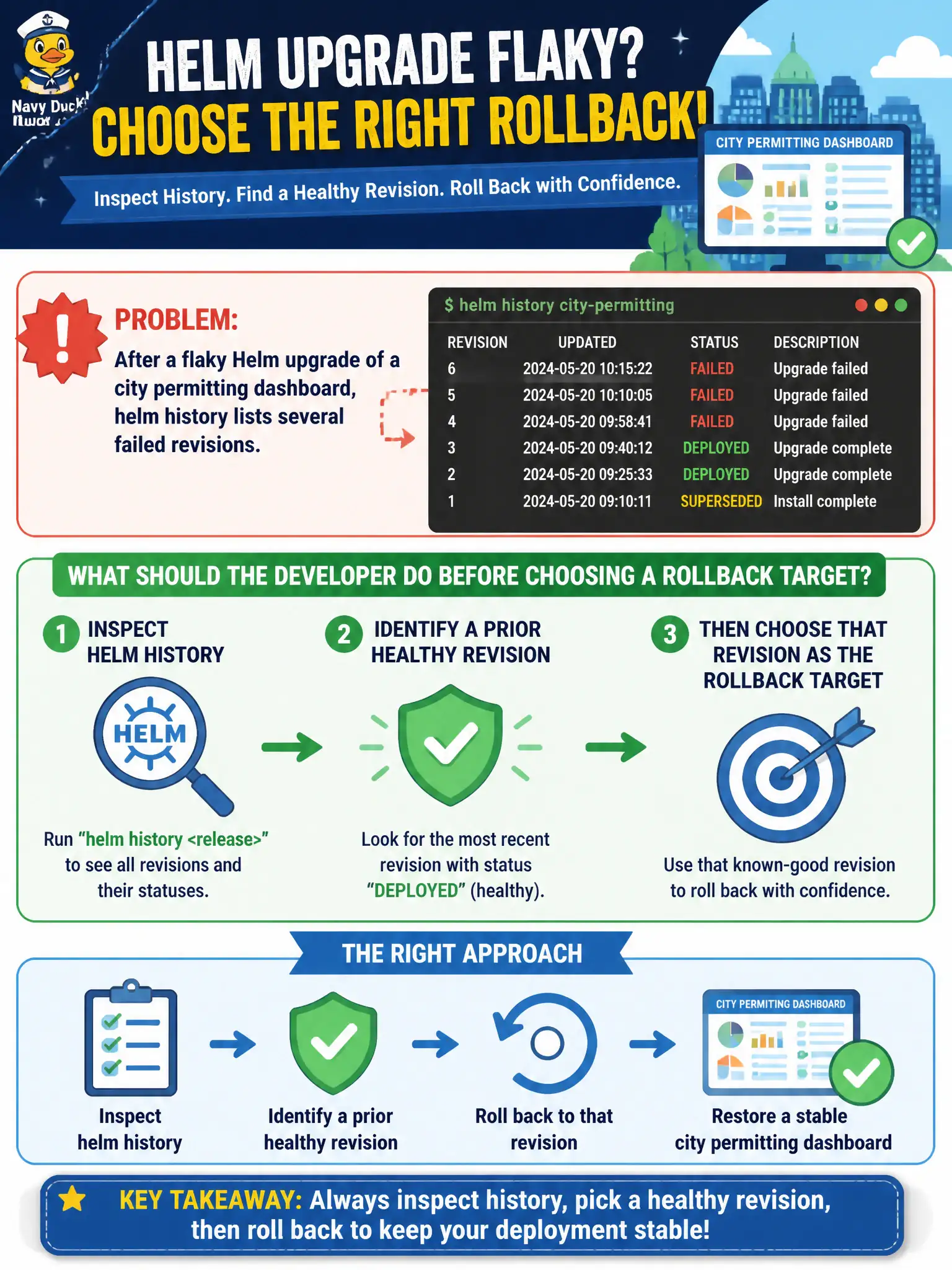
After a flaky Helm upgrade of a city permitting dashboard, helm history lists several failed revisions. What should the developer do before choosing a rollback target?
Select an answer to reveal the explanation.
Short Explanation
Think of helm history like a restaurant’s ticket rail of past cooks: you look back before you rewind the kitchen. Spot a revision that was actually serving traffic, then roll to that plate—not a burnt one.
Full Explanation
After a flaky Helm upgrade of a city permitting dashboard, helm history lists revisions—including failed ones—so the developer can identify a prior healthy revision before rolling back. Inspecting history first prevents blind uninstall/recreate cycles and keeps recovery anchored to a known-good release state. Municipal incident practice favors deliberate rollback targets over improvisation when residents depend on the dashboard.
Why the other options fail by concept: Uninstalling and recreating from scratch without reviewing history discards the very revision map that makes safe rollback possible. Hand-editing the live Deployment image tag ignores Helm’s release source of truth and invites the next upgrade to fight your manual drift. Running helm lint only validates chart structure locally; it does not prove the current release is healthy or choose a rollback revision.
Exam caveat: History includes failed revisions—do not assume the highest number is good. Confirm which revision was last successfully deployed before helm rollback. If the Helm storage secret was deleted, history may be incomplete. Rollback still applies chart hooks per chart design; watch for migrate hooks during recovery windows.
Operational check: helm history <release> -n <ns>, note a healthy revision number, helm rollback <release> <rev> -n <ns>, then helm status and smoke-test the permitting dashboard. Verify kubectl get deploy,pods show Ready replicas before closing the incident.