
A municipal analytics team needs to install a widely packaged Kubernetes dashboard that already ships as a chart. Building a custom Operator just to install it would be overkill. Which approach best fits CKAD application deployment?
Select an answer to reveal the explanation.
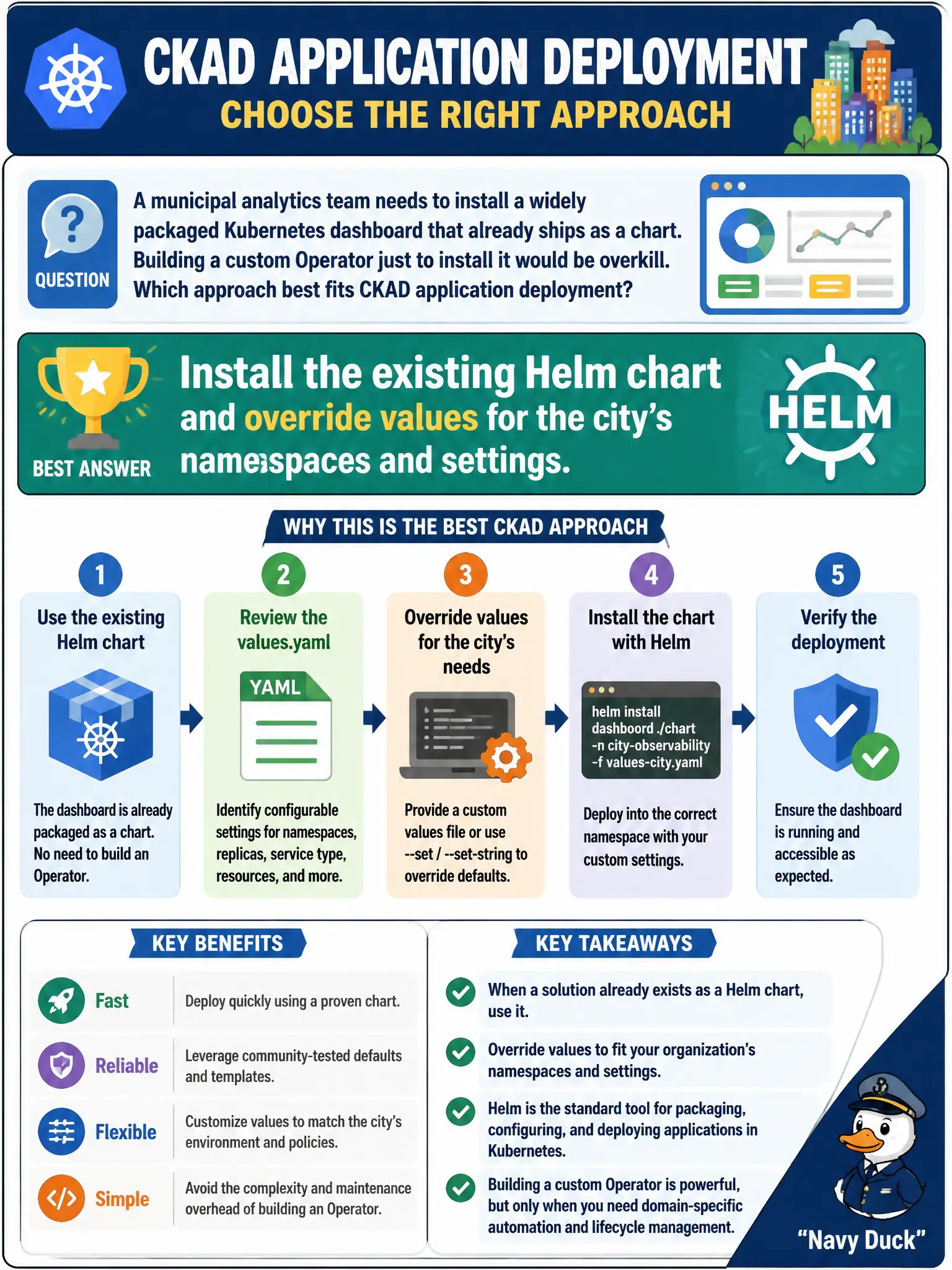
Short Explanation
Buying a ready-made city bus schedule is smarter than inventing a whole transit authority for one route. Helm charts package apps that already exist—install and tune values instead of inventing an Operator for a one-shot install.
Full Explanation
When a municipal analytics team needs a widely packaged Kubernetes dashboard that already ships as a Helm chart, installing that existing chart and overriding values for the city’s namespaces and settings is the appropriate CKAD application-deployment approach. Building a custom Operator solely to apply the same YAML once is overkill; Helm exists precisely to consume parameterized third-party packages without inventing controllers.
Why the other options fail by concept: Writing a new Operator whose only job is a one-shot YAML apply adds CRD/controller complexity without benefit. Hand-copying every chart template into a monolithic Pod manifest loses maintainability and usually breaks multi-object charts. Using a DaemonSet on every node merely to curl static assets abuses per-node workloads and does not install a dashboard the Helm way.
Exam caveat: Values must cover service type, ingress, and RBAC to match city policy—default chart values may be too open for production. Prefer pinning chart versions for reproducible municipal deploys. Operators remain appropriate when continuous reconcile of custom resources is required; they are not the default for “it already has a chart.”
Operational check: helm repo add/update as needed, helm install <release> <chart> -n <analytics-ns> -f city-values.yaml, then helm status and kubectl get deploy,svc,ingress -n <analytics-ns>. Confirm dashboard URLs and RBAC match the approved values overlay.