
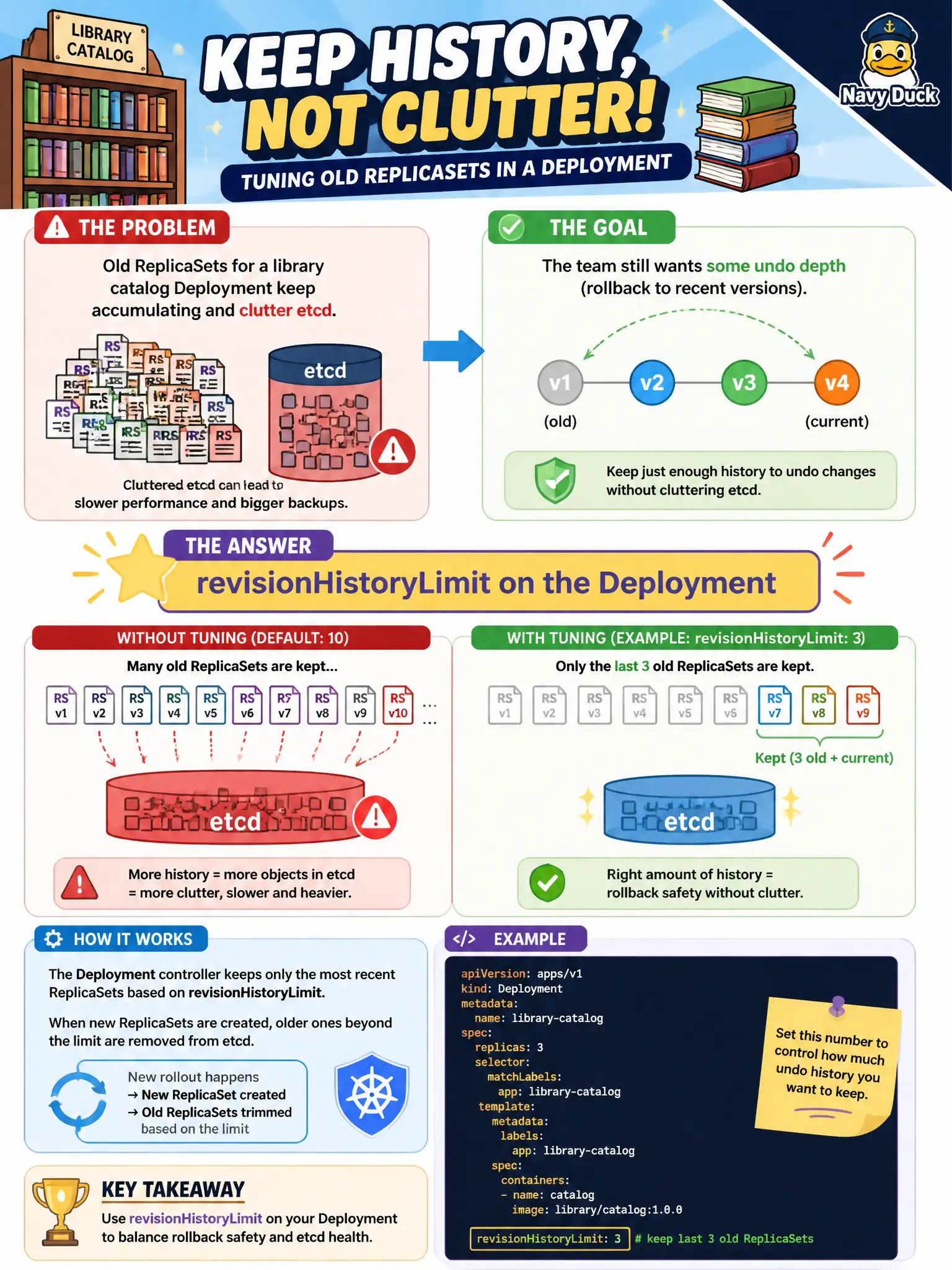
Old ReplicaSets for a library catalog Deployment keep accumulating and clutter etcd, but the team still wants some undo depth. Which field tunes how many old ReplicaSets are retained?
Select an answer to reveal the explanation.
Short Explanation
How many old blueprints you keep in the cabinet is a storage vs undo tradeoff. revisionHistoryLimit caps retained ReplicaSets—high enough to roll back, low enough to avoid clutter.
Full Explanation
Old ReplicaSets for a library catalog Deployment accumulate and consume etcd object space, yet some undo depth remains necessary. revisionHistoryLimit on the Deployment caps how many old ReplicaSets are retained. Lowering it prunes older revisions; raising it preserves more rollback targets for municipal release managers balancing storage against undo capability.
Why the other options fail by concept: completedJobsHistoryLimit and successfulJobsHistoryLimit are Job/CronJob history fields, not Deployment ReplicaSet retention. backoffLimit is a Job retry limit, not a ReplicaSet retention control on Deployments.
Exam caveat: Setting revisionHistoryLimit to 0 means you cannot rollout undo to a prior ReplicaSet after the next update. The live (current) ReplicaSet is not “history” in the same sense—understand what still remains after prune. etcd pressure is rarely solved by history alone if thousands of other objects exist, but limiting Deployment history is still correct hygiene.
Operational check: kubectl get rs -l <catalog-selector> before and after changing revisionHistoryLimit and triggering a few rollouts; confirm older ReplicaSets disappear beyond the limit. Practice kubectl rollout history to see which revisions remain available for undo before a production catalog release.