
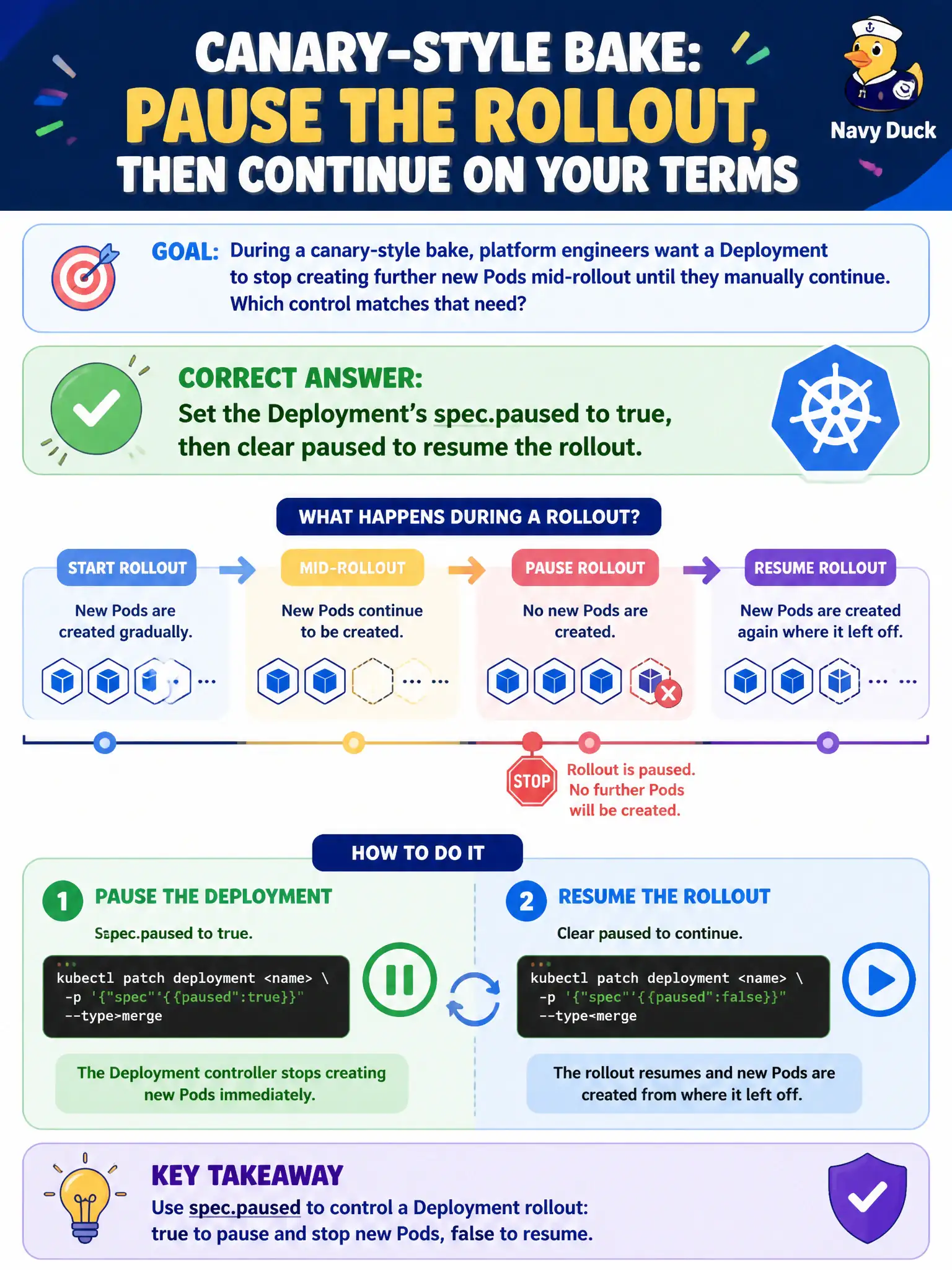
During a canary-style bake, platform engineers want a Deployment to stop creating further new Pods mid-rollout until they manually continue. Which control matches that need?
Select an answer to reveal the explanation.
Short Explanation
Hit pause on the conveyor while QA tastes the first batch, then hit play again. spec.paused freezes progressive rollout changes until you resume—perfect for a manual bake window.
Full Explanation
During a canary-style bake, setting the Deployment’s spec.paused to true stops the controller from creating further progressive rollout steps until paused is cleared. Platform engineers can evaluate the first surged Pods for a utility or parks API, then resume by setting paused back to false. That pause/resume control is the Deployment-native way to freeze mid-rollout without deleting the workload.
Why the other options fail by concept: Permanently setting replicas to zero takes the service offline rather than pausing an in-progress update. Removing readiness probes so Pods never become Ready stalls progress destructively and can break traffic shifting semantics. Changing the Service to ExternalName redirects DNS away from Pods; it does not pause ReplicaSet scaling logic.
Exam caveat: Paused Deployments ignore progressive updates until unpaused; remember to clear paused or production can sit indefinitely on a partial rollout. Pausing is not a full substitute for dedicated canary objects (separate Deployments/Services) in sophisticated progressive delivery, but it is the in-API exam-relevant control. Template changes applied while paused are deferred until resume.
Operational check: Patch spec.paused=true after starting an image change, verify new ReplicaSet scaling stops mid-way via kubectl get rs, validate canary Pods, then set paused=false and kubectl rollout status until complete. Document the pause in change tickets so on-call knows why a civic rollout looks half-finished.