
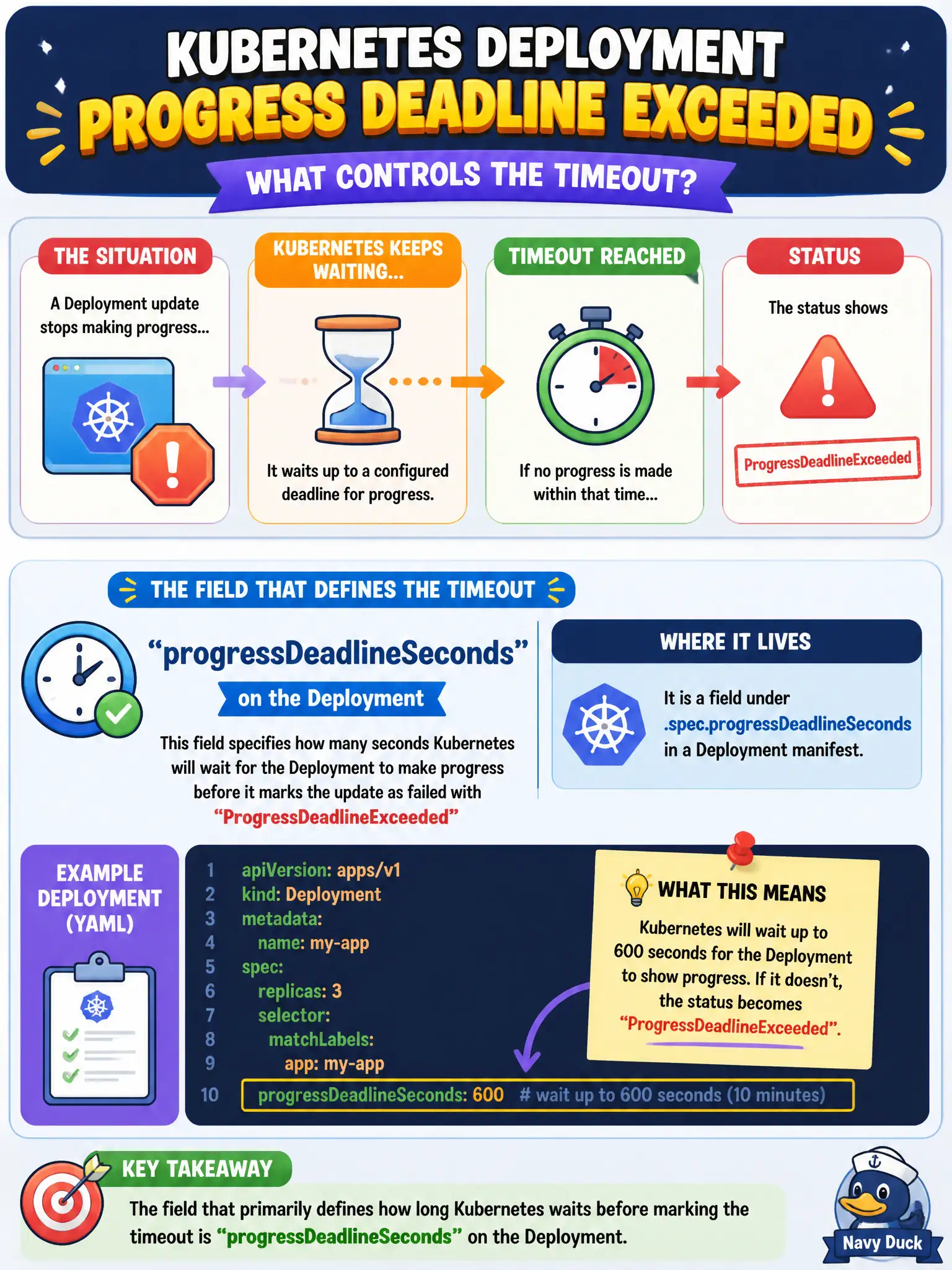
A Deployment update stops making progress and the status later shows ProgressDeadlineExceeded. Which field primarily defines how long Kubernetes waits before marking that timeout?
Select an answer to reveal the explanation.
Short Explanation
There’s a shot clock on the rollout—if nothing useful happens before it buzzes, the play is dead. progressDeadlineSeconds is that shot clock; when it expires you get ProgressDeadlineExceeded.
Full Explanation
When a Deployment update stops making progress and status later shows ProgressDeadlineExceeded, the governing field is progressDeadlineSeconds on the Deployment. It defines how long the controller waits for progress (such as new Pods becoming Available) before surfacing that condition. Municipal platform teams use it as a shot clock so a hung parks or billing rollout fails loudly in CI instead of sitting quietly broken.
Why the other options fail by concept: terminationGracePeriodSeconds only controls graceful shutdown time per Pod, not rollout progress timeout. activeDeadlineSeconds belongs on Jobs/CronJob-created Jobs, not Deployment progress. revisionHistoryLimit only caps retained ReplicaSets for undo depth; it does not mark progress timeouts.
Exam caveat: Progress means the Deployment observes forward movement toward the desired state within the deadline; a rollout that slowly but steadily advances may still succeed. Clock starts considering progress milestones—understand that a bad image causing CrashLoop can exhaust the deadline. Changing progressDeadlineSeconds after a failure does not heal Pods; fix the template or undo.
Operational check: On ProgressDeadlineExceeded, kubectl describe deploy/<name> and inspect conditions, then check Pods/Events for ImagePullBackOff, probe failures, or Pending scheduling. Adjust progressDeadlineSeconds only as a deliberate budget for slow-but-healthy civic apps, not as a workaround for broken images.