
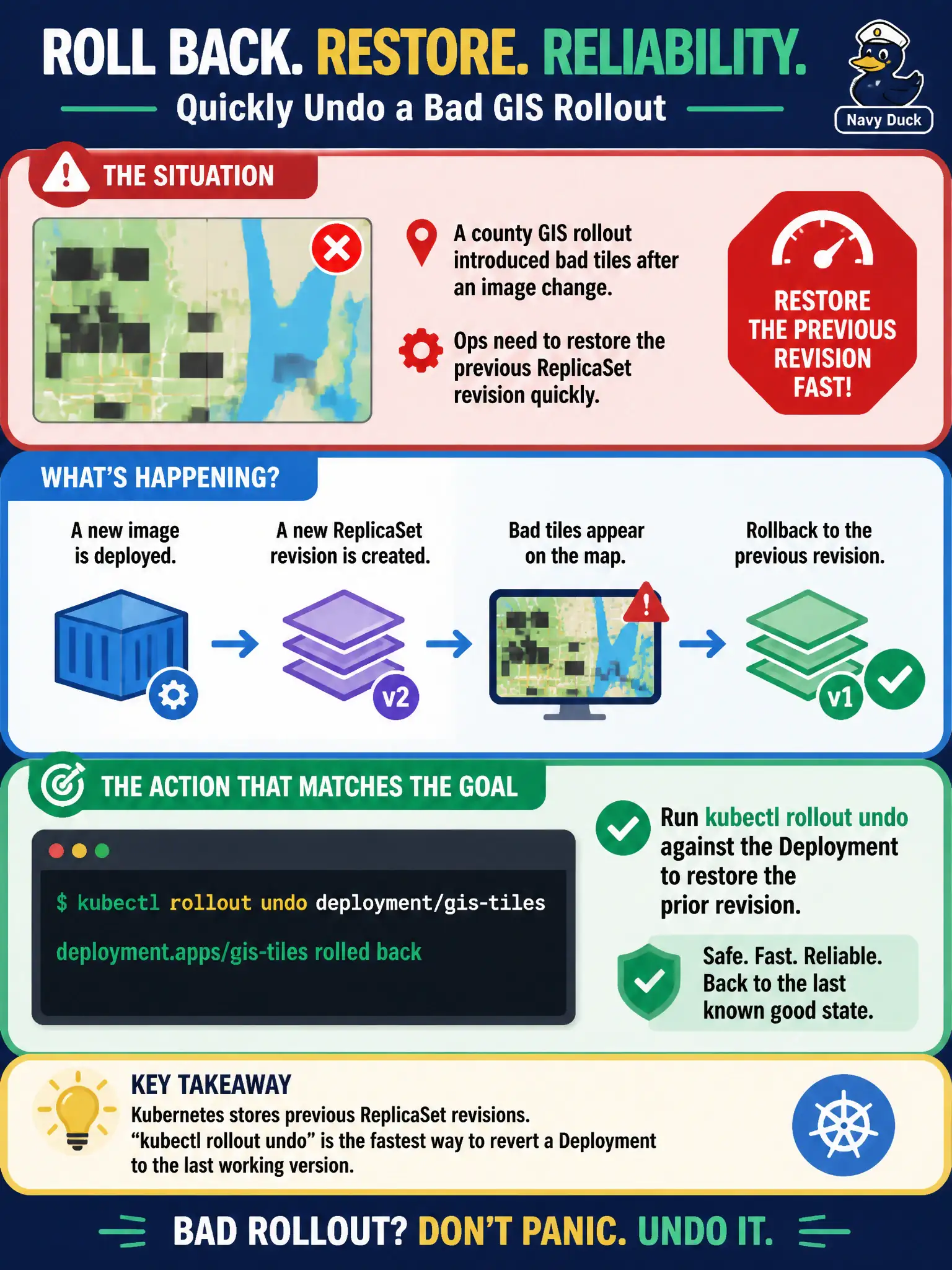
A county GIS rollout introduced bad tiles after an image change. Ops need to restore the previous ReplicaSet revision quickly. Which action matches that goal?
Select an answer to reveal the explanation.
Short Explanation
When a release goes sideways, you want the last known-good build back on the road—not a permanent shutdown. kubectl rollout undo is the Deployment's rewind button: it brings back the previous ReplicaSet revision.
Full Explanation
When a county GIS rollout introduces bad tiles after an image change, the ops goal is to restore the previous ReplicaSet revision quickly without inventing a new architecture. kubectl rollout undo against the Deployment is the purpose-built control for that: Deployments retain revision history (bounded by revisionHistoryLimit), and undo scales the prior ReplicaSet back while scaling down the bad current revision. That returns the last known-good Pod template—including the previous image—under the same Deployment object, which is exactly the fast municipal rollback path CKA expects candidates to know.
Deleting the Service that fronts the GIS app stops client traffic but does not restore a healthy workload revision; citizens simply lose access while bad Pods may still run. Scaling the Deployment to zero permanently removes GIS capacity entirely and is an outage, not a rollback to the prior good revision. Patching only the Service selector labels without touching Deployment revision history may misroute or black-hole traffic; it does not rewind the ReplicaSet that actually runs the tiles.
Exam caveat: rollout undo is revision-based; know that history must still exist (revisionHistoryLimit not zeroed away) and that undo differs from deleting Services or namespaces. Operational check: kubectl rollout undo deploy/<name>, then kubectl rollout status and rollout history to confirm the previous revision is active and GIS endpoints are healthy again.