
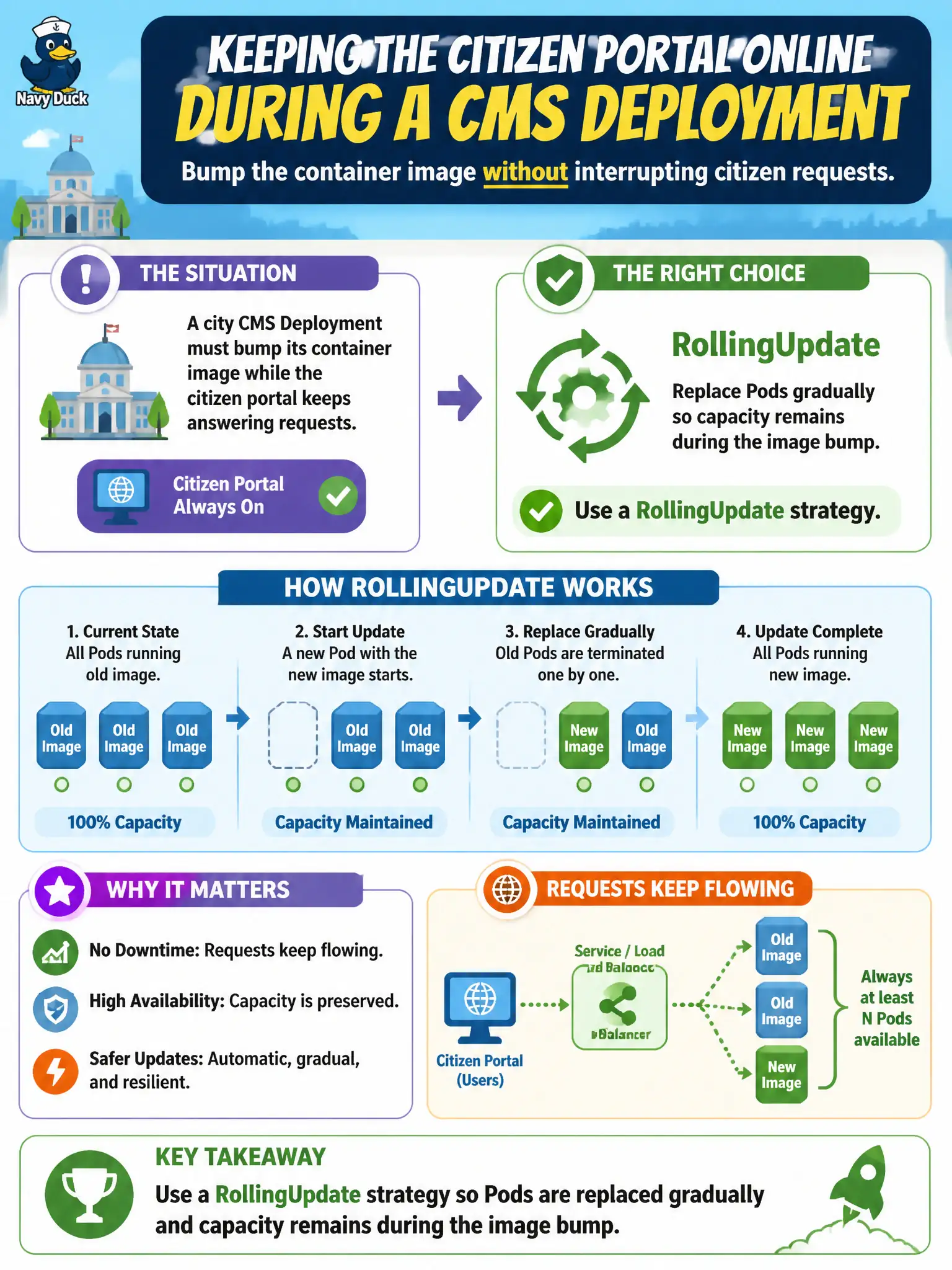
A city CMS Deployment must bump its container image while the citizen portal keeps answering requests. Which update behavior should the platform team rely on?
Select an answer to reveal the explanation.
Short Explanation
Think of swapping engines on a train while it is still moving—you change cars one at a time so passengers never all stop. RollingUpdate does that for Pods: new replicas come up as old ones leave, so the CMS keeps serving.
Full Explanation
For a city CMS Deployment that must bump its container image while the citizen portal keeps answering requests, the platform team should rely on a RollingUpdate strategy. RollingUpdate is the default Deployment update behavior: the controller creates Pods from a new ReplicaSet revision while gradually terminating Pods from the previous revision, subject to maxUnavailable and maxSurge. That gradual replacement keeps some ready capacity in the Endpoints set so Services continue to load-balance citizen traffic during the image bump, which is the operational goal for a public-facing municipal portal.
Deleting the Deployment and recreating it after every image change is the wrong concept for zero-downtime upgrades. Object deletion removes the controller and typically tears down its Pods, producing an intentional outage window rather than a controlled progressive replacement. Editing each running Pod's container image in place without changing the Deployment Pod template also fails conceptually: the Deployment/ReplicaSet owns the desired Pod spec, so live Pod mutations are not the supported release path and are overwritten or ignored relative to the template hash. Switching the Service to headless mode so clients reconnect only after the full upgrade finishes confuses Service discovery with update strategy—headless Services change DNS semantics (Pod IPs instead of a ClusterIP) and do not implement gradual Pod replacement.
CKA exam caveat: distinguish Deployment strategy.type RollingUpdate from Recreate, and remember that template changes—not Service type changes—drive rollouts. Operational check: after updating the image on the Deployment, run kubectl rollout status and confirm ready replicas stay above your availability floor while old and new ReplicaSets trade capacity.