
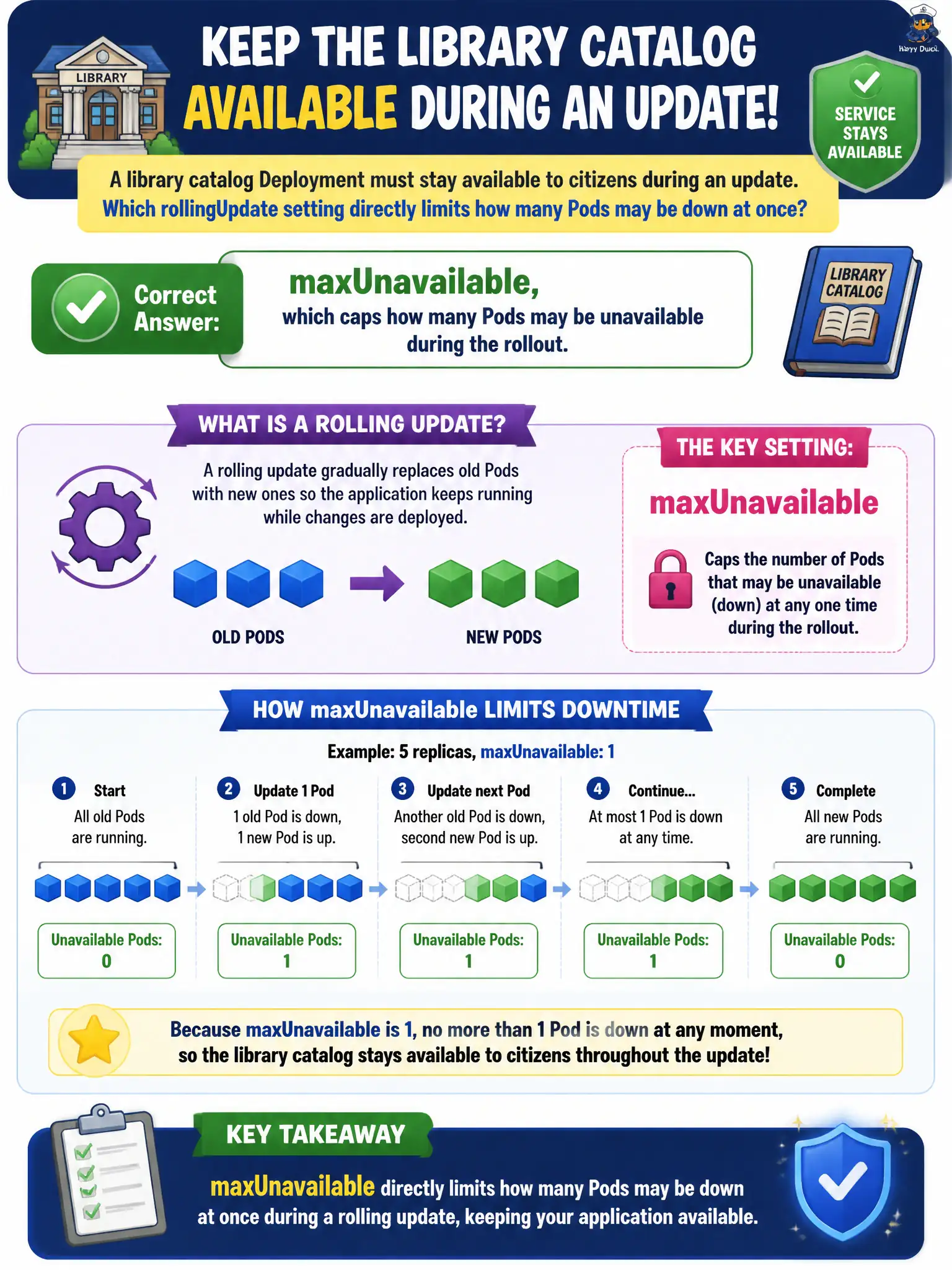
A library catalog Deployment must stay available to citizens during an update. Which rollingUpdate setting directly limits how many Pods may be down at once?
Select an answer to reveal the explanation.
Short Explanation
Availability during a paint job means you only take so many shelves offline at once. maxUnavailable is that shelf limit for Pods—it caps how many can be missing while RollingUpdate runs.
Full Explanation
A library catalog Deployment that must stay available to citizens during an update depends on RollingUpdate knobs that explicitly trade capacity. maxUnavailable directly limits how many Pods may be unavailable at once during the rollout—expressed as an absolute count or a percentage of desired replicas. That cap is the availability shelf-limit: with maxUnavailable set conservatively, the controller will not take down so many catalog Pods that the Service loses the capacity the library promised the public during maintenance windows.
revisionHistoryLimit only controls how many old ReplicaSets are retained for rollback and audit; it does not throttle concurrent unavailability during an in-flight update. progressDeadlineSeconds only marks a rollout as failed after a timeout if progress stalls; it is a failure detector, not an availability cap. terminationGracePeriodSeconds on the Pod only controls how long kubelet waits for graceful shutdown after a delete signal; it does not define how many Pods may be down simultaneously under the Deployment strategy.
Exam caveat: pair maxUnavailable with maxSurge—surge adds extra Pods above desired while unavailable caps missing ones—and know defaults matter when the manifest omits explicit values. Operational check: inspect the Deployment strategy.rollingUpdate fields, watch ready versus desired during kubectl rollout status, and verify Service Endpoints never drop below the citizen-facing capacity you intend.