
County in-cluster Service DNS works, but browsers on the public Internet cannot resolve the Ingress hostname. Where is the gap?
Select an answer to reveal the explanation.
Short Explanation
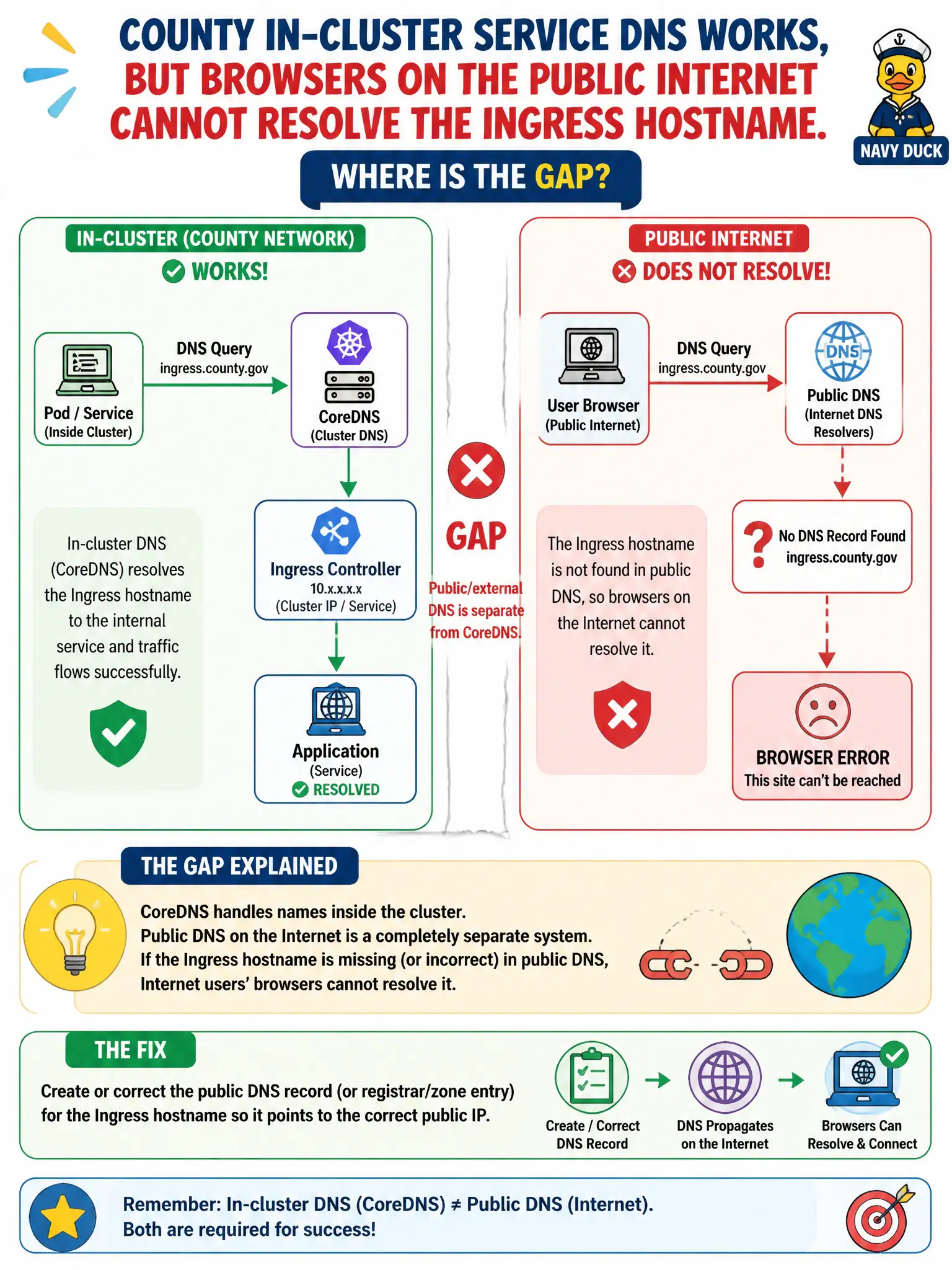
CoreDNS is the office directory; public DNS is the phone book on the Internet. In-cluster names can be perfect while the world’s DNS entry for your Ingress host is still missing.
Full Explanation
Public/external DNS for an Ingress host is separate from CoreDNS. When county in-cluster Service DNS works but browsers on the public Internet cannot resolve the Ingress hostname, the gap is the missing or incorrect Internet DNS record (registrar/zone entry) for that host—not kube-proxy rituals or ClusterIP magic publishing global glue records. kube-proxy does not need daily restarts for public DNS to refresh; public DNS is outside the cluster dataplane. ClusterIP Services do not automatically register every Ingress host on the public Internet. Ready Pods do not publish their own glue records to the global DNS root. Exam caveat: After creating the public record, account for DNS TTLs. Also verify the Ingress VIP/load balancer IP matches what public DNS returns. Operational check: Dig the hostname from the Internet, create/correct the public A/AAAA or CNAME to the civic Ingress entrypoint, wait for TTL, and retest browsers while confirming CoreDNS still serves in-cluster names. In municipal production practice, record the finding in the incident ticket with command output snippets, confirm the fix under change control, and re-validate the user-facing civic service before closing the change window.