
Sanitation engineers compare kubectl describe Events with kubectl logs while diagnosing a failing pod. How do these signals differ?
Select an answer to reveal the explanation.
Short Explanation
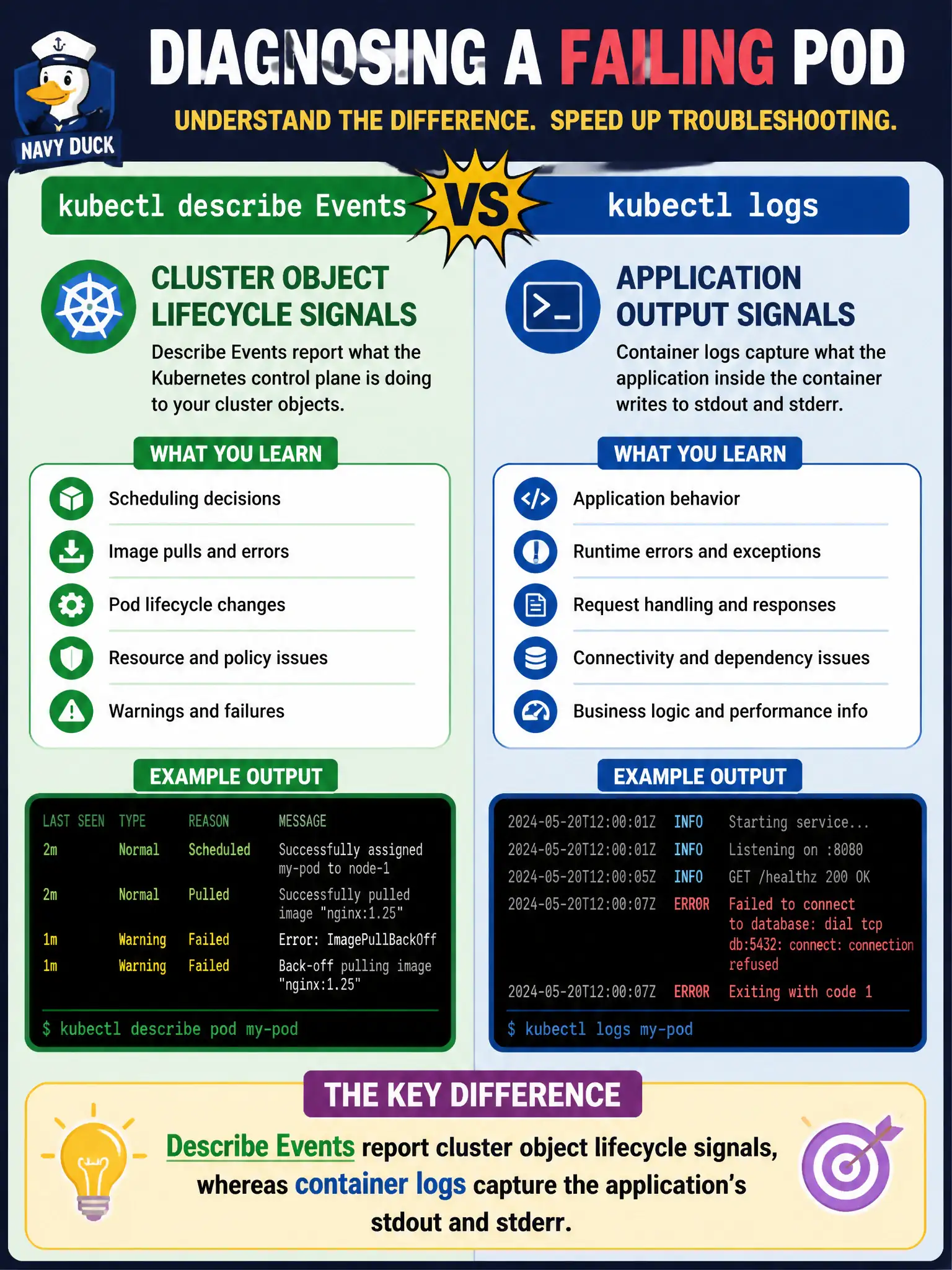
Events are the cluster's sticky notes—'pulled image,' 'failed mount.' Logs are the app talking. You need both languages; they aren't the same dialect.
Full Explanation
kubectl describe Events and kubectl logs answer different questions for sanitation engineers diagnosing a failing pod. Describe Events report cluster object lifecycle signals—pulling images, failed mounts, scheduling results—whereas container logs capture the application's stdout and stderr. They are complementary dialects, not the same stream stored in one file. Events and container logs are not identical streams stored in the same file; conflating them loses troubleshooting precision. Events do not replace stdout and do not include full application stack traces by default; stack traces usually appear in application logs. kubectl logs is not limited to showing scheduler FailedScheduling messages; those appear as Events, while logs show process output. Exam caveat: Some failures appear only in Events (FailedMount) and some only in logs (app panic). On the exam, pick the signal that matches the failure plane. Operational check: Describe the pod for Events, read logs for app errors, join the timelines, and fix the sanitation workload with both evidence sources recorded. In municipal production practice, record the finding in the incident ticket with command output snippets, confirm the fix under change control, and re-validate the user-facing civic service before closing the change window.