
A public-health pod never starts its main app because an init container failed. Where should the administrator look first for the failure details?
Select an answer to reveal the explanation.
Short Explanation
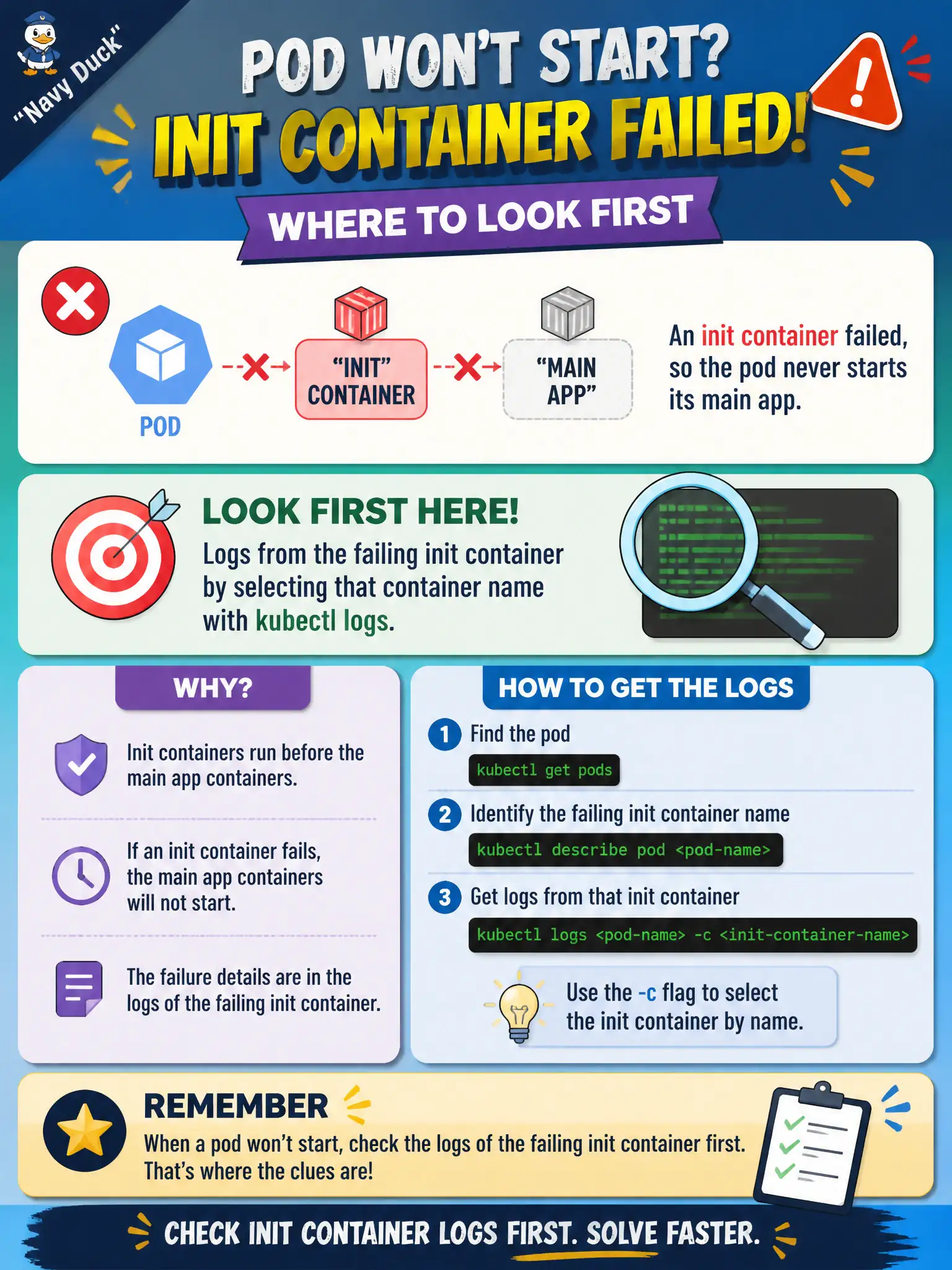
Init runs the pre-game—if it fumbles, the app never takes the field. Grab logs from the init container itself, not just the main app that never started.
Full Explanation
When a public-health pod never starts its main application because an init container failed, look first at logs from that failing init container by selecting its container name with kubectl logs. Init containers run the pre-game checklist; if one fumbles, the app container may never start, leaving main-container logs empty or irrelevant to the root cause. Looking only at the main app container logs after forcing a skip of init containers misses the actual failure and invents an unsafe procedure the platform does not offer as a casual flag. Looking only at the Endpoints object for an unrelated Service does not explain why this pod's init container failed. Looking only at StorageClass provisioner logs on a different node is the wrong plane unless the init container's own error message points at volume provisioning. Exam caveat: Init containers appear separately in the pod spec and status; use -c with the init name. Events may show failures, but the init container logs usually hold the decisive detail. Operational check: kubectl logs with the init container name, fix the script, image, or dependency the init requires, recreate the pod if needed, and confirm init succeeds so the public-health app container starts.