
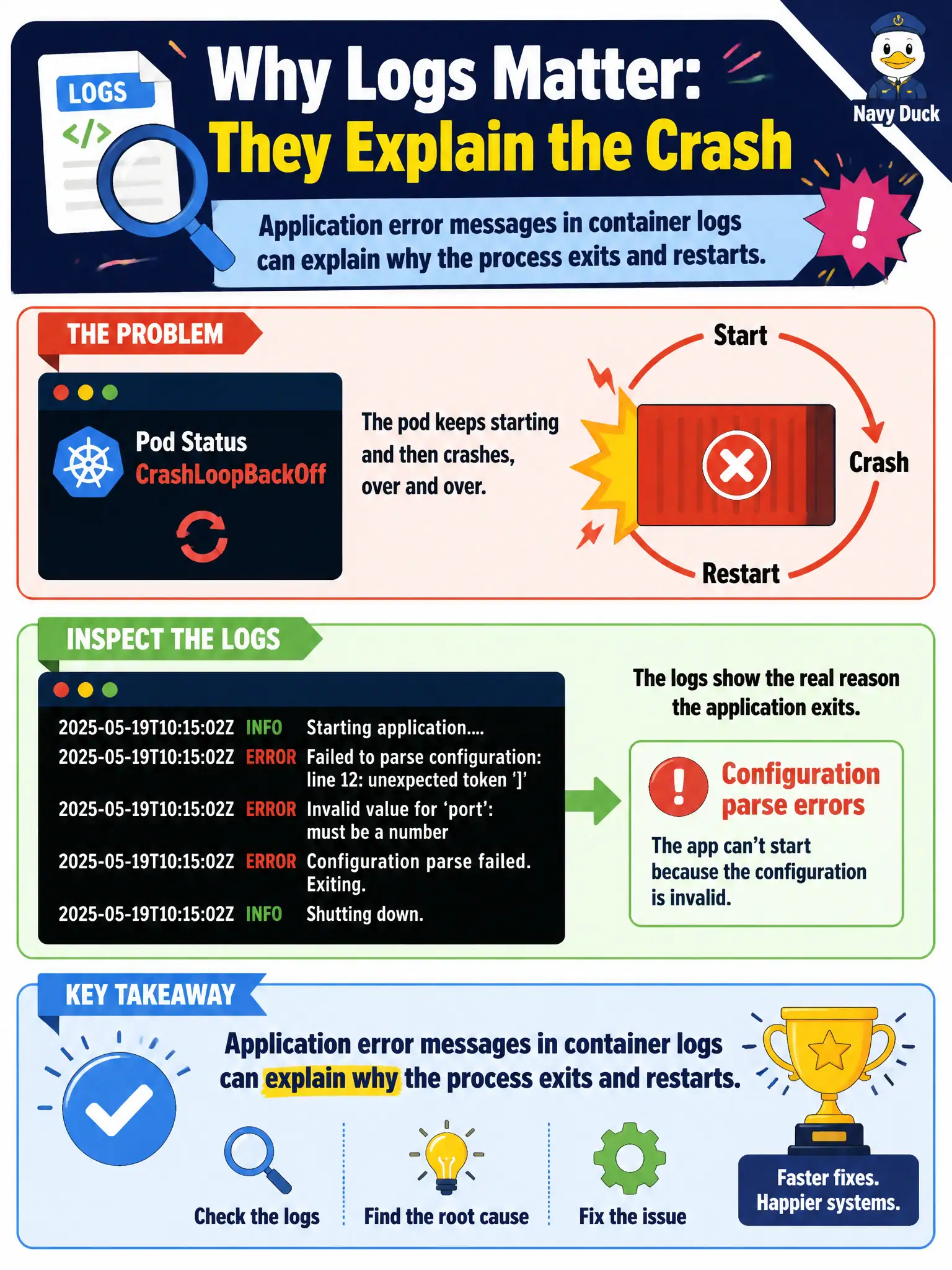
A school-district pod is in CrashLoopBackOff. Inspecting logs reveals repeated configuration parse errors on startup. What does this demonstrate about using logs in troubleshooting?
Select an answer to reveal the explanation.
Short Explanation
CrashLoop is the symptom; the logs often hold the confession—bad config, missing file, parse fail. Read before you rebuild the node.
Full Explanation
A school-district pod in CrashLoopBackOff whose logs reveal repeated configuration parse errors on startup demonstrates that application error messages in container logs can explain why the process exits and restarts. CrashLoop is the outer symptom; the log confession—bad YAML, missing key, parse failure—guides the fix long before anyone rebuilds a worker node. CrashLoopBackOff does not always mean the node kubelet binary is corrupt; leaping to kubelet corruption ignores the direct application evidence sitting in the logs. Pending is not the only phase where logs are available; containers that are crash-looping often have highly informative current or --previous logs. Parse errors in application logs do not prove the CNI MTU is misconfigured; that mixes application configuration failure with underlay networking problems. Exam caveat: If logs are empty, the process may die before logging, or it may log only to files. Pair log text with describe output for OOMKilled versus Error exit codes. Operational check: Read current and --previous logs, correct the ConfigMap or Secret feeding the school application, roll the pod, and confirm it leaves CrashLoopBackOff for a stable Ready state. In municipal production practice, record the finding in the incident ticket with command output snippets, confirm the fix under change control, and re-validate the user-facing civic service before closing the change window.