
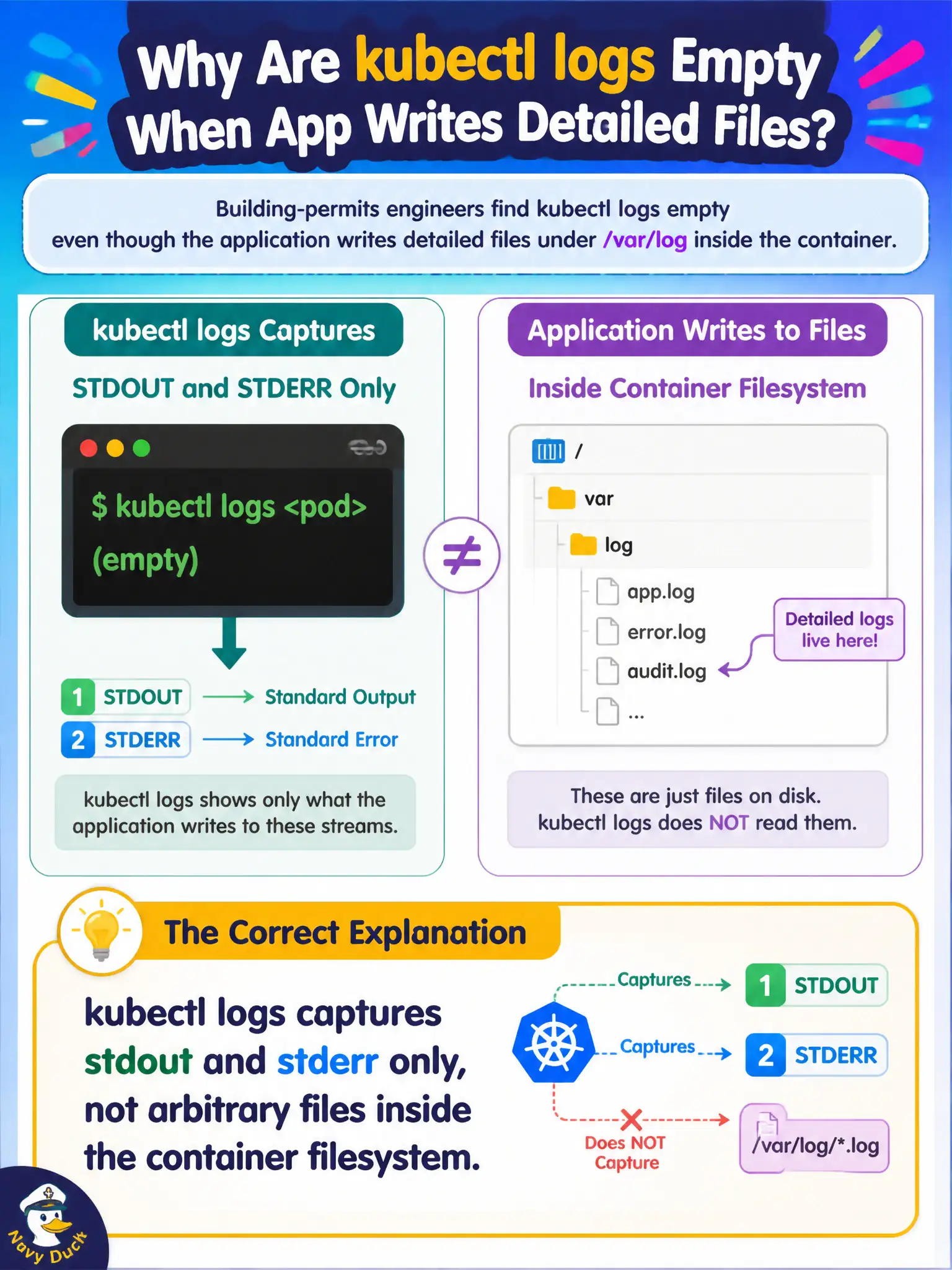
Building-permits engineers find kubectl logs empty even though the application writes detailed files under /var/log inside the container. What is the correct explanation?
Select an answer to reveal the explanation.
Short Explanation
kubectl logs isn't a file browser—it's a microphone on stdout and stderr. If the app only writes to /var/log/app.log, that mic hears silence until you redirect logging.
Full Explanation
kubectl logs captures the container's stdout and stderr streams only. When building-permits engineers see empty kubectl logs even though the application writes detailed files under /var/log inside the container, the correct explanation is that those filesystem files are outside what kubectl logs reads. The microphone is on stdout/stderr; a file under /var/log is silent to that API unless the app also writes to the streams or a sidecar ships the file. kubectl logs does not read every file under /var/log automatically; it is not a general-purpose file browser for the container filesystem. emptyDir mounts do not disable all logging APIs cluster-wide; they are ordinary volumes and unrelated to a blanket disable of kubectl logs. The Metrics API does not replace stdout for all applications; metrics and logs are different telemetry channels. Exam caveat: Prefer twelve-factor logging to stdout for Kubernetes. If you must use files, plan a logging agent—and remember kubectl exec may be restricted by policy in city clusters. Operational check: Confirm where the app writes, redirect logging to stdout in the image or configuration, restart the pod, and verify kubectl logs now shows the permits diagnostic lines.