
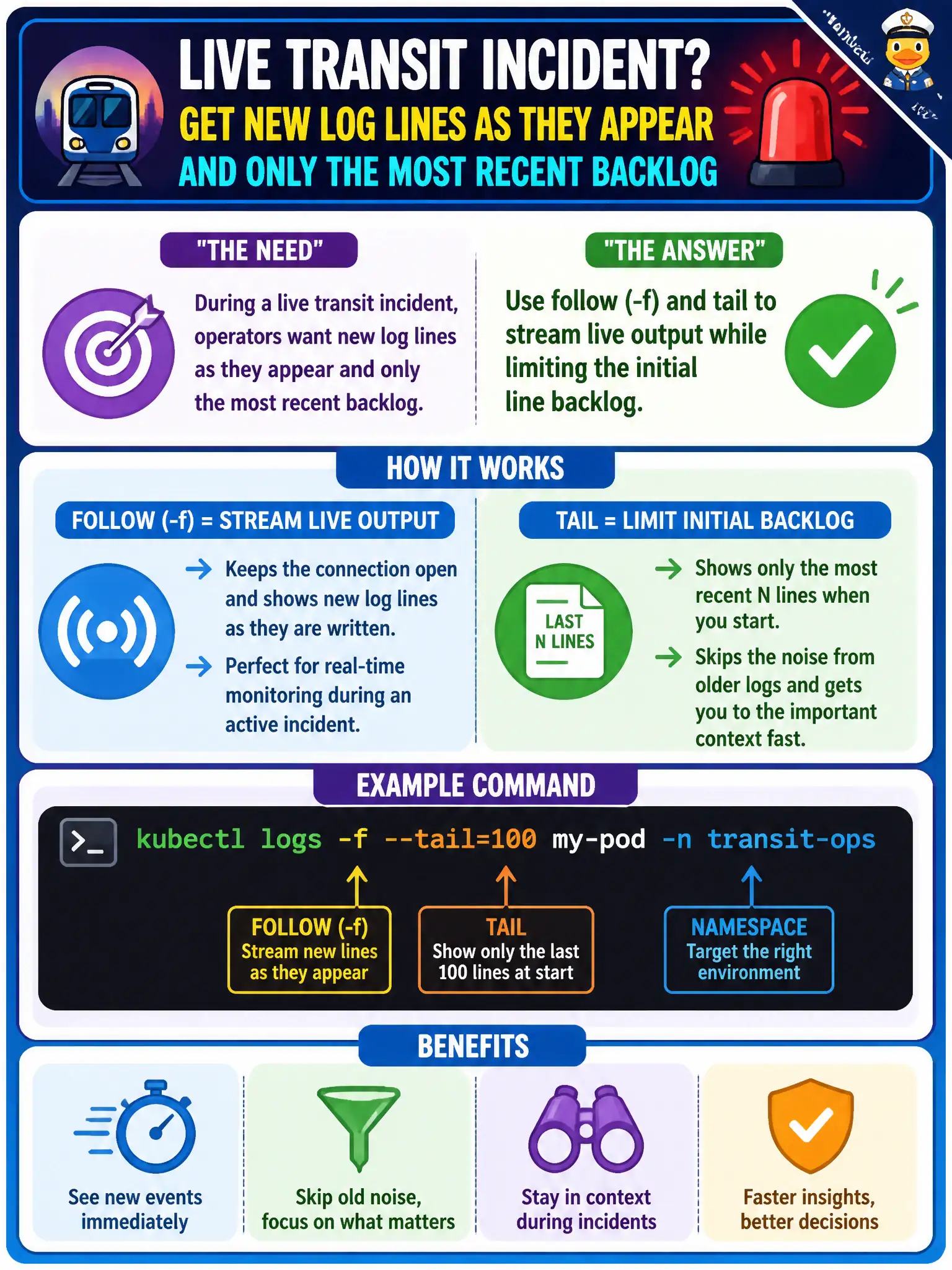
During a live transit incident, operators want new log lines as they appear and only the most recent backlog. Which kubectl logs options best match that need?
Select an answer to reveal the explanation.
Short Explanation
Incidents need a live feed—follow sticks with the stream, and tail keeps the backlog short so you're not drowning in yesterday's noise.
Full Explanation
During a live transit incident, operators typically need new log lines as they appear plus only a short recent backlog. The kubectl logs options that best match are follow (-f) together with tail, which streams live output while limiting how many historical lines print at connect time—so responders watch the live feed without drowning in yesterday's noise. Using --previous exclusively and disconnecting immediately shows only the last terminated instance and does not provide a continuous live incident feed. Using kubectl cp to copy the container filesystem every second is heavy, racy, and not the standard approach for streaming application logs during an incident. Using kubectl scale --replicas=0 to force new log files destroys capacity during the outage and is not a logging technique. Exam caveat: A follow stream ends if the pod is deleted or the API connection drops; set --tail explicitly when the question asks for a limited backlog, because defaults can surprise you. Operational check: kubectl logs -f --tail=100 on the app container, watch for the error signature during the transit incident, capture evidence to the ticket, then remediate without scaling the service to zero. In municipal production practice, record the finding in the incident ticket with command output snippets, confirm the fix under change control, and re-validate the user-facing civic service before closing the change window.