
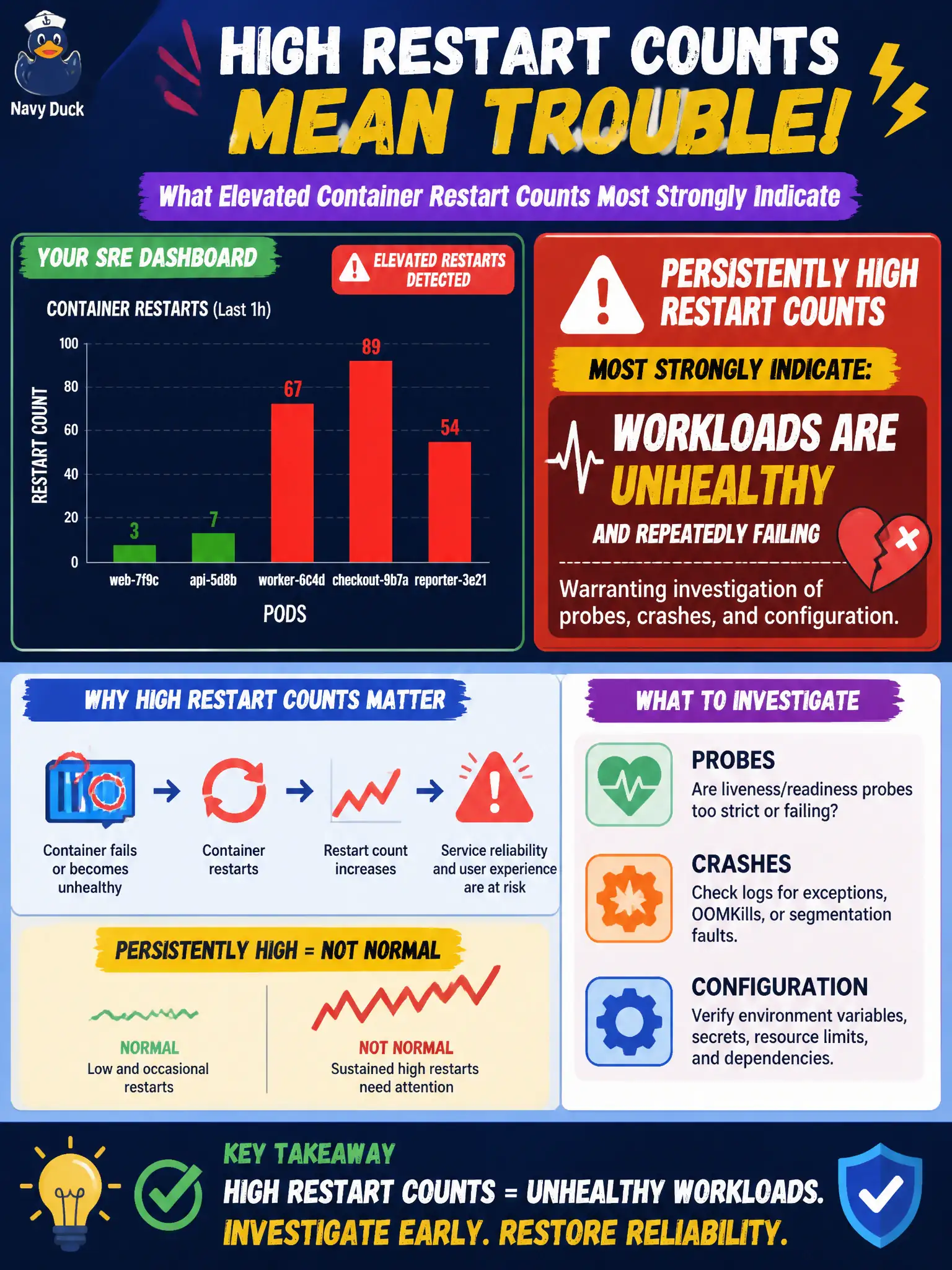
A municipal SRE dashboard highlights elevated container restart counts on several pods. What do persistently high restart counts most strongly indicate?
Select an answer to reveal the explanation.
Short Explanation
Restarts are the cluster's way of saying the app keeps falling over. A climbing restart counter is a stability smoke alarm—go find why the process dies.
Full Explanation
Persistently high container restart counts most strongly indicate workloads are unhealthy and repeatedly failing—process crashes, failed liveness probes, OOMKills, or bad configuration—warranting investigation of probes, crashes, and configuration. On a municipal SRE dashboard, climbing restarts are a stability smoke alarm for those pods rather than a cosmetic counter. StorageClass reclaimPolicy set to Retain does not cause high restart counts; reclaim policy governs PersistentVolume retention after PVC deletion, not container process stability. HorizontalPodAutoscaler minReplicas being too low may leave a service under-scaled under load, but it does not by itself explain containers that repeatedly exit and restart. Missing RoleBindings cause authorization failures for users or controllers; they are not the primary interpretation of elevated container restart counters on application pods. Exam caveat: Some restarts are expected during rollouts; focus on steady-state restart rate, lastState.terminated.reason such as OOMKilled or Error, and probe failures visible in describe and Events. Operational check: Describe the pod and read kubectl logs --previous, remediate probes, configuration, or memory limits, confirm restart counts stabilize for the civic service, and alert on elevated restart rate.