
At a fuel terminal, a contractor wants to plug a laptop that was on public wireless that morning straight into the loading-rack switch to copy a trend file. Which remediation fits?
Select an answer to reveal the explanation.
Short Explanation
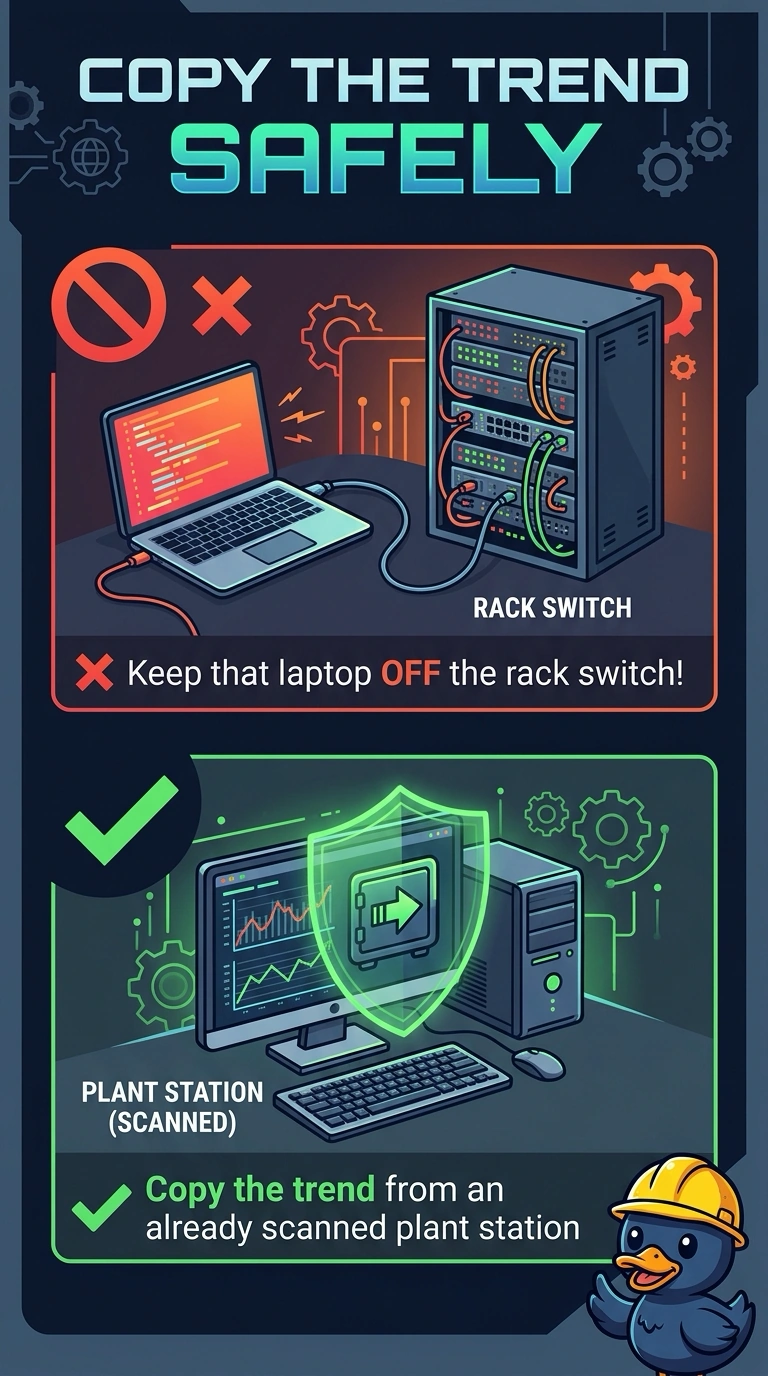
A laptop that spent the morning on public wireless is a muddy boot at the door of the loading rack. You leave it outside and take the trend from a station the terminal already controls and scans. Connecting it, or loading controller firmware from it, tracks that mud onto the rack.
Full Explanation
A laptop that has been on a public wireless network is an untrusted endpoint until the plant has scanned it under its own process. Plugging it into the loading-rack switch puts that endpoint on the same network as the rack controllers just to copy a trend. The remediation that fits is to keep the laptop off that switch and take the file from a plant station that is already scanned and controlled. The trend moves, and the cafe laptop does not join the cell. Patching every loading-rack PLC because the copy seems slow attacks the wrong assets. The concern is the walking laptop, and an unplanned controller patch adds process risk without judging the laptop. A login to public wireless only proves the laptop associated to a network. It is not a malware scan, and treating it as one would wave the laptop onto the rack. Loading replacement PLC firmware from that same laptop couples an untrusted machine to a controller image change, which is a larger change than the file copy and still puts the laptop on the cell. Exam caveat: a contractor laptop can be made acceptable after it is scanned and the plant accepts the result. Until that happens, the direct rack connection is the step to refuse. Operational check: copy the trend from the approved station, confirm the contractor laptop never appears in the rack switch MAC table, and keep the firmware on the rack controllers unchanged.