
A pipeline vendor's jump-host password is phished. The attacker has no second factor, and the jump host is supposed to require one. Which control stops the reconnect?
Select an answer to reveal the explanation.
Short Explanation
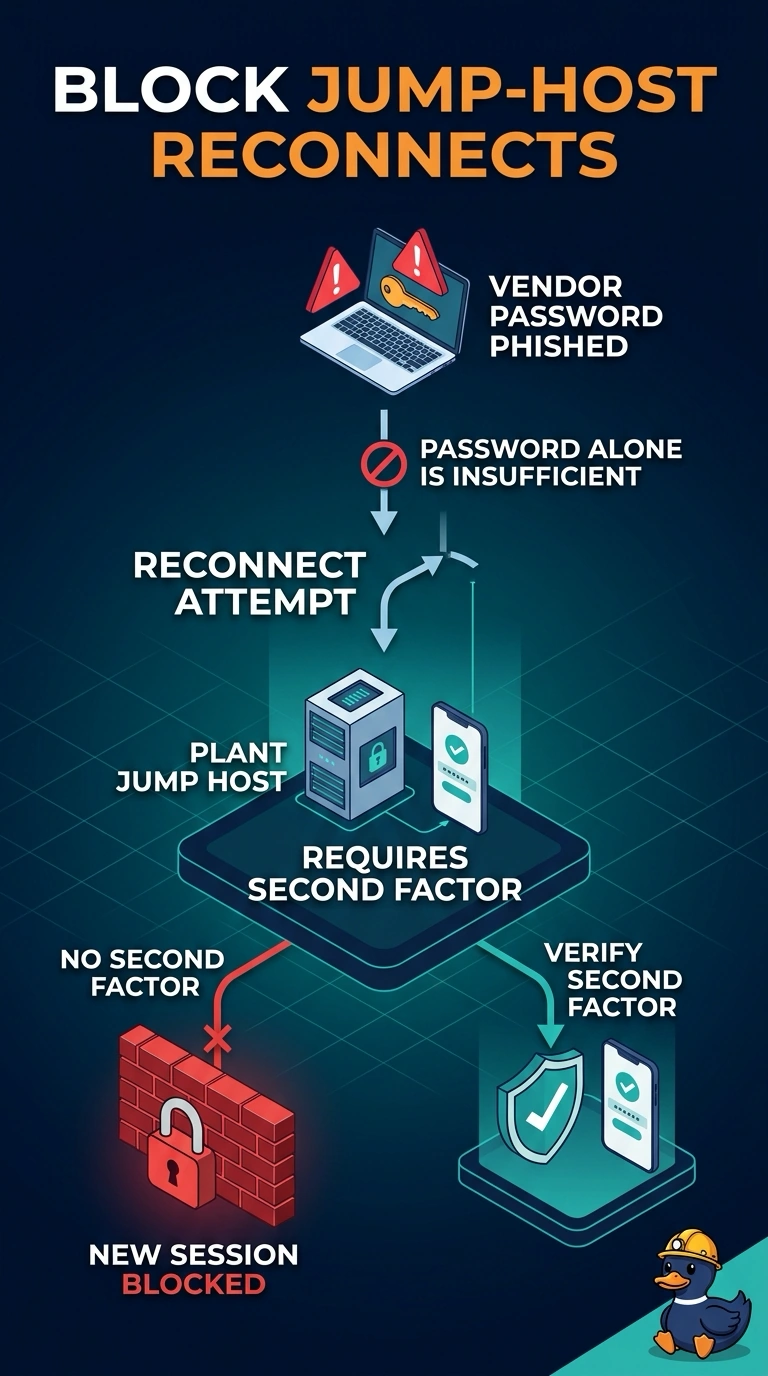
You keep the second factor on the plant jump host, so the phished password alone cannot open a new session. Length does not replace a second factor, and disabling it or emailing a replacement password to the vendor’s personal mailbox leaves single-factor access in place.
Full Explanation
Controlled remote access fails when a single stolen password is enough. The plant jump host is supposed to require a second factor, and enforcing it means the phished password alone cannot complete a session or stop that reconnect. A longer password without a second factor is still one secret; length does not add a factor or make a phished credential sufficient protection. Emailing a replacement password to the vendor’s personal mailbox while keeping single-factor login may expose the new secret through the same channel, and the password alone still grants access. Disabling the second factor for the week removes the control during the investigation and leaves the stolen password effective. Exam caveat: the second factor must be enforced on the plant jump host the vendor actually uses; a factor on an unrelated office VPN does not protect a jump host that accepts the password alone. Practical check: test with only the password and confirm the session stops at the second-factor prompt, then verify that a successful vendor test shows both factors in the authentication log.