
The engineering station at a water plant boots straight into a shared Administrator desktop, and anyone at the keyboard can open the PLC software. Which change fits industrial access practice?
Select an answer to reveal the explanation.
Short Explanation
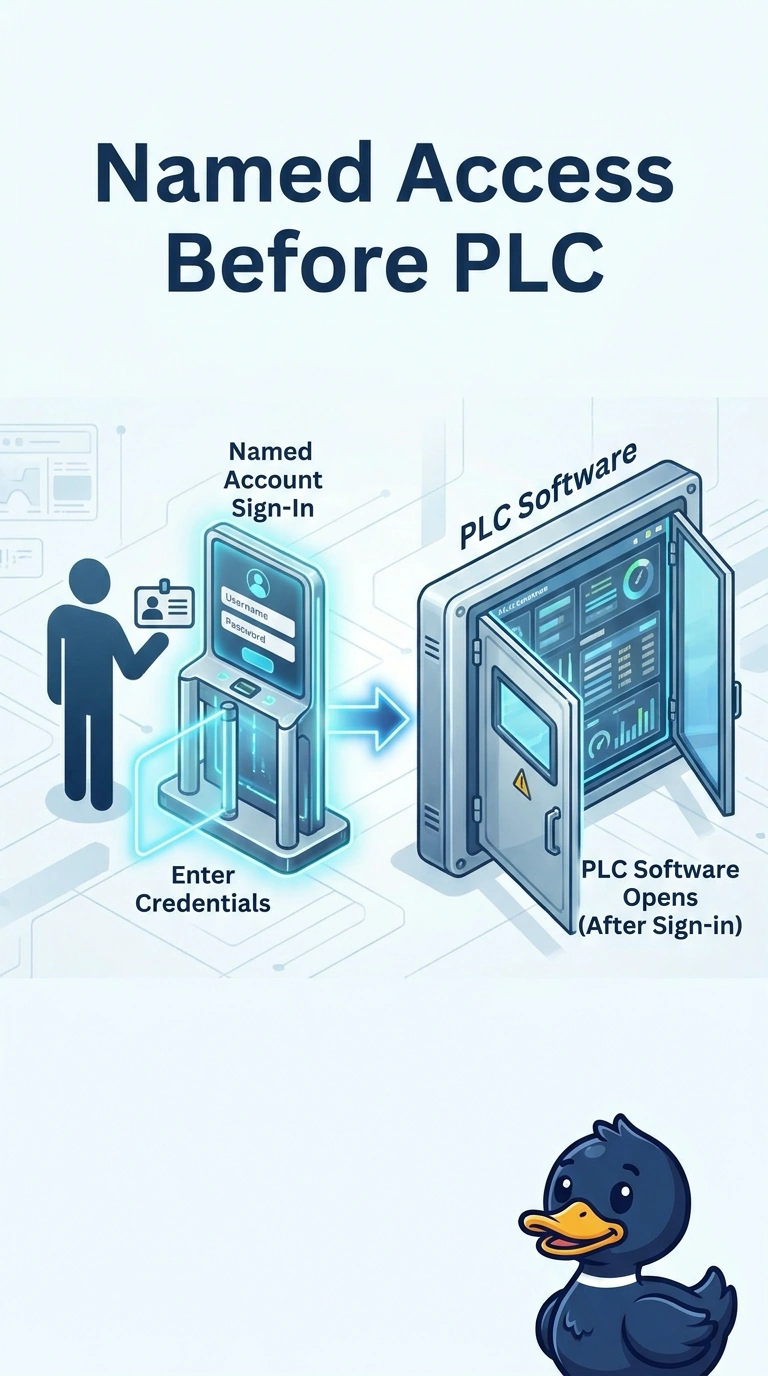
A shared desktop can hide who is operating the station. You replace the automatic Administrator login with a named account before opening the PLC software, so actions can be tied to a person. Writing the password on the cabinet or collecting visitor names in a guest book does not fix the shared login, and turning off the screen does not create an identity.
Full Explanation
Industrial access control needs a person, a role, and a record of what that person did. An automatic Administrator session hides the actor, so a download cannot be tied to anyone. Replacing it with a named account before opening the PLC software is the minimum fix on a station that can change logic. Writing the password on the cabinet keeps the shared secret exposed; giving every visitor the Administrator password does the same, and a paper guest book is only a side list that the PLC software never checks. Disabling the screen does not create an identity or end the session; it only makes the same access harder to see. An exam caveat is that a break-glass account can still exist, stored and monitored, for use if the directory is down; it does not justify routine automatic shared access. For a practical check, reboot the station and confirm it stops at a named login, then make a test download and verify that the person's name appears in the log. Put before-and-after evidence in the work order, including the account changed, the time, and the approver. On the next shift, confirm the original symptom is gone and the change did not open another access path. If a live batch is running, leave the controller running and finish only work that does not restart it, avoiding an unplanned outage.