
A contractor plugged a laptop into Cisco IE port Gi1/3 beside a crane PLC, and the PLC lost link. The port is err-disabled and show port-security reports a violation. Which behavior caused the outage?
Select an answer to reveal the explanation.
Short Explanation
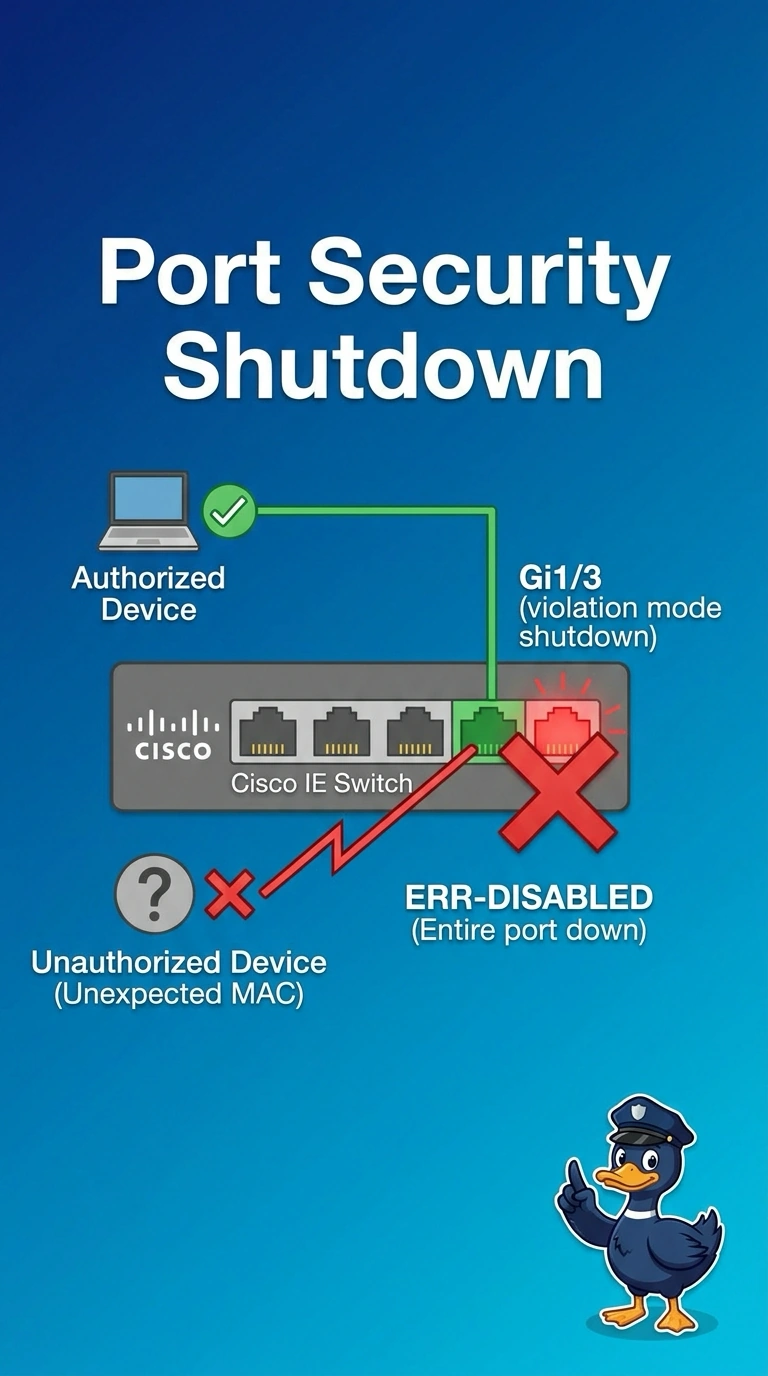
The port did not gently ignore the laptop. It took the whole jack down, PLC included, which is what shutdown mode does when a second MAC shows up. You can see the violation and the err-disabled state together, while restrict would have kept the crane PLC forwarding.
Full Explanation
On Cisco IOS, port-security violation mode shutdown is the mode that error-disables the interface when a violating MAC appears. The crane PLC lost link because the port itself went down, not because the PLC failed. The show output ties the outage to a security violation, so the configured behavior is shutdown. Restrict does not err-disable. It drops frames from the unexpected MAC, can raise a trap and a counter, and keeps forwarding the secure PLC MAC, so the crane would have stayed online. Protect also leaves the port up and drops violating frames quietly, without the SNMP trap this distractor claims and without an err-disable. Sticky learning copies a learned secure MAC into the running configuration. Recording that address does not err-disable the port. A sticky port can still shut down later if violation mode is shutdown and a second MAC shows up, but sticky itself is not the behavior that took Gi1/3 down. Exam caveat: shutdown is the default violation mode. On a single-PLC port it makes a violation obvious, and it also drops the legitimate controller. Plants that cannot tolerate that outage often choose restrict so the PLC stays up while the extra MAC is refused and logged. Operational check: remove the laptop, recover the port with shutdown followed by no shutdown if err-disable recovery is not already set, and confirm show port-security interface Gi1/3 shows the PLC MAC and the violation mode you intend to keep.