
A convention-center IT group wants to map where AI can help on a grants portal from requirements through deploy. What understanding should guide them?
Select an answer to reveal the explanation.
Short Explanation
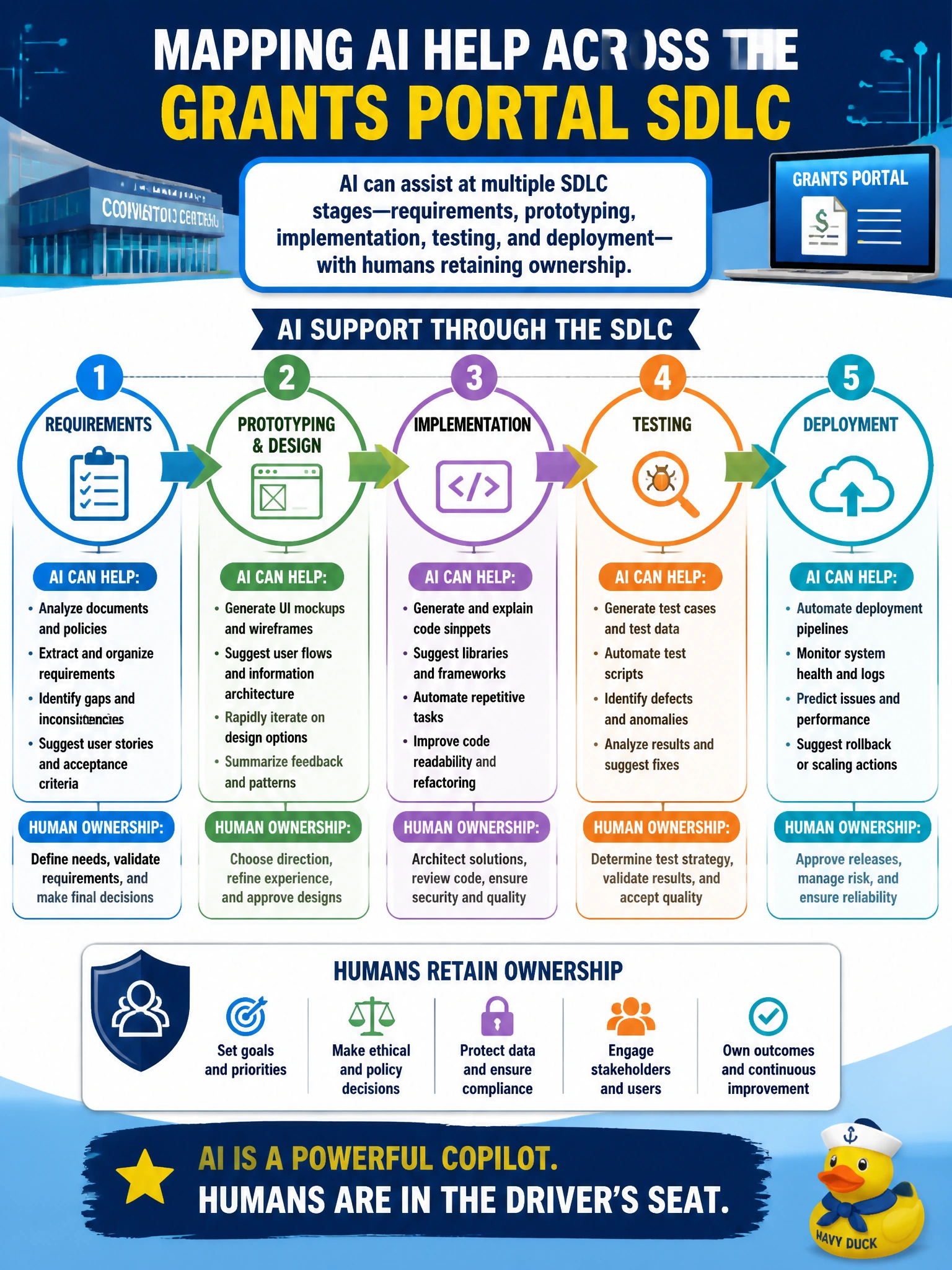
Picture the whole pipeline, not just the editor. AI can help clarify requirements, sketch prototypes, suggest code, draft tests, and polish deploy notes—humans still own each gate.
Full Explanation
Practitioner awareness for a convention-center IT group building a grants portal should recognize that AI can assist across multiple SDLC stages—requirements clarification, prototyping, implementation suggestions, test drafting, and deployment documentation—while humans retain ownership at every gate. Mapping help across the lifecycle prevents the false belief that AI is only an autocomplete toy in the editor. The correct understanding is assistive breadth under human accountability, not autonomous replacement of civic IT roles.
Claiming AI only helps during coding and is useless in requirements or testing fails because requirements rephrasing, prototype copy, and test-case drafting are proven assistive uses earlier and later than coding. Claiming AI replaces every human role across the SDLC with no oversight fails by concept: municipal systems need accountable owners for security, accessibility, procurement compliance, and resident impact. Limiting AI assistance to writing marketing blurbs after launch understates lifecycle coverage and ignores higher-value assist during discovery, build, and release.
Exam caveat: “AI everywhere” does not mean identical risk controls at every stage—production data and privileged actions still need tighter guardrails than early whiteboard ideation. Lifecycle awareness includes matching controls to phase, not only listing phases where assist is possible.
Operational check: for the grants portal, list intended AI assists by stage with a named human owner for review at each gate; prohibit unsupervised production changes; and brief the team that assist never transfers accountability for requirements sign-off, merge, test evidence, or go-live.