
An administrator configuring Cisco Security Email Threat Defense wants malicious and phishing messages taken out of reach of users, while ordinary spam should still be available to users if they want to check it. How should this be implemented?
Select an answer to reveal the explanation.
Short Explanation
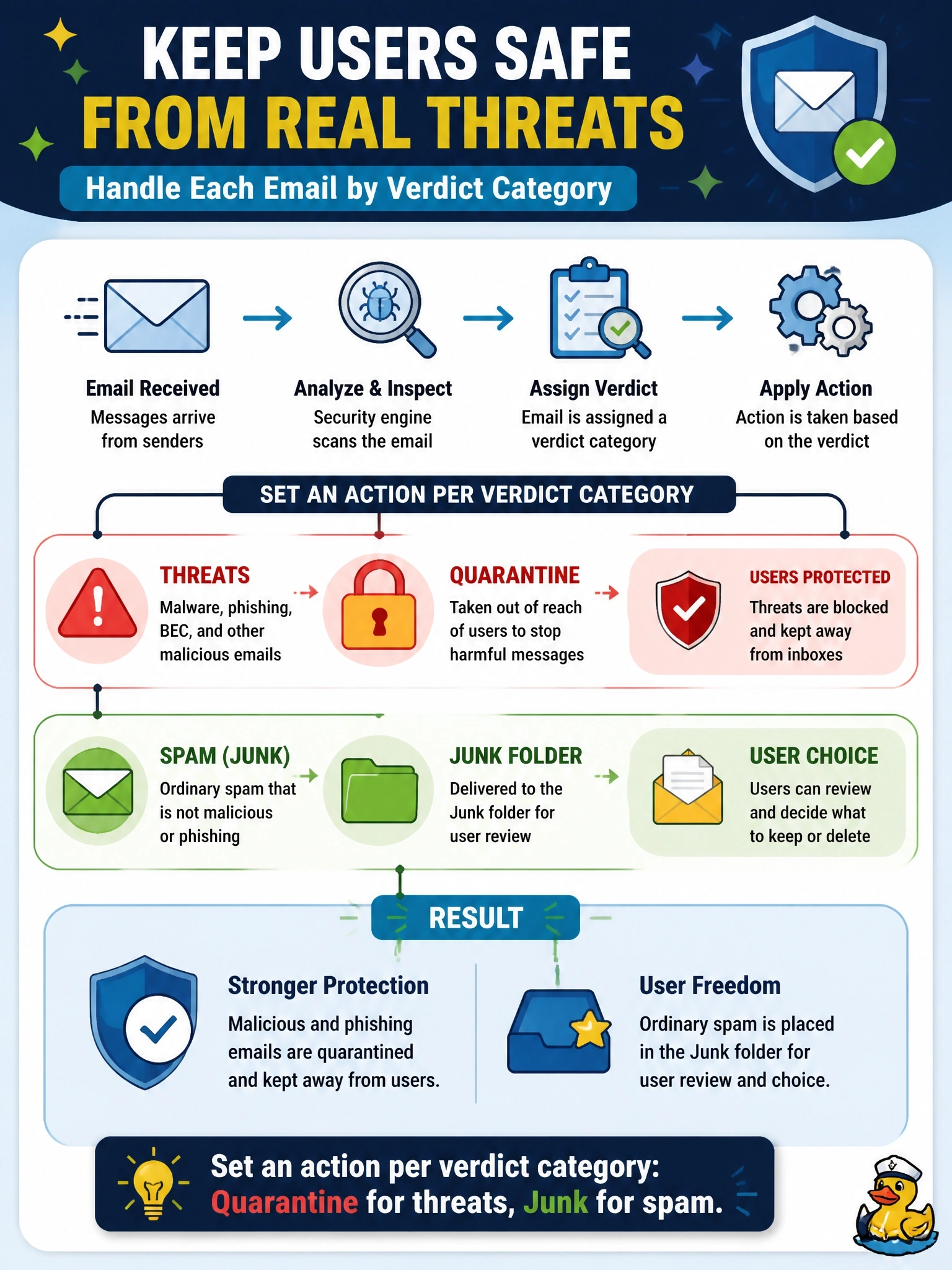
Not every bad email deserves the same punishment. You want the dangerous stuff locked in a quarantine folder users can't open and the merely annoying stuff tossed in the junk folder where they can still dig it out. Email Threat Defense lets you choose the action per verdict category, so don't settle for one-size-fits-all.
Full Explanation
The Email Threat Defense base policy groups verdicts into categories and lets an administrator map each category to its own remediation action. Threats, which covers the BEC, scam, phishing and malicious verdicts, can be moved to quarantine, a folder users cannot access, while spam and graymail can be moved to the junk folder, where users can still review them and recover false positives. This reflects risk: a phishing link costs a credential, while a misjudged spam message costs only a short delay. Applying one action to every verdict either quarantines harmless bulk mail and creates help desk noise, or leaves dangerous messages in a user-accessible folder. Disabling remediation for spam and assuming Microsoft 365 will remove it later describes no real retention behavior, leaves spam in the inbox and does not meet the requirement. Building a separate tenant for threat messages is not how mailbox remediation works; actions are applied to messages in their existing mailboxes. Exam caveat: the available actions depend on the deployment mode and on read and write permissions, since read-only visibility allows no remediation. Operational check: send controlled test messages of each type and confirm that each lands in the folder the policy assigned to its category.