
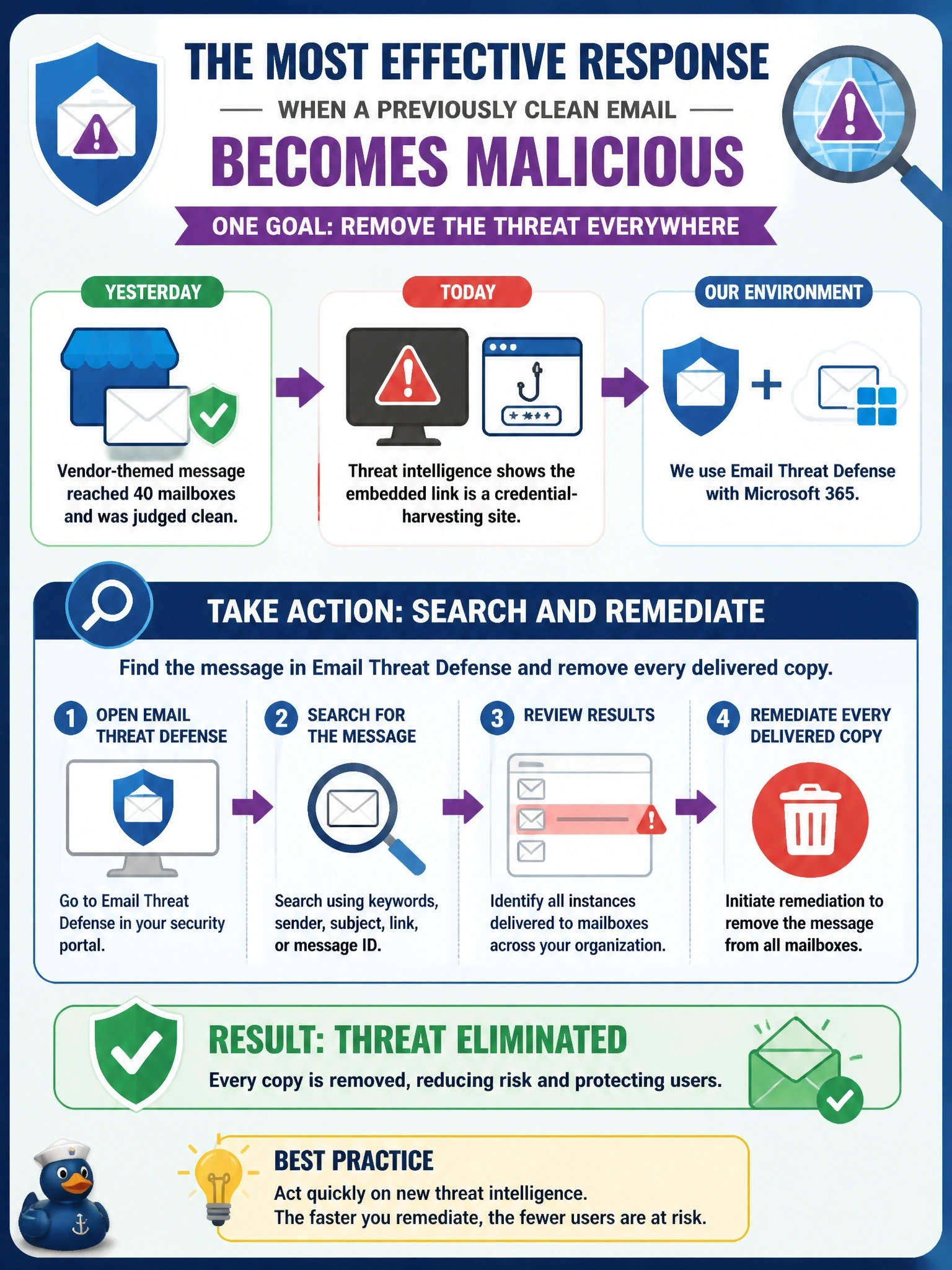
Yesterday a vendor-themed message reached 40 mailboxes and was judged clean. Today threat intelligence shows its embedded link is a credential-harvesting site. The company uses Cisco Security Email Threat Defense with Microsoft 365. What is the most effective response?
Select an answer to reveal the explanation.
Short Explanation
The mail's already sitting in 40 inboxes, so blocking the sender is like locking the door after the guests arrived. Because Email Threat Defense works through the Microsoft 365 API, you can find every copy and pull it back out yourself. Don't lean on users to clean up; somebody always clicks first.
Full Explanation
Email Threat Defense stores message metadata and verdicts, so an analyst can search by sender, subject, URL or other attributes to locate every delivered copy of a message and then apply a remediation action, such as moving the copies to quarantine or trash, through the Microsoft 365 API. Email Threat Defense can also reassign verdicts retrospectively as intelligence changes, and auto-remediation can act on those updated verdicts, but a direct search and remediate closes the exposure immediately. Blocking the sender domain only affects messages that have not yet arrived and leaves the 40 delivered copies in place. Asking recipients to delete the message relies on each user acting promptly and correctly, while an antivirus scan targets files, not a credential-harvesting web page. Resetting every password in the tenant is disproportionate; credentials should be reset for users who actually clicked and submitted data, identified through proxy, DNS or sign-in logs. Exam caveat: post-delivery remediation needs API write permissions; a journaling-only view cannot pull messages back. Operational check: rerun the search after remediation and confirm every copy now shows the remediated state rather than its original inbox location.