
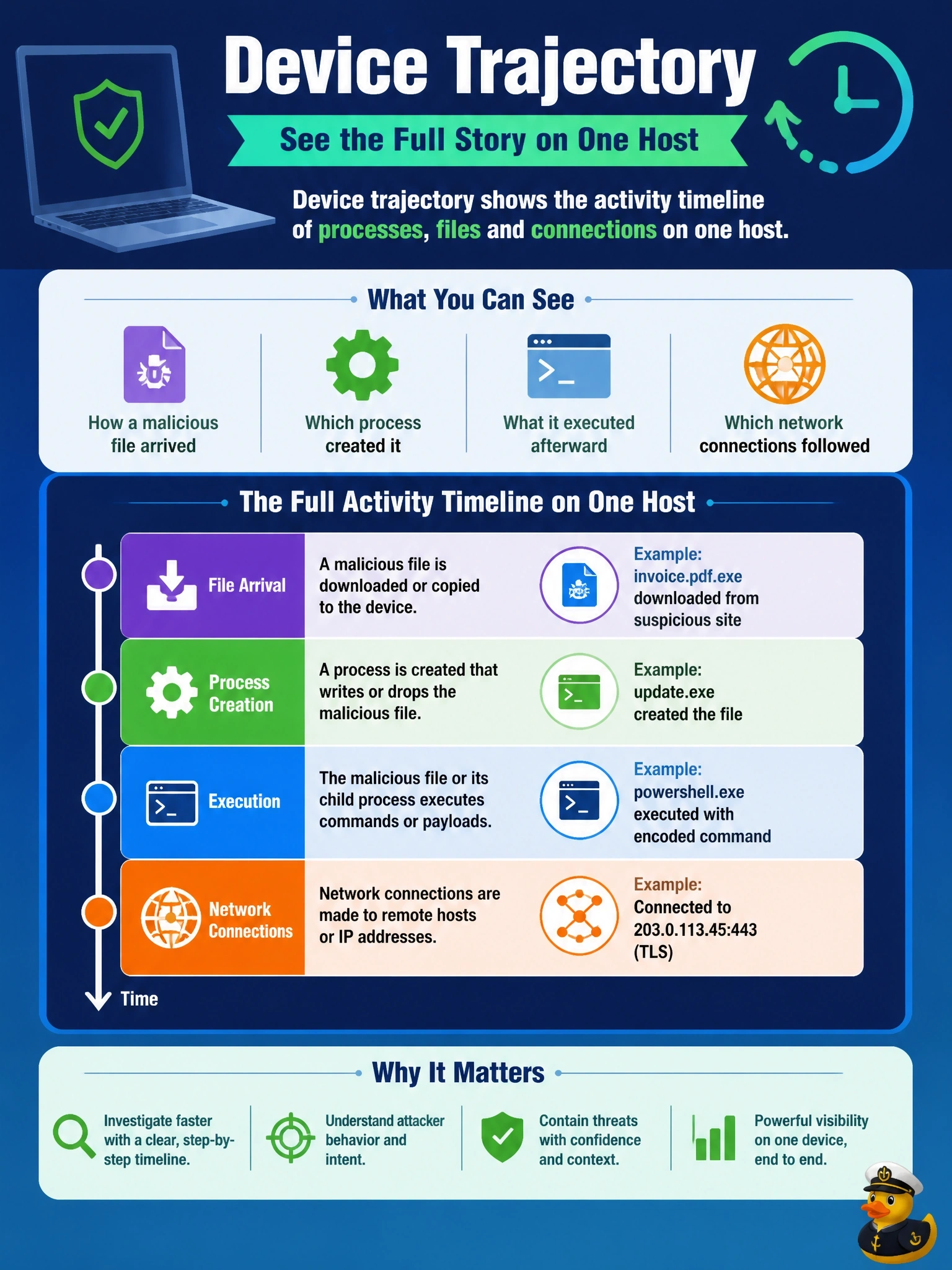
An analyst needs to see how a malicious file arrived on one specific laptop, which process created it, what it executed afterward and which network connections followed. Which Cisco Secure Endpoint view is designed for this?
Select an answer to reveal the explanation.
Short Explanation
Device trajectory is the laptop's diary: what launched what, which files got written, and where it phoned. You get one machine's story, start to finish. File trajectory is the other view, following one file across many machines.
Full Explanation
Device trajectory in Cisco Secure Endpoint presents the recorded activity of a single computer over time: process executions with parent-child relationships, file creation and movement, detections and network connections. Selecting the malicious file shows which process created it, such as a browser or email client that downloaded it, what processes the file launched afterward and which network connections followed. That is the per-host chain of events the analyst needs to understand arrival, execution and follow-on behavior. File trajectory serves a different question: it follows a single file across the organization, showing which hosts saw it, when, and how it moved between them; it is not the per-host activity timeline. Cisco XDR correlates detections from several sources into incidents, but it draws on endpoint telemetry rather than replacing it with flow records, and flows alone cannot show which process created a file. A local connector log is meant for troubleshooting the connector and does not provide the analyst's correlated timeline. Exam caveat: trajectory shows what the connector recorded, so activity while the connector was not running or before installation will be missing. Operational check: open device trajectory for the laptop, select the malicious file's event, and trace its parent process back to the point of entry and forward to child processes and connections.