
After confirming that a file is malicious, an analyst must identify every computer in the organization where that file appeared, when it first arrived on each and which of those hosts executed it. Which Cisco Secure Endpoint view answers this?
Select an answer to reveal the explanation.
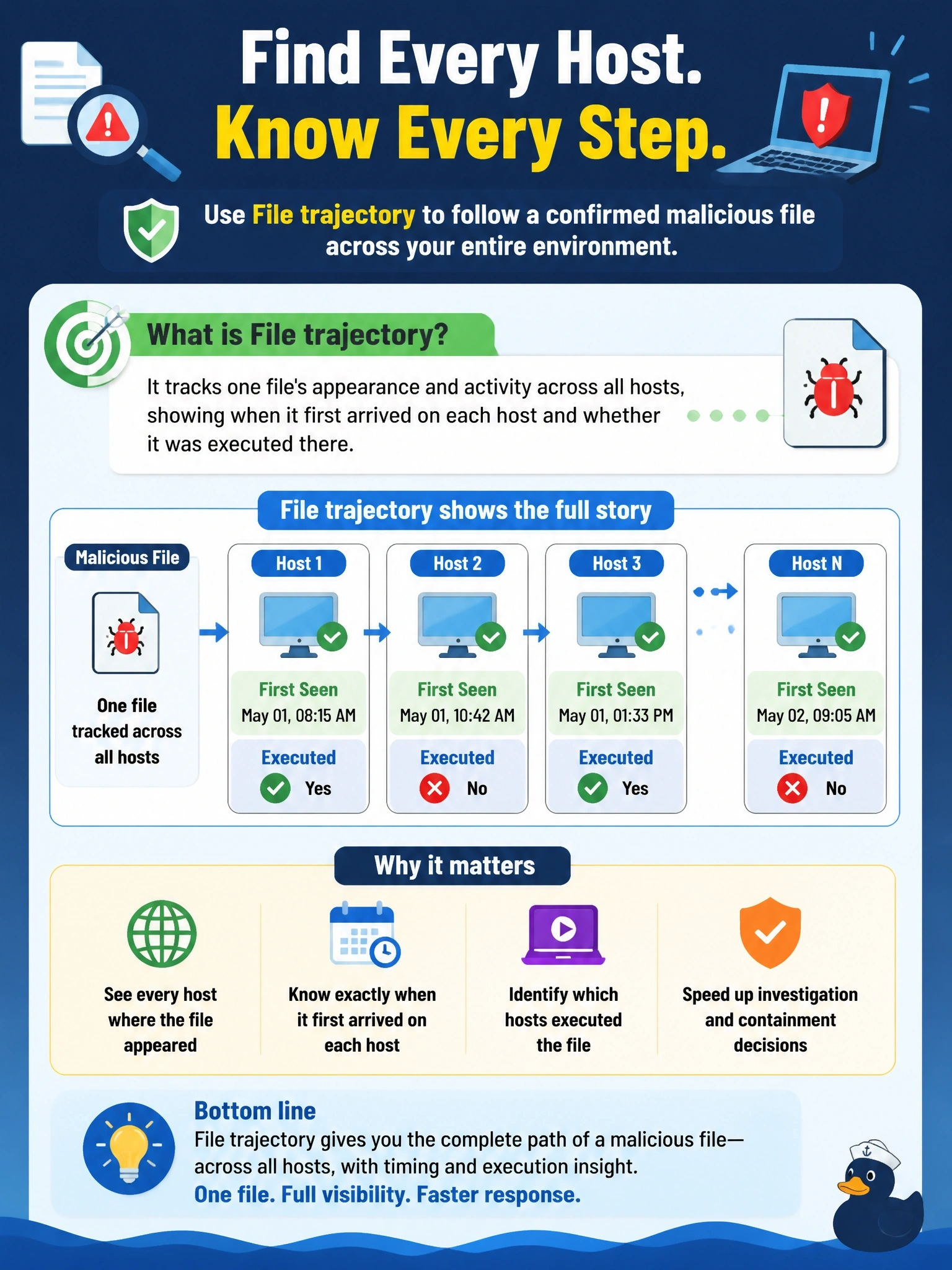
Short Explanation
File trajectory follows the file, not the laptop: every host it touched, when it got there and where it ran. It's the scoping tool you reach for once you know a file is bad. Device trajectory is the zoom-in on just one machine.
Full Explanation
File trajectory in Cisco Secure Endpoint tracks a single file by its hash across the organization. It shows each computer where the file was observed, when it first appeared, how it moved, for example copied, downloaded or created by another process, and whether it executed or was quarantined. That makes it the scoping view after a file is confirmed malicious: it answers which hosts have it, since when, and which ran it, so responders can prioritize the hosts where execution occurred. Device trajectory is a per-computer timeline of processes, files and connections; it is used after file trajectory identifies a host, and it does not combine all hosts into one organizational view. Isolation history would record isolation actions, which says nothing about where a file has been seen and may be empty even when the file is widespread. Exclusion sets define what connectors should skip; they are configuration, not a record of where any file appeared. Exam caveat: file trajectory covers only computers with an active connector, so unmanaged systems that received the file will not appear. Operational check: search for the file's SHA-256, open its file trajectory, record the hosts with execution events, and open device trajectory on each to examine follow-on activity.