
Cisco Secure Endpoint reports a Threat Detected event followed by a Quarantine Failure event for a malicious file on a server. How should this be interpreted?
Select an answer to reveal the explanation.
Short Explanation
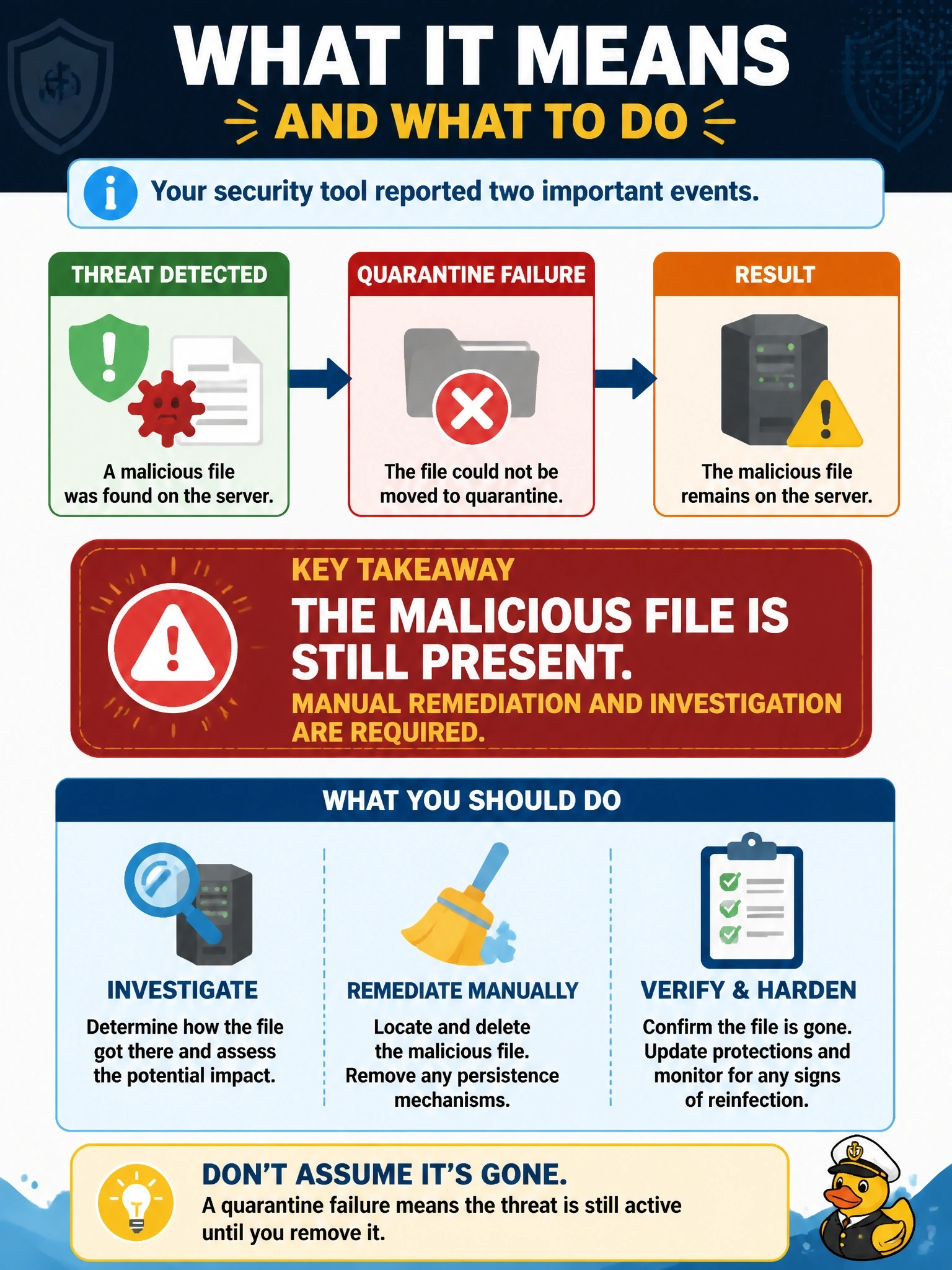
Quarantine Failure means the guard spotted the intruder but couldn't get the cuffs on. The threat's still in the building, so you step in manually. Don't read it as a false alarm; the detection stands, only the cleanup failed.
Full Explanation
A Quarantine Failure event in Cisco Secure Endpoint means that the connector convicted a file but could not move it into quarantine. Common causes include the file being locked by a running process, permissions, or the file residing on a location the connector cannot modify. The detection remains valid, and the malicious file is still on the server, possibly running. The correct interpretation is that manual action is needed: identify and stop the process using the file, remove or quarantine the file by other means, and investigate how it arrived and what it did. Assuming another tool removed the file has no basis in the event; if that had happened, there would be nothing to fail on, and verification is still required. Quarantine failure is unrelated to whether a file is clean; it describes the outcome of an action on a convicted file. Audit mode does not attempt quarantine at all, so it generates detections without quarantine events rather than reporting failures. Exam caveat: some failures resolve on reboot when the locking process stops, but a server with an active malicious file should not wait for that. Operational check: review device trajectory to find the process holding the file, contain the host if needed, remediate the file and confirm that a later scan reports it gone.