
Cisco Secure Endpoint shows a Threat Detected event followed by a Threat Quarantined event for the same file on one laptop. What is the correct next step?
Select an answer to reveal the explanation.
Short Explanation
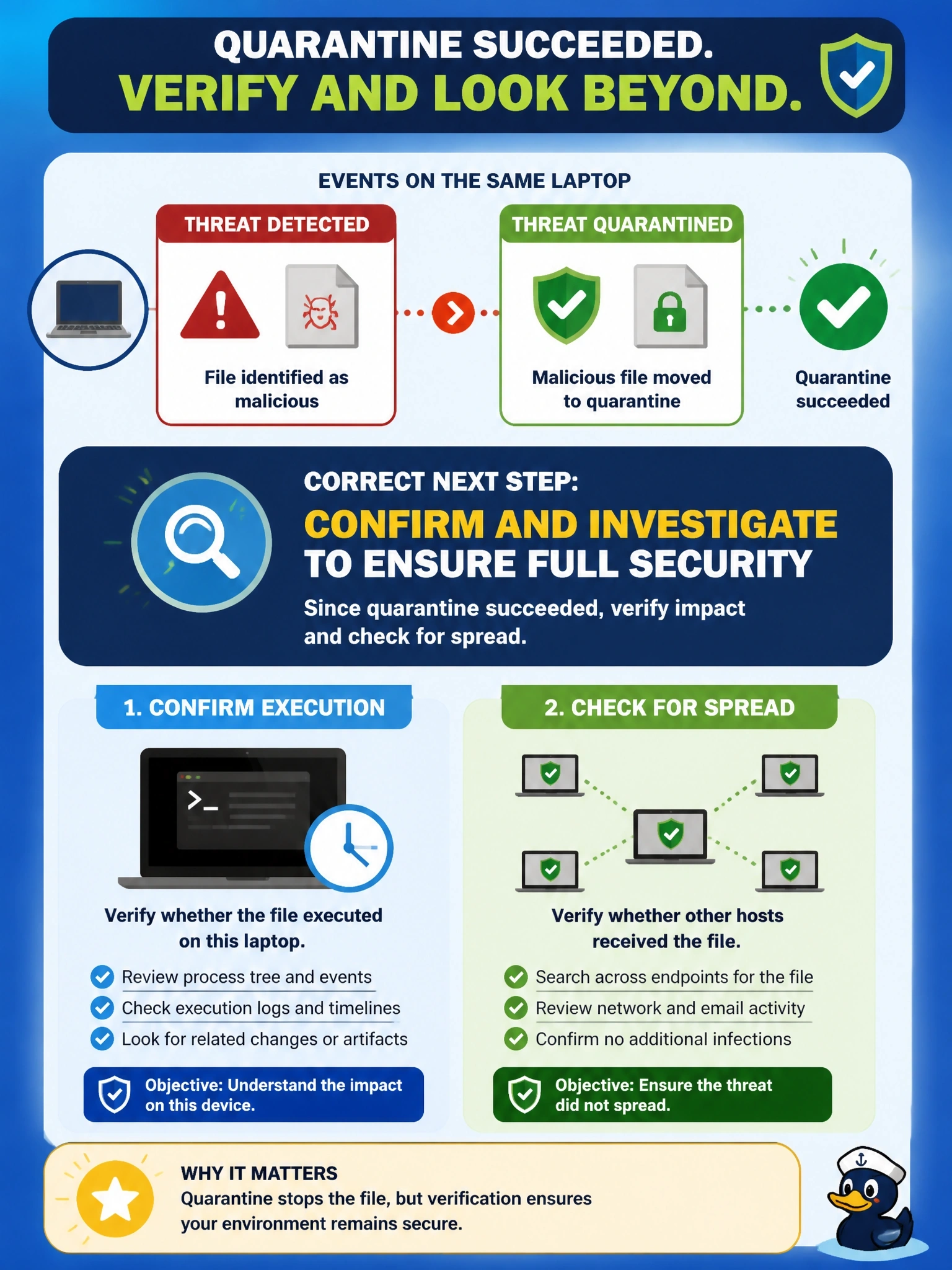
Threat Detected then Threat Quarantined is the good-news pair: the connector caught it and locked it away. Your job now is scoping, not cleanup. Did it run before it was caught, and did it land anywhere else?
Full Explanation
In Cisco Secure Endpoint, a Threat Detected event records that a file was convicted, and a following Threat Quarantined event confirms that the connector successfully moved the file into quarantine, where it cannot execute. The file itself is handled. The remaining work is to determine scope: whether the file ran before detection, how it arrived and whether other computers received it. Device trajectory shows the laptop's activity around the event, and file trajectory shows every host where the file appeared. Deleting the file manually is unnecessary because the quarantined copy is inert and recoverable only by an administrator. A quarantine event does not mean the malware executed; most quarantines happen when the file is written or first opened, so reimaging on that basis alone is an overreaction unless trajectory shows execution and follow-on activity. Two events for one file are the normal sequence of detection and action, not a sign of a false positive, and restoring the file would reintroduce the threat. Exam caveat: if trajectory shows the file executed and created other files or connections, treat the host as potentially compromised and investigate those artifacts too. Operational check: open device trajectory for the event and check for execution, then open file trajectory to list any other hosts that have the same hash.