
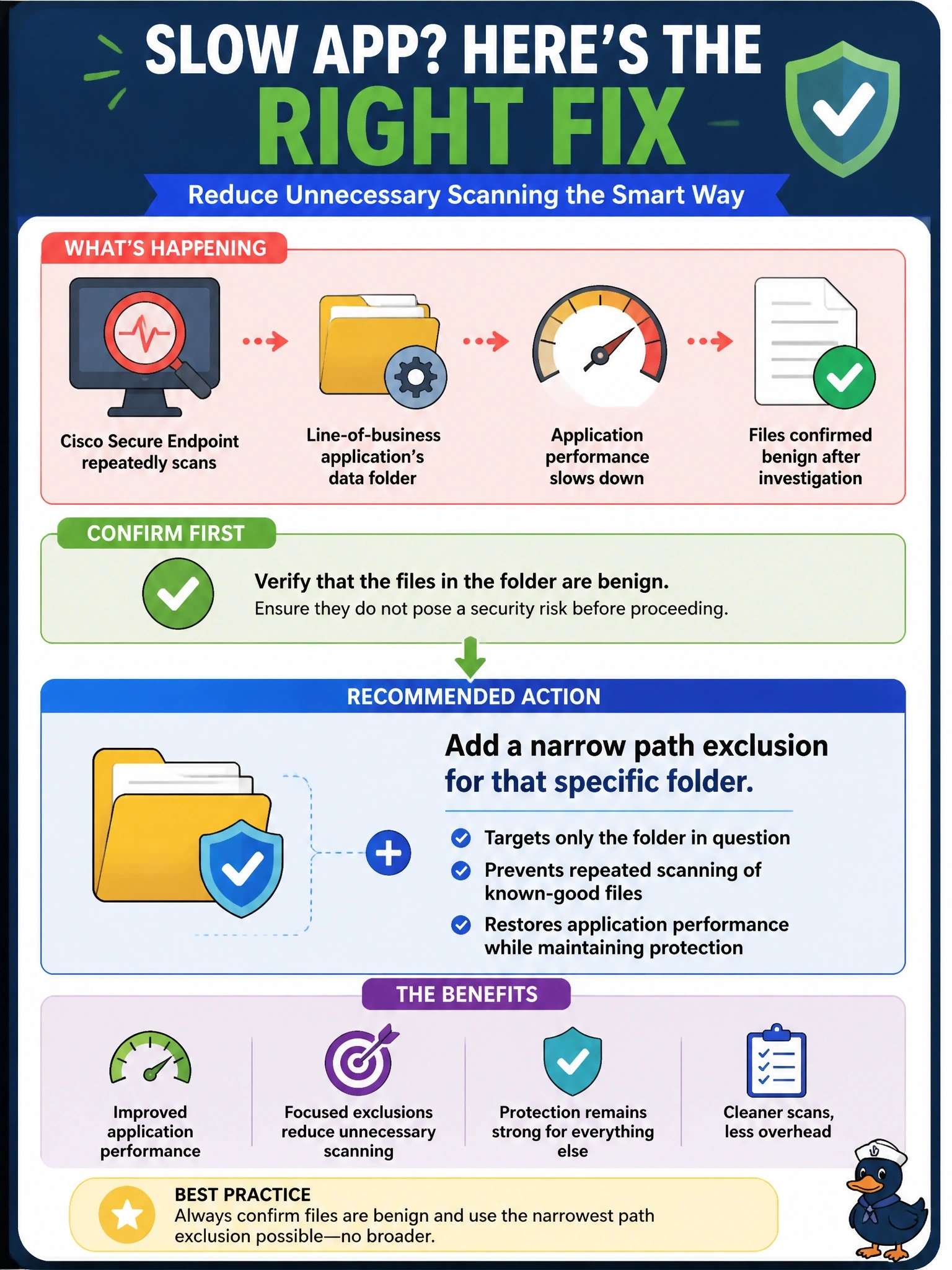
Cisco Secure Endpoint repeatedly scans a line-of-business application's data folder, slowing the application, and investigation confirms the files there are benign. What is the recommended way to address this?
Select an answer to reveal the explanation.
Short Explanation
Exclusions are like telling a guard to skip one storeroom: fine if it's a small closet you've checked, dangerous if it's the whole building. Keep it as narrow as you can. Excluding the whole drive basically fires the guard.
Full Explanation
Exclusions in Cisco Secure Endpoint tell the connector to skip scanning or monitoring specific items. Path exclusions are the most common type for application conflicts, and Cisco also maintains exclusion sets for well-known products. Guidance is to understand the files and processes involved first, then create the narrowest exclusion that solves the problem, here a path exclusion for the confirmed data folder, applied only in the policies for the computers that run the application. That restores performance while keeping the rest of the system protected. Excluding an entire drive is specifically warned against: it creates a huge blind spot that malware can use to hide. Leaving the connector in audit mode permanently removes quarantine and blocking for the whole computer, trading a narrow performance problem for no protection. Threat exclusions suppress named detections and should be used only when investigation confirms a specific threat name is a false positive; blanket exclusion of every recent detection name could silence genuine threats. Exam caveat: wildcard and process exclusions are broader than they look, so review them as carefully as path exclusions. Operational check: add the folder exclusion to the application servers' policy only, confirm the connector has synced, and measure that the application's performance improves while test detections elsewhere still trigger.