
Company policy prohibits a specific remote-administration tool that is not malware and has no malicious disposition. Security wants Cisco Secure Endpoint to prevent that executable from running on any managed computer. Which feature fits?
Select an answer to reveal the explanation.
Short Explanation
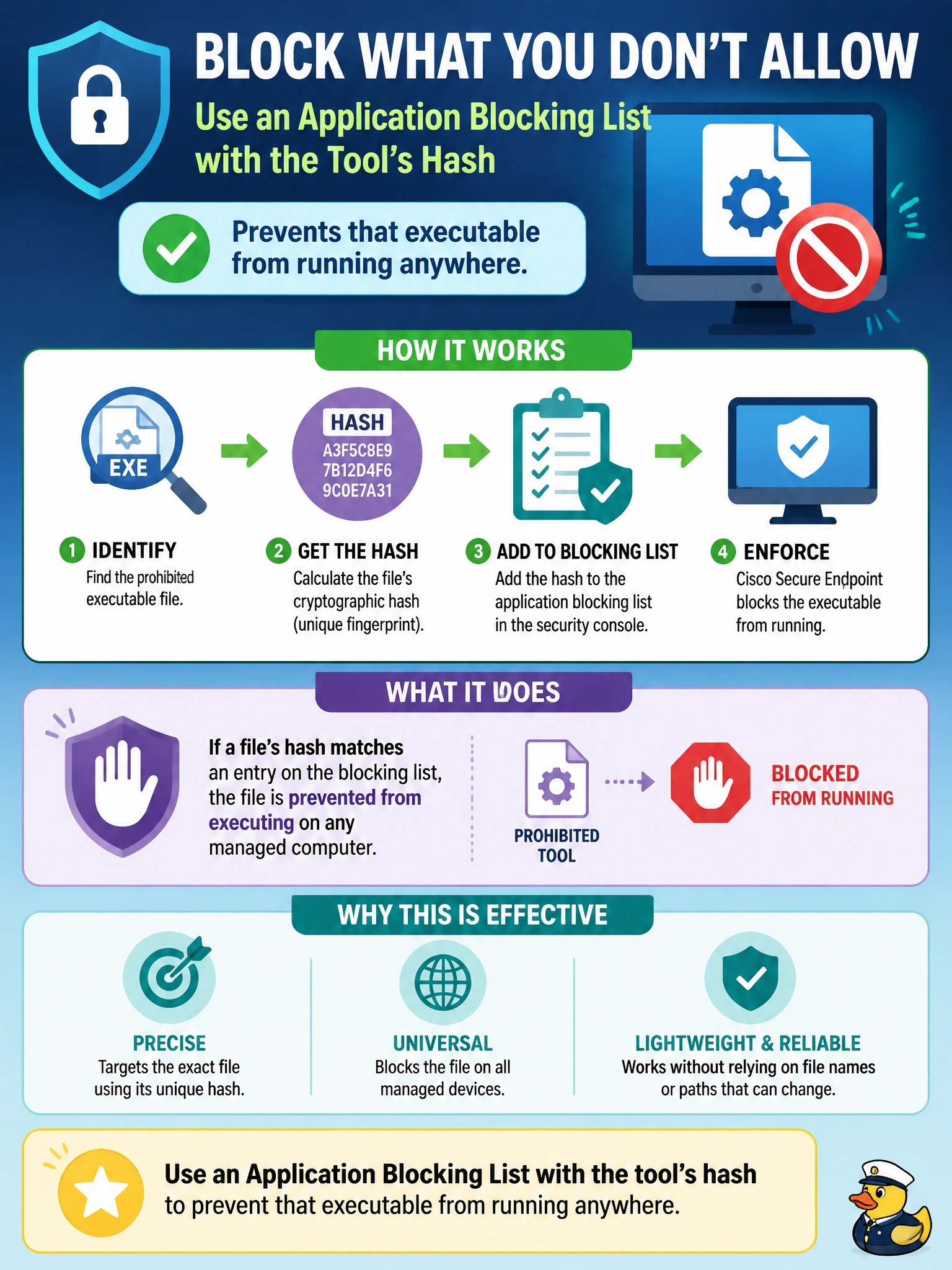
This tool isn't evil; it's just not allowed here, like a skateboard in a hospital hallway. Your application blocking list stops that one program from launching without calling it malware. Exclusions do the reverse: they tell the connector to look away.
Full Explanation
Application control in Cisco Secure Endpoint includes blocking lists of SHA-256 hashes for executables that should not run. When a listed executable starts, the connector prevents it from executing, without the file needing a malicious disposition. That fits a policy decision about unwanted but legitimate software, such as a prohibited remote-administration tool, and it applies to every computer whose policy includes the list. Simple custom detections match file hashes rather than process names, and they treat files as malicious detections rather than enforcing an acceptable-use rule; the claim that they disable a tool at the next reboot is not how they work. Exploit Prevention protects processes against memory-based attacks such as injection; it is not a signer-based allow or deny mechanism for applications. An exclusion removes items from scanning or monitoring, so excluding the tool's folder would reduce visibility of that tool instead of stopping it. Exam caveat: hash-based blocking is precise, so each new version of the tool produces a new hash that must be added, and renamed copies with the same hash are still blocked. Operational check: add the hash to a blocking list attached to the relevant policies, try to launch the tool on a test computer and confirm that execution is prevented and an event is logged.