
Servers running critical databases need a Cisco Secure Endpoint policy with different exclusions and protection settings from employee laptops, and both sets of computers are managed in the same organization. How should this be organized?
Select an answer to reveal the explanation.
Short Explanation
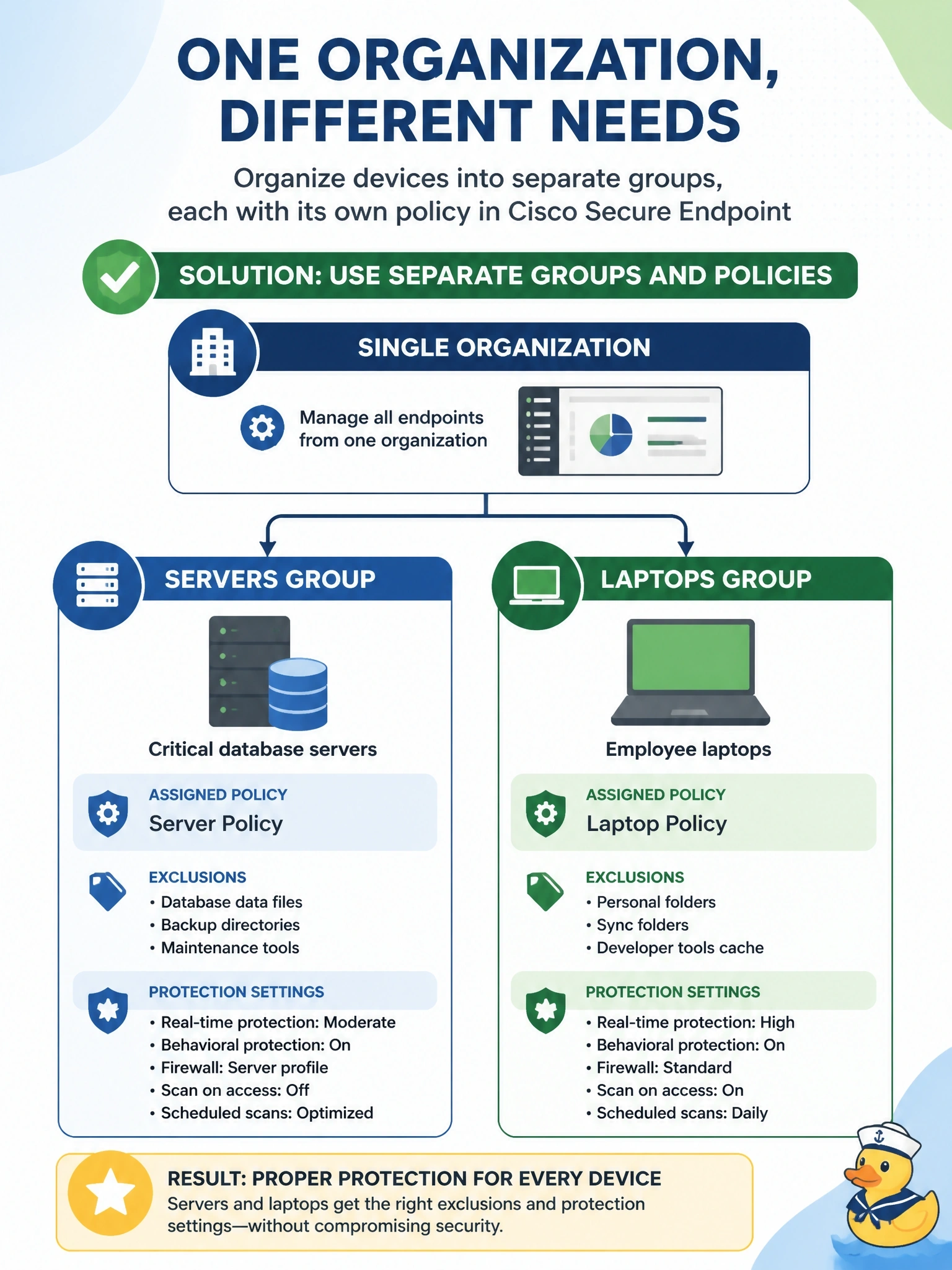
Groups are like folders with rules stapled on: drop servers in one folder and laptops in another, and each folder carries its own policy. You change the policy once and every computer in that group follows. No need to spin up a whole second organization.
Full Explanation
Cisco Secure Endpoint assigns policies through groups. Each computer belongs to a group, and each group references a policy per operating system, which defines exclusions, engine modes, outbreak control lists and other settings. Putting database servers and laptops in separate groups lets each class receive settings appropriate to its role, such as server-specific exclusions and engine settings, while changes are made once in the policy and applied to every computer in the group. Groups can be nested to inherit settings, which simplifies large deployments. A single policy with local per-host exceptions breaks central management, makes settings inconsistent and is not how connectors are meant to be configured. A separate organization adds administrative overhead and splits visibility, and it rests on the false claim that policies cannot vary by device; group-based policy exists for this purpose. Firewalls do not push Secure Endpoint policies to connectors, and endpoint policy is not assigned by IP subnet. Exam caveat: a computer takes its policy from its group, so moving it between groups changes its effective policy, which is a common cause of unexpected behavior. Operational check: create the server group with its policy, move a test server into it, and confirm on the computer's details that the expected policy name and version are applied.