
The SOC confirms that a file with a specific SHA-256 hash is malicious, but Cisco Secure Endpoint does not yet treat it as malicious. Analysts want every connector to detect and quarantine that exact file immediately. What should they configure?
Select an answer to reveal the explanation.
Short Explanation
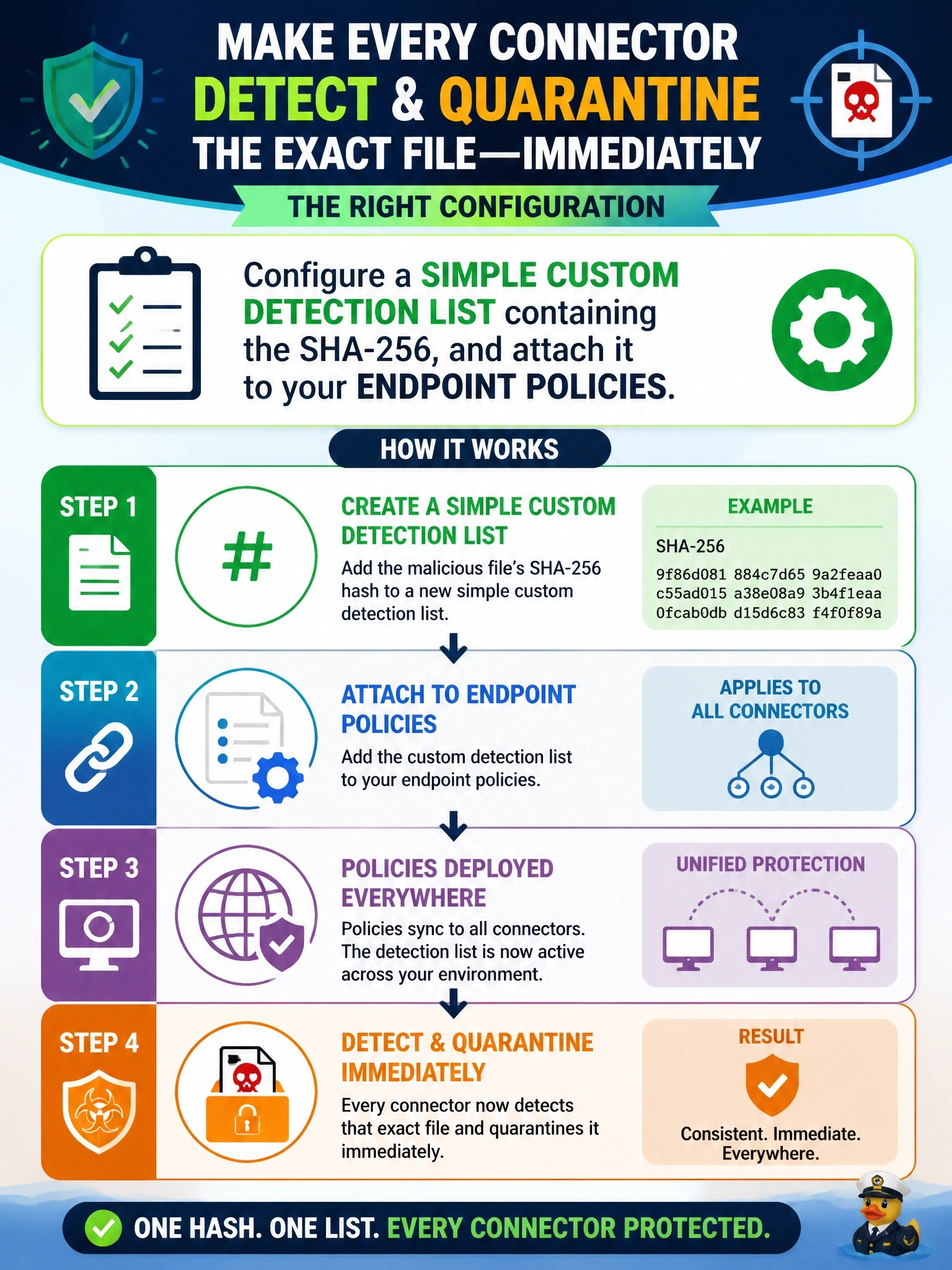
A simple custom detection is your own private wanted poster: you hand every connector the hash, and they treat that exact file as malicious right away. You don't wait for the cloud to catch up. Careful with the allowed list; it does the exact opposite of what you want here.
Full Explanation
A simple custom detection list in Cisco Secure Endpoint holds SHA-256 hashes that the organization wants treated as malicious, regardless of the current cloud disposition. Once the list is attached to the policies that connectors use, any file matching a listed hash is detected and, with quarantine mode active, quarantined when it is seen, giving the SOC immediate control while waiting for broader intelligence to catch up. This is the standard response to a confirmed malicious hash that is not yet convicted. An exclusion tells the connector to skip scanning for matching items, so adding the hash there would make the file less likely to be caught, not more. An allowed applications list marks files as trusted so they are not convicted, which is the reverse of the goal and could let the malware run. Device trajectory is an investigation view of one computer's activity; filtering it changes what an analyst sees, not what connectors do, and it removes nothing. Exam caveat: simple custom detections match exact hashes only, so a recompiled or repacked variant needs a new hash or a different detection method. Operational check: add the hash, confirm that the list is attached to every relevant policy and that connectors have synced, then verify that a test copy of the file produces a detection and quarantine event.