
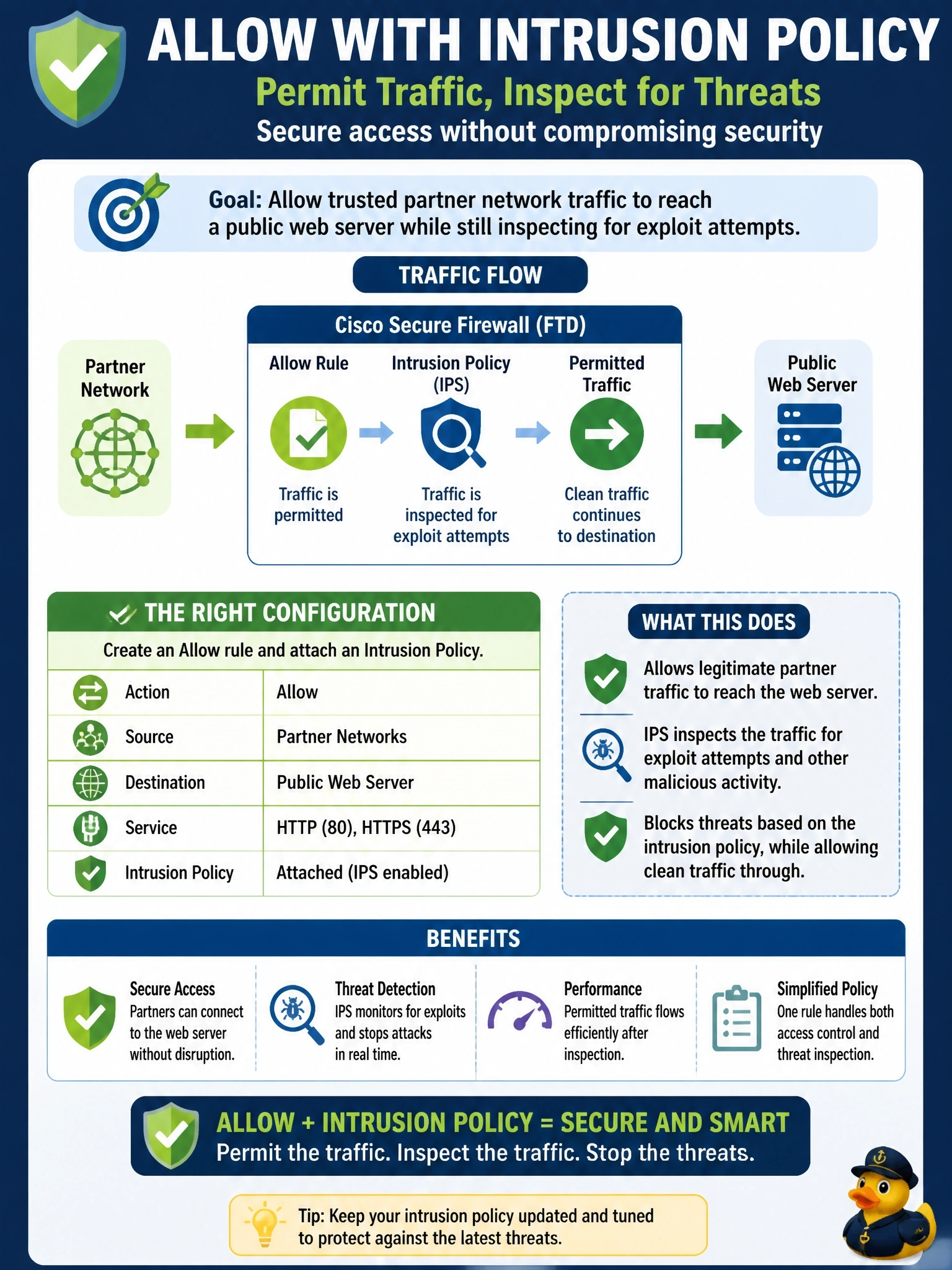
Traffic from partner networks to a public web server must be permitted on Cisco Secure Firewall (FTD), but the security team still wants the sessions inspected for exploit attempts. Which rule configuration achieves this?
Select an answer to reveal the explanation.
Short Explanation
Allow and Trust both let traffic through, but they're not twins. Allow says come in, and we'll keep an eye on you; Trust says come in, we won't look again. If you want exploit inspection, you need Allow plus an intrusion policy.
Full Explanation
On FTD, the Allow action permits matching traffic and lets you attach an intrusion policy, a file policy and a variable set, so the connection continues into deep inspection. Exploit attempts are detected and, inline, dropped by the intrusion policy. That makes Allow with an intrusion policy the correct combination for permitted traffic that still needs IPS scrutiny. Trust passes traffic without further deep inspection; Trust rules do not take an intrusion or file policy, so traffic matching them is not checked for exploits. Fastpath in the prefilter policy is even more aggressive, sending matching traffic around the inspection engine entirely; it is used for high-volume flows that do not need inspection, which is the opposite of what is required. Monitor logs a match and continues evaluating later rules; it does not itself allow traffic or take an intrusion policy, so whether the session is inspected depends on whichever later rule finally matches. Exam caveat: the access control policy's default action can also carry an intrusion policy, but explicit rules are clearer and more auditable. Operational check: create the Allow rule with the intrusion policy, deploy, run a benign test signature or known exploit pattern from a test host, and confirm intrusion events reference the connection and the action taken.