
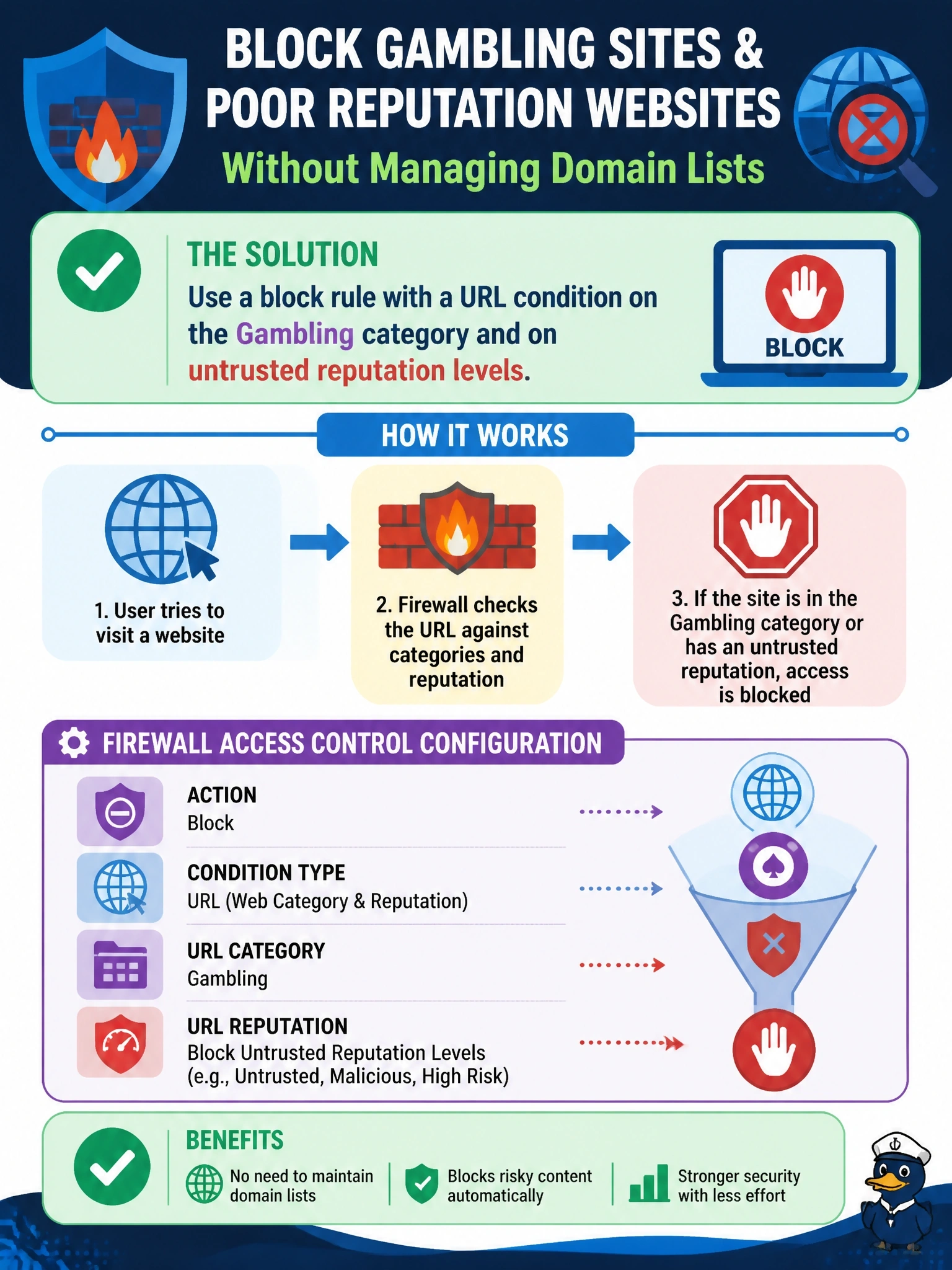
A company wants its Cisco Secure Firewall (FTD) to block gambling websites and any site with a poor reputation, without maintaining lists of individual domains. Which access control configuration fits?
Select an answer to reveal the explanation.
Short Explanation
Why chase thousands of gambling domains by hand when Cisco already sorts the web into categories for you? URL filtering lets you say block Gambling and block bad reputation in one rule, and it keeps updating itself. Watch for answers that sound clever but leave you maintaining lists forever.
Full Explanation
FTD URL filtering classifies web destinations by category and reputation using cloud-delivered intelligence. An access control rule with a URL condition can match a category such as Gambling and also match reputation levels considered risky, and the category and reputation data update as the intelligence changes, so there is nothing to maintain manually. Matching on IP addresses of known sites requires constant upkeep, misses new sites and fails when sites move behind shared hosting or content delivery networks, which also risks blocking unrelated sites at the same address. A custom intrusion rule matching a word in the host header is brittle and inaccurate: many gambling sites do not contain that word, legitimate sites sometimes do, and intrusion policies are meant for exploits rather than content categories. A DNS-based Security Intelligence policy with administrator-added domains is a list-maintenance approach again and only acts on DNS lookups for named domains, which is not category filtering. Exam caveat: category and reputation lookups require the appropriate URL filtering license and cloud connectivity, and HTTPS sites are categorized from the requested server name unless traffic is decrypted. Operational check: create the rule, deploy, browse to a test site in the category and to a low-reputation test site, and confirm connection events show the URL category, reputation and block action.