
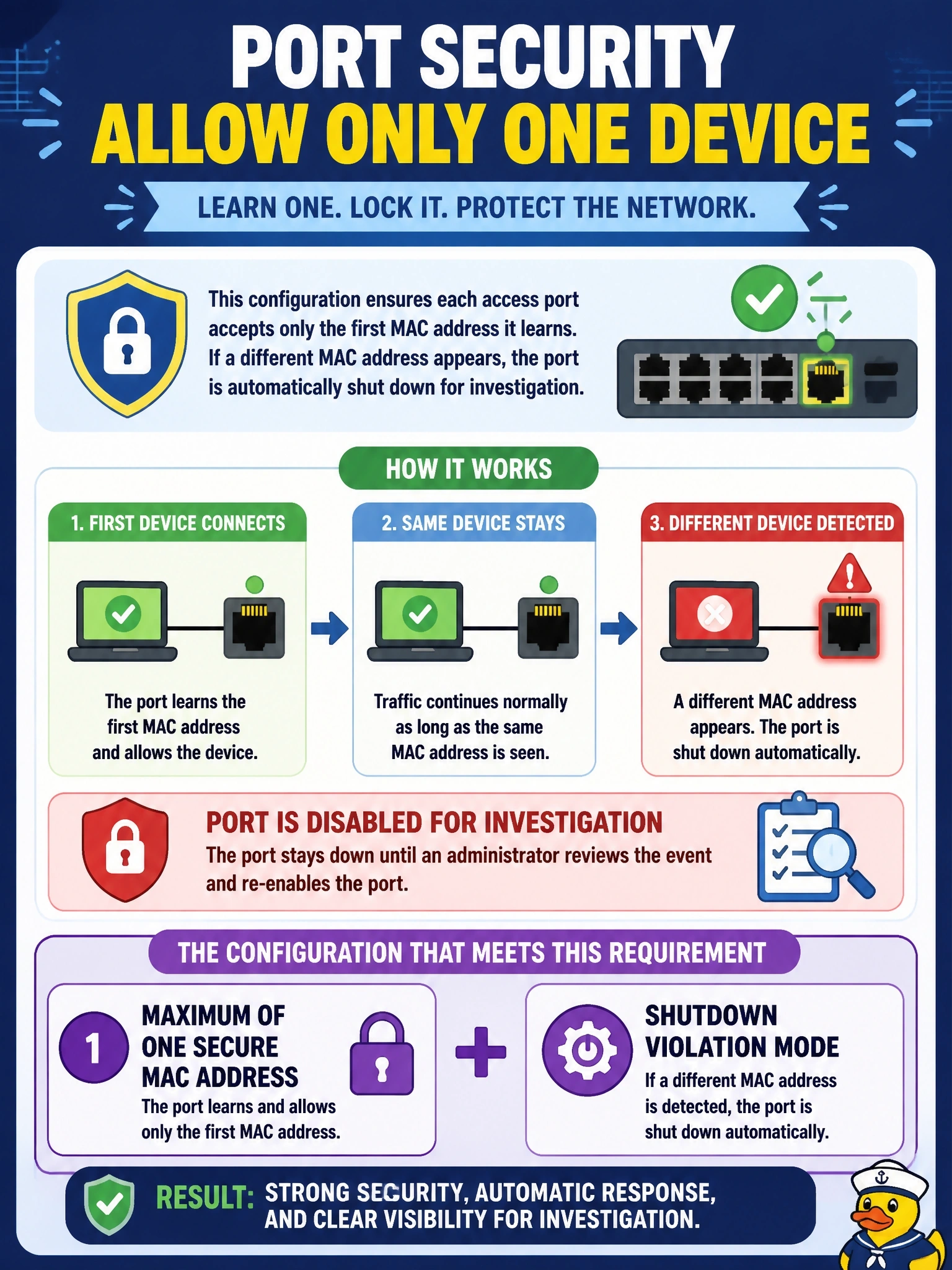
Each access port must accept only the first device MAC address it learns, and the port must be disabled for investigation if a different MAC address appears. Which port security configuration meets this requirement?
Select an answer to reveal the explanation.
Short Explanation
Port security is a bouncer with a guest list of one: the first face in gets on the list. What happens to the next face depends on the mode, and only shutdown throws the whole door closed. Don't confuse protect and restrict, which just turn the stranger away and leave you open for business.
Full Explanation
Port security limits which source MAC addresses an access port will accept. Setting the maximum to one means the first address learned, dynamically or as a sticky entry, becomes the only secure address. The violation mode controls the reaction when a frame arrives from any other address. Shutdown places the interface in the error-disabled state, stopping all traffic and generating a log message and counter increment, so the port stays down until an administrator recovers it or an error-disable recovery timer is configured. That matches a requirement to disable the port for investigation. Protect drops frames from unknown addresses silently while the port keeps forwarding for the secure address, with no notification, so nothing is disabled. Restrict also drops the offending frames and keeps the port up, but it sends a log message or SNMP notification and increments the violation counter; it alerts without disabling. A maximum of two addresses would accept the second device as legitimate, defeating the single-device requirement. Exam caveat: shutdown is also the default violation mode, and sticky learning writes the learned address into the running configuration so it survives a link flap. Operational check: connect a second device to a test port and confirm the interface shows as error-disabled with a security violation logged.