
A script queries a firewall manager with requests.get(url, headers=h, verify=False). The call succeeds even though the manager presents a self-signed certificate. What is the security consequence of this setting?
Select an answer to reveal the explanation.
Short Explanation
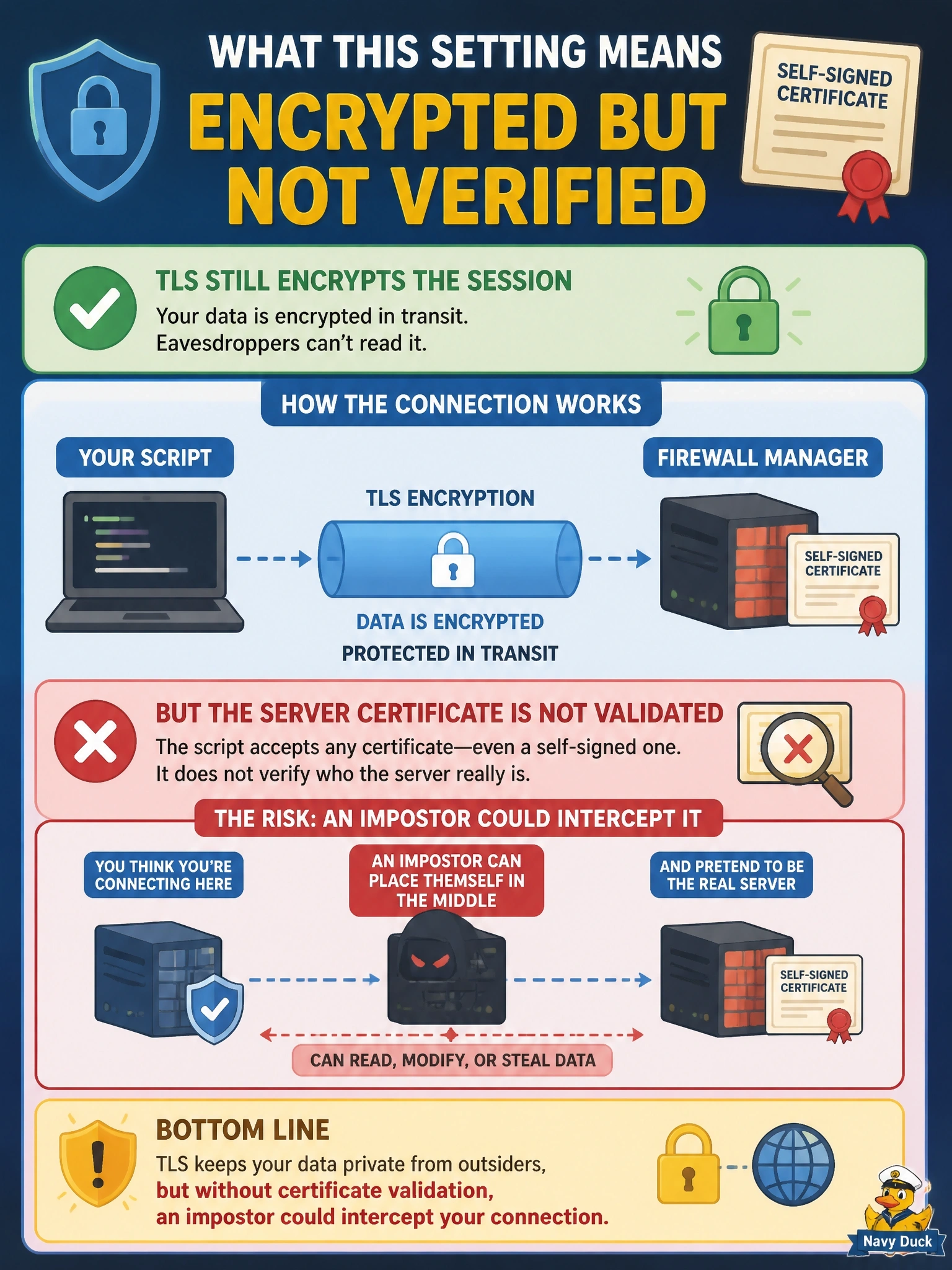
Picture a courier who seals your envelope perfectly but never checks the ID of whoever signs for it. That's verify=False: the session is still encrypted, but you've stopped confirming who's on the other end. The trap is thinking it turns off encryption; it turns off trust.
Full Explanation
In the Python requests library, verify controls TLS certificate validation. With the default, the client checks that the server certificate chains to a trusted certificate authority and that its name matches the host being contacted. Setting verify=False keeps the HTTPS connection and its encryption, but the client accepts any certificate the server presents. An attacker positioned on the path can then present their own certificate, terminate the session, read the API token and responses, and relay or alter traffic without the script noticing. The claim that the request falls back to plain HTTP is wrong; the URL scheme decides the protocol, and an https URL still negotiates TLS. Token handling is entirely on the server side and is unaffected by the client's certificate setting, so the manager does not start accepting arbitrary headers. Schema validation of JSON is not something requests performs in either mode; verify has nothing to do with response parsing. Exam caveat: requests also emits an InsecureRequestWarning when verification is disabled, a hint that this is a lab shortcut, not a production setting. Operational check: install a certificate on the manager issued by an internal CA and point verify at that CA bundle file, so the script validates the server instead of trusting anything.