
A state university creates an fcalias for a host in VSAN 10 and then references that same name from a zone in VSAN 20. The VSAN 20 zone will not resolve the name. Why?
Select an answer to reveal the explanation.
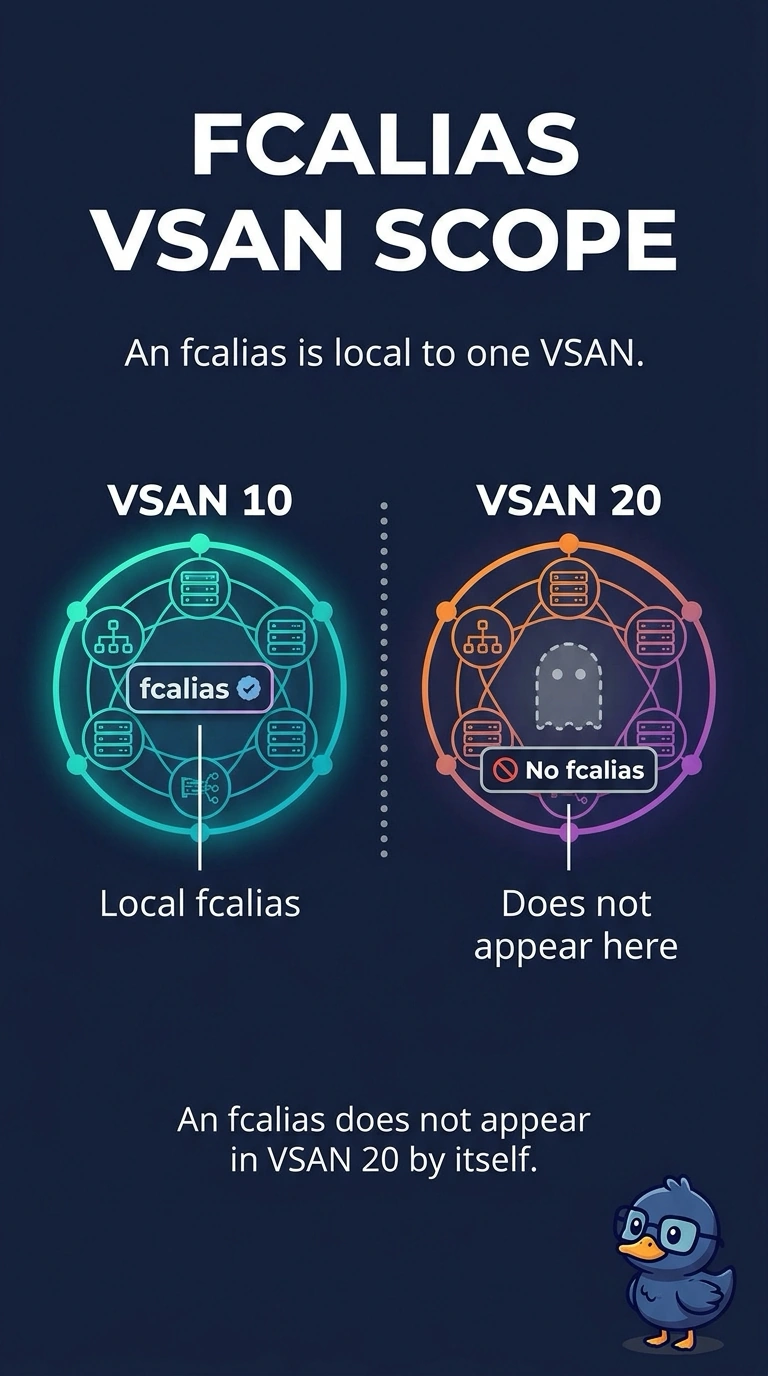
Short Explanation
An fcalias is a nickname written in one VSAN’s notebook. When you open VSAN 20’s notebook, the name is not there because it was created in VSAN 10; a device alias is the fabric-wide directory, not this local name.
Full Explanation
An fcalias is stored with the zoning configuration of a single VSAN. Creating it in VSAN 10 does not create it in VSAN 20, so a zone in VSAN 20 that uses the name cannot resolve a member. Create the fcalias in VSAN 20, or use a device alias if the name needs to be fabric-wide; device aliases, not fcaliases, are the CFS-distributed names. A disabled CFS session is not the explanation because it confuses the local fcalias with the distributed device alias. The VSANs do not need identical domain IDs: each has its own fabric services, and forcing a shared domain ID would create a domain overlap rather than fix the alias. The name server records logged-in devices; creating another VSAN does not make it delete aliases. Exam caveat: a device alias resolves in zones only after it is committed, so switching from an fcalias still requires that commit. Practical check: display the fcalias database in VSAN 20, create the name there or replace it with a committed device alias, and confirm that the zone member resolves. Record the before-and-after values in the change ticket so the next shift can see what changed.