
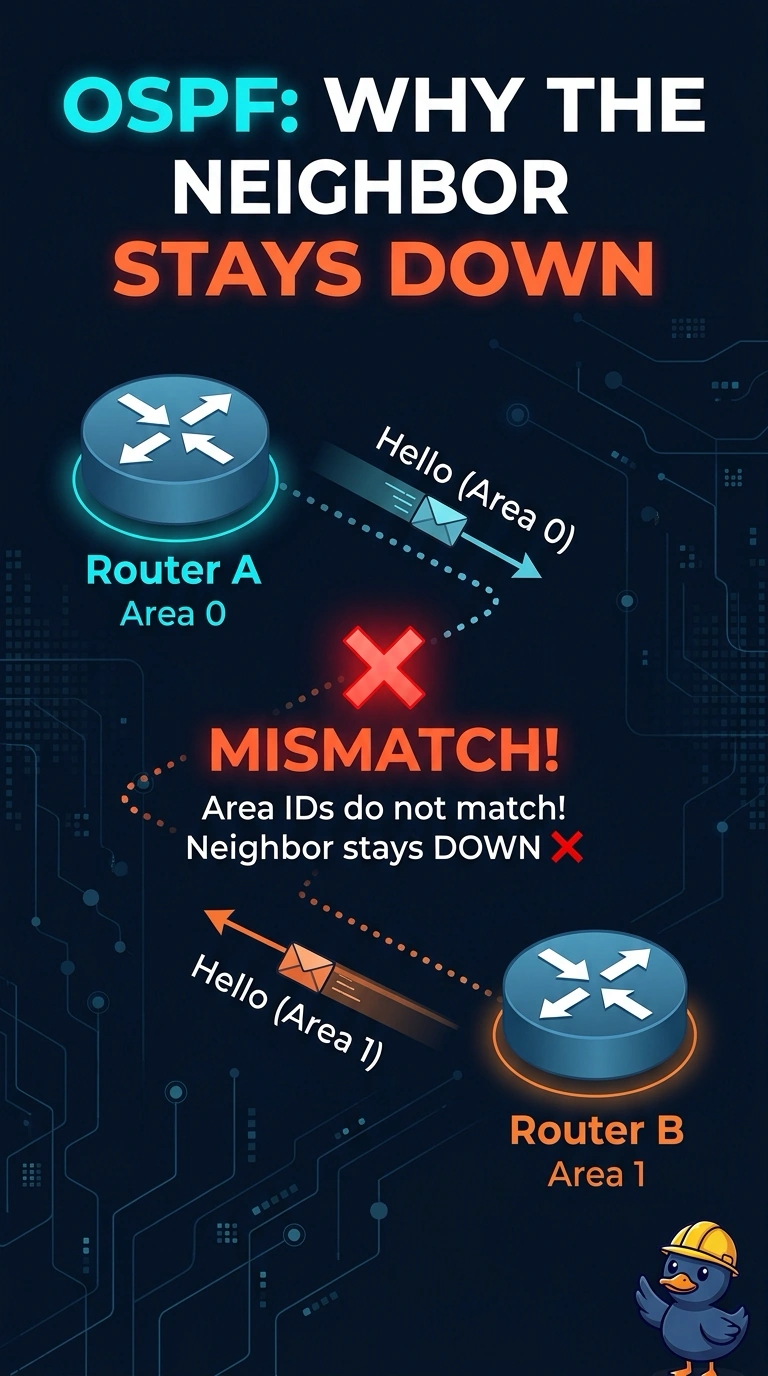
A retailer has two NX-OS switches exchanging OSPF hellos. MTU, hello timers, and dead timers match, and neither interface is passive. One interface is in area 0 and the other is in area 1. Why does the neighbor stay down?
Select an answer to reveal the explanation.
Short Explanation
You can have matching timers and MTU and still be in different OSPF neighborhoods. The area IDs in the hellos must match, so area 0 on one interface and area 1 on the other keeps the neighbor down. Unique router IDs and matching timers are not the problem here.
Full Explanation
OSPF includes the area ID in its hello packets, and the area IDs must match for the neighbor relationship to form. On this link, one interface is in area 0 and the other is in area 1, so the mismatch keeps the neighbor down. The OSPF process tags on NX-OS are local to each switch; the tags do not need to match, so different tags do not explain this failure. Router IDs should be unique within the routing domain. Unique IDs are desirable and do not prevent an adjacency. Matching hello and dead timers are also desirable; a timer mismatch could prevent the neighbor relationship, but those timers already match here. Caveat: if one side is configured as a stub area and the other is not, the OSPF options field can prevent adjacency even when the area number matches. For a practical check, inspect the area configured on each interface and place both ends in the same area before investigating MTU again. Then recheck the neighbor; if it remains down, compare the stub options and dead interval for other mismatches. The process tags can remain different.