
A game studio saved a known-good checkpoint on a Nexus switch last week and now needs to see how the running configuration drifted, without changing the switch. What should the engineer do?
Select an answer to reveal the explanation.
Short Explanation
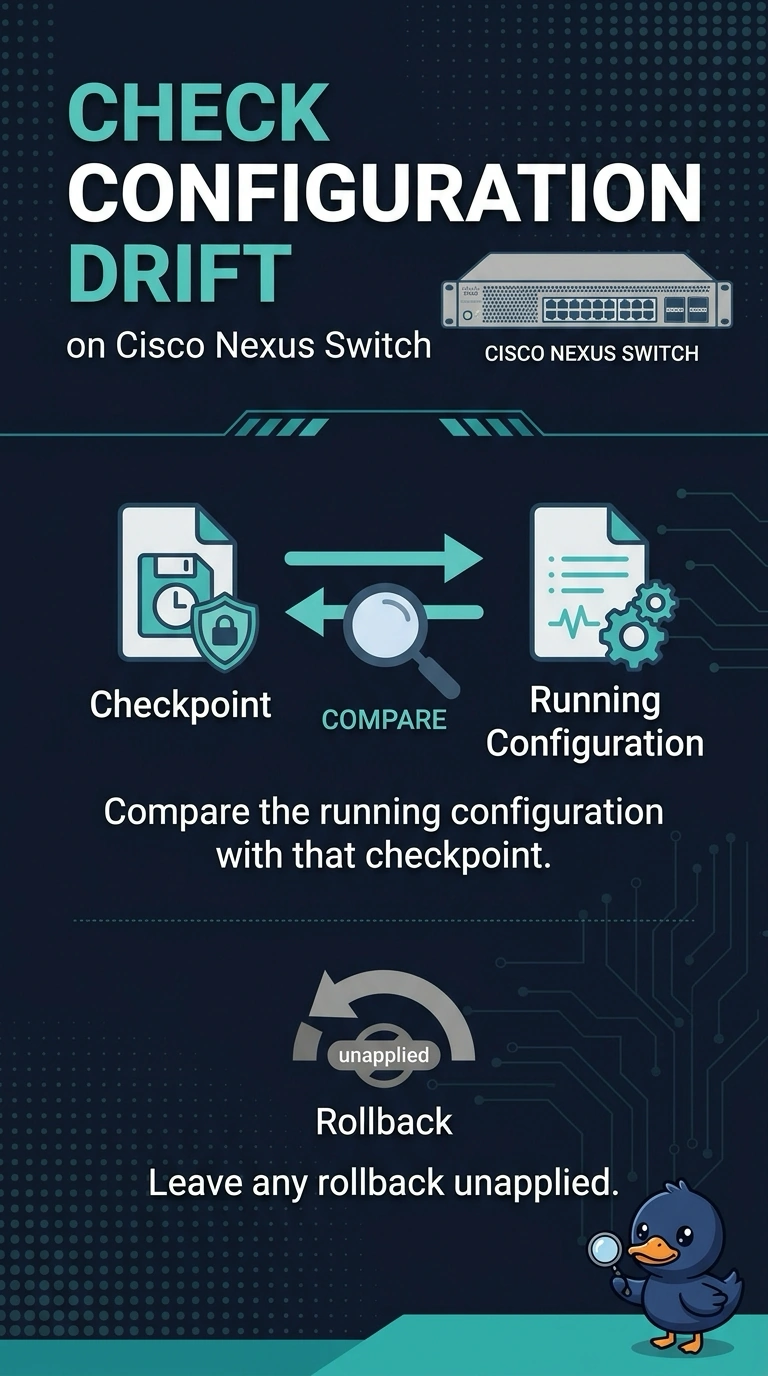
A checkpoint is a snapshot of the configuration, and a comparison is like holding that snapshot next to the room. You can compare the running configuration with the saved checkpoint and leave any rollback unapplied, so you see the drift without changing the switch.
Full Explanation
NX-OS can store a checkpoint of the running configuration and compare the current running configuration against that checkpoint. The diff is a report; it does not change the device unless you apply a rollback or a replacement file. Comparing the running configuration with the known-good checkpoint gives the studio the requested view of drift while leaving both the checkpoint and running configuration as they are. Rolling the running configuration back would remove the drift rather than show it, and the comparison does not require a rollback first. Erasing the startup configuration and rebooting discards the saved boot configuration and reloads the switch; drift is not stored in boot variables, and rebooting changes the device. Starting a SPAN session copies frames from a source to a destination; it does not compare configurations or list lines that differ from a checkpoint. Caveat: a checkpoint captures configuration at one moment, so a diff cannot tell you who made a later change unless accounting or command logs were also kept. Practical check: compare the running configuration with the named checkpoint, save the diff, and confirm that the running configuration checksum is unchanged after the report.