
A regional hospital's two Nexus leaf switches exchange OSPFv2 hellos, use the same area, and use the same hello and dead intervals, but the neighbor stays in EXSTART and the databases never sync. Which mismatch should the engineer check first?
Select an answer to reveal the explanation.
Short Explanation
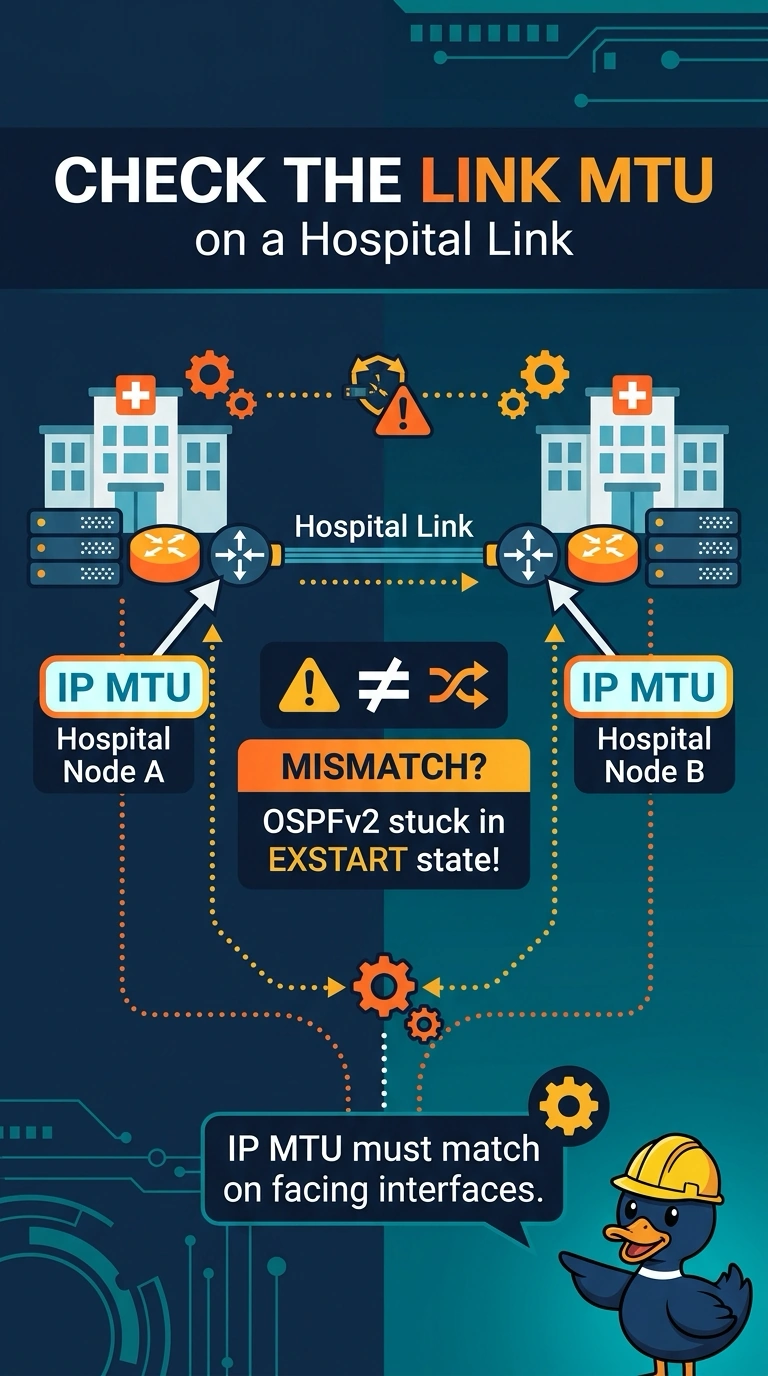
Think of database exchange as two people passing notebooks through a doorway. If the doorway height does not match, the books cannot pass, and your neighbor stays in EXSTART. Since you already matched the area and timers, compare the IP MTU on the two facing interfaces before chasing the process tag, which is local to each switch.
Full Explanation
OSPF neighbors send database description packets after reaching two-way, and those packets include the interface MTU. When the MTU values differ, NX-OS can keep the adjacency in EXSTART, so the link-state databases never synchronize even though hellos are flowing. That is why you should first compare the IP MTU on the two interfaces facing each other across the hospital link. The OSPF process tag does not have to match between neighbors; it names the local process, and adjacency does not depend on identical process tags. A passive-interface setting would suppress hellos on that port, so the neighbor would not reach EXSTART through an exchange of hellos, unlike the situation described. Duplicate router IDs can cause unstable LSA origination and should be corrected, but they are not the classic reason an otherwise healthy pair stalls in EXSTART after hellos succeed. Exam caveat: reaching EXSTART does not by itself prove an MTU mismatch, but with the area and hello and dead intervals matching, the IP MTU is the first listed mismatch to check. Practical check: compare the IP MTU shown for both facing interfaces, make the values equal, and confirm that the neighbor reaches the full state.