
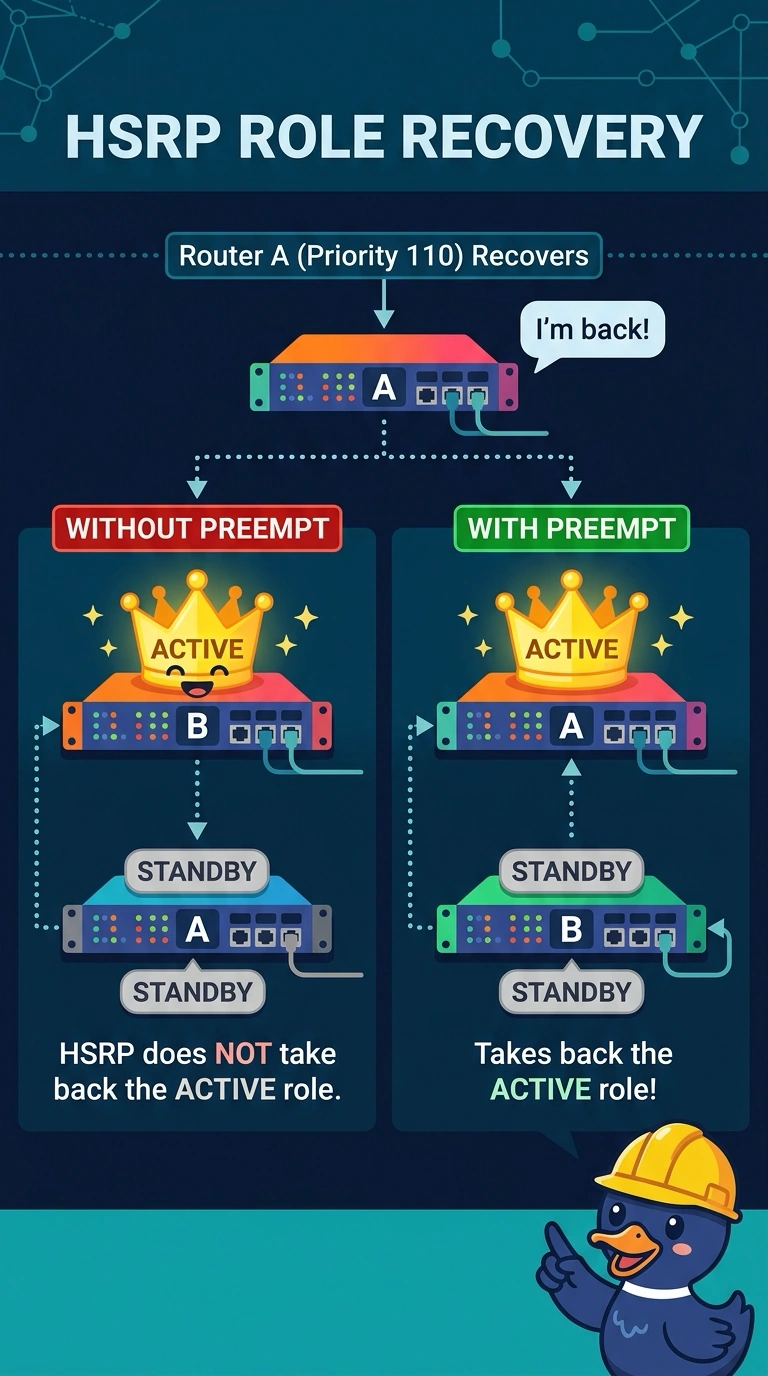
A national retailer's HSRP active router failed, the standby took over, and the original router is back online with a higher priority. Traffic still uses the standby router. Preempt is not configured. Why did the original router remain standby?
Select an answer to reveal the explanation.
Short Explanation
You’ve spotted a classic HSRP behavior: preempt must be configured for the higher-priority router to reclaim the active role. Until then, the standby that took over stays active; the virtual MAC follows the active role rather than being fixed to the standby’s physical MAC.
Full Explanation
HSRP preemption is disabled unless you configure it. After the original active router fails, the standby takes over. When the original router returns with a higher priority, that priority alone does not make it active again: it remains standby while the current active router forwards traffic, matching the retailer’s symptoms. Configure preempt on the router intended to own the group so it can reclaim the active role when healthy. VRRP is not running in this scenario, and VRRP can preempt by default unless that behavior is changed; it is not inherently unable to preempt when asked. The virtual IP is associated with the HSRP virtual MAC, not permanently bound to the standby router’s physical MAC; the virtual MAC is used by whichever router is active. HSRP version 2 expands the available group-number range and does not block preemption for groups below 256. Exam caveat: preemption without a delay can cause gateway flapping while the returning router’s uplinks are still coming up, so a preemption delay is often configured. Practical check: configure preempt on the intended active router, then use show hsrp to verify that it is active and the other router is standby.