
A media company adds a VLAN to an initial vNIC template. Blades that already received their vNICs from that template still do not have the VLAN. Profiles created from the template after the edit do. Why did the existing vNICs stay unchanged?
Select an answer to reveal the explanation.
Short Explanation
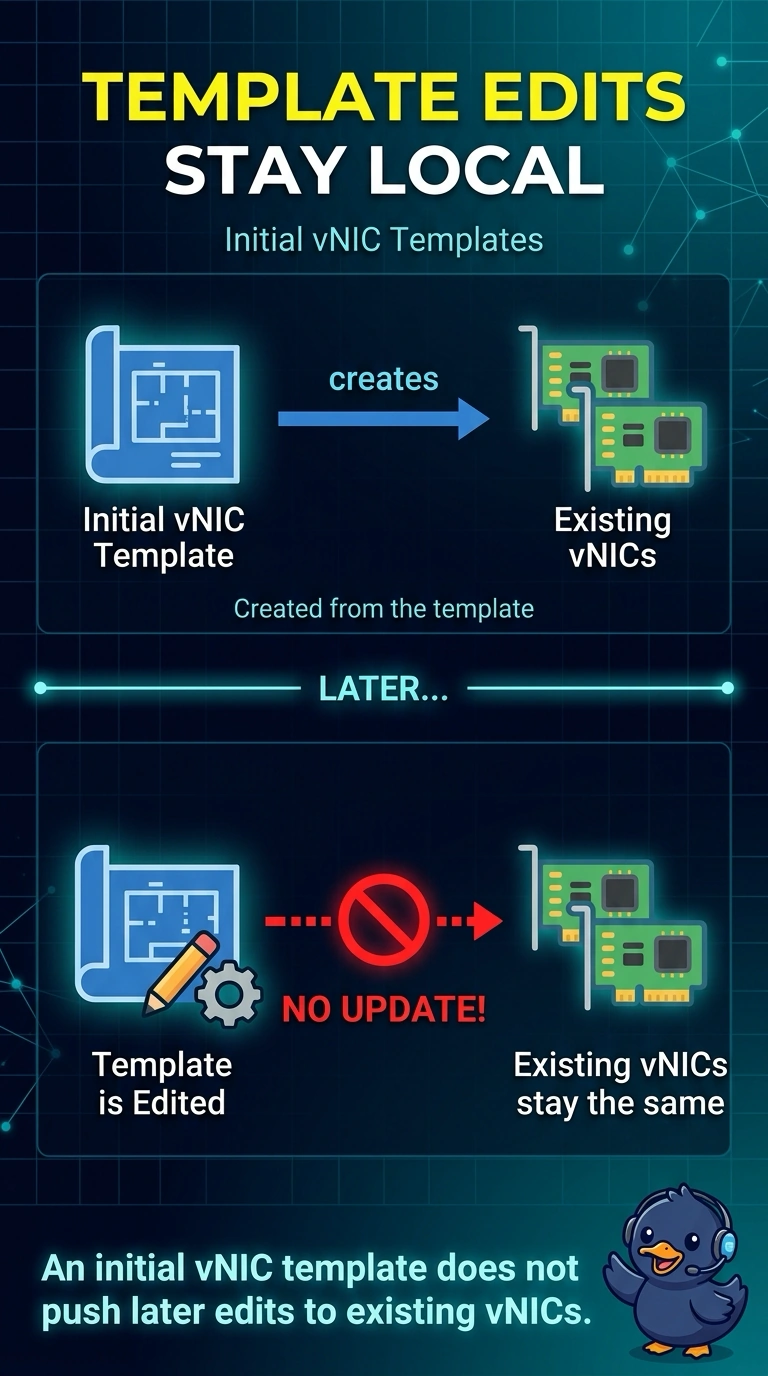
You changed the rubber stamp after the letters were already mailed. An initial vNIC template fills in a vNIC when the vNIC is created, and later edits do not travel back to those vNICs. That is why only the profiles you create after the edit pick up the VLAN.
Full Explanation
UCS initial vNIC templates do not propagate. The existing blades keep the VLAN list they drew at creation time, and a profile created afterward gets a new vNIC from the edited template, which matches what the media company sees. An updating vNIC template is the type that pushes a later VLAN change into vNICs already bound to it. Saying an updating template never copies VLANs onto a new profile reverses both behaviors. The chassis power policy selects power-supply redundancy. It has no VLAN list to edit. Server ports are how the chassis reaches the fabric interconnect. They do not freeze template VLANs, and decommissioning the chassis is not a step in adding a VLAN to a vNIC. Caveat: if you need the existing blades updated, use an updating template or edit those vNICs, and remember the maintenance policy may reboot them when the vNIC change applies. Operational check: open one old vNIC and one newly created vNIC and compare the VLAN list before you change the template type. Compare the template type in the GUI before the next VLAN add. Repeating the edit on an initial template will keep producing the same split between old and new vNICs.