
A SaaS operator needs a keyboard and video session to a UCS X blade. The fabric interconnects run Intersight Managed Mode, and browsing to the fabric interconnect does not open UCS Manager. Where is the console session started?
Select an answer to reveal the explanation.
Short Explanation
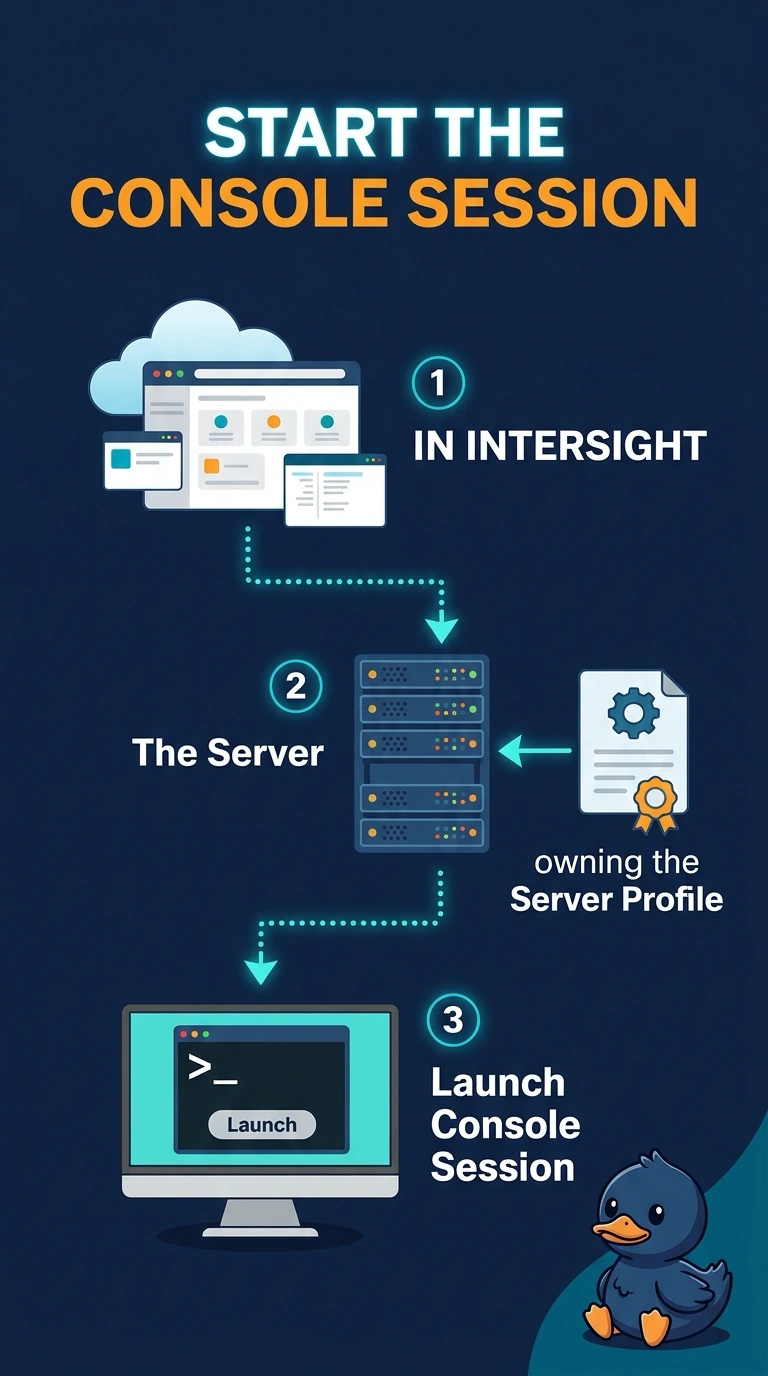
You are knocking on an office this building does not have. Intersight Managed Mode does not run UCS Manager, so the fabric interconnect address will not give you the old console. You start the session from Intersight for that server.
Full Explanation
Intersight is the management plane for a UCS X domain in Intersight Managed Mode. The keyboard, video, and mouse session for a server is launched from Intersight, where the server profile lives. UCS Manager is a different mode. These fabric interconnects are not running it, so the virtual IP will not open that GUI or its console. The CIMC of some other standalone rack server manages that other server only. It is not the console of this blade. The APIC registers and manages an ACI fabric. It does not host the UCS X console. Caveat: the Intersight role still needs permission to open the session, and the server has to be claimed and connected or the launch has nowhere to land. Operational check: open the server in Intersight and start the session there, and confirm the fabric interconnect address never presents UCS Manager. A server profile that is only assigned, and not deployed, also will not give you a working console target, so confirm the profile is deployed before you blame the launch button.