
A logistics C-series server should be discovered by UCS Manager. The only cable into a fabric interconnect server port is the server's dedicated CIMC management port. The server never appears. What must be connected to that server port?
Select an answer to reveal the explanation.
Short Explanation
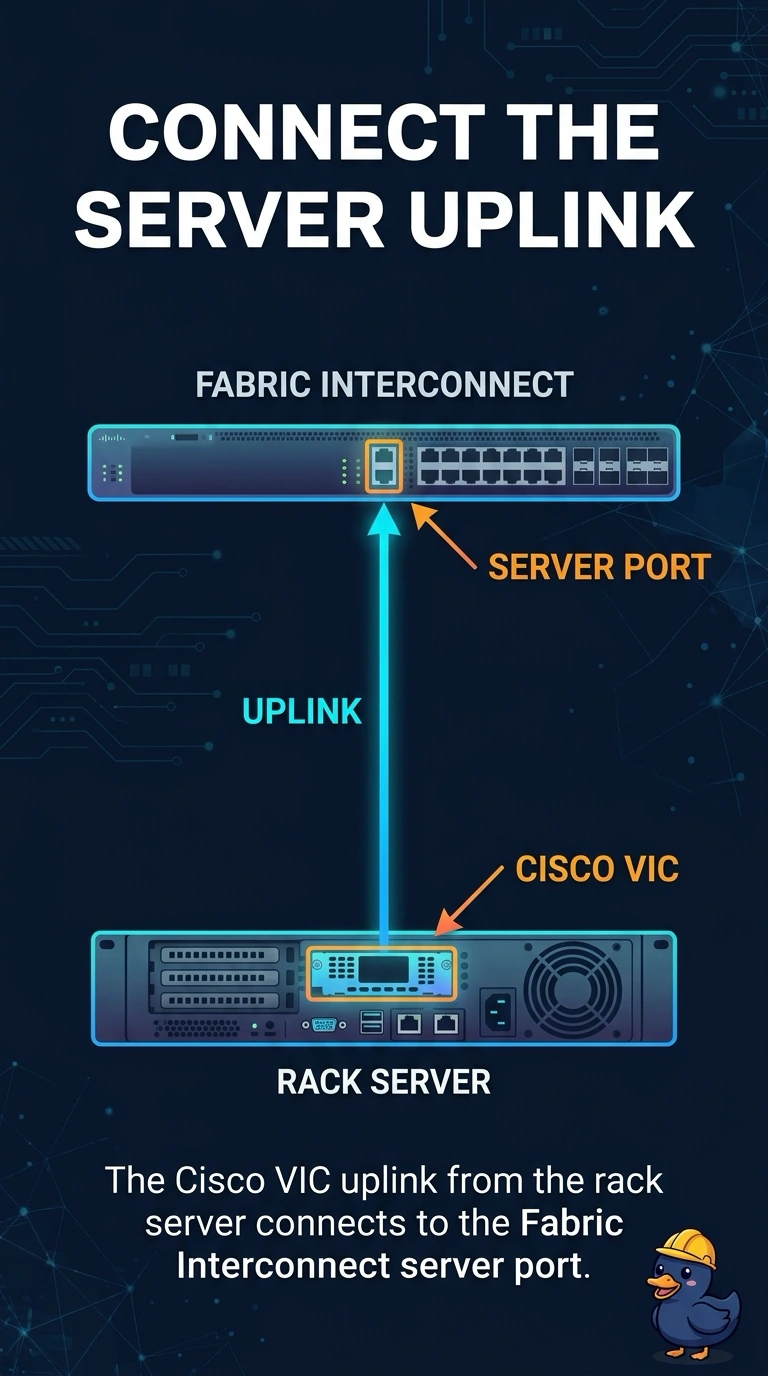
You plugged the management connection into the wrong place, but this is an easy fix: UCS Manager discovers an integrated rack server through its VIC links connected to fabric interconnect server ports. The dedicated CIMC port provides standalone management access, while an IOM belongs with a blade chassis and the L1 port links the fabric interconnects. Connect the VIC uplinks to server ports so the server can appear for discovery.
Full Explanation
A rack server that UCS Manager will own must connect its Cisco VIC uplinks to fabric interconnect server ports. Those links are the path UCS Manager uses to discover the server and place a service profile on it, so the dedicated CIMC management port already connected to the server port will not present the server for discovery; it provides access to the server’s standalone CIMC management interface. An IOM is used toward the fabric interconnect by a blade chassis, not in place of a rack server’s VIC. The fabric interconnect L1 cluster port links the two fabric interconnects; it is not a server discovery port and does not integrate the rack server. Exam caveat: the VIC must be in a supported slot and the fabric interconnect ports must be configured as server ports, or the links still will not discover the server. Practical check: move the server-port cables to the VIC uplinks and confirm the rack server appears for discovery. After it appears, the server may still be waiting for an acknowledge; acknowledge it then, rather than treating that step as a substitute for moving the cable.