
A regional hospital updated the host firmware package on every blade. The chassis IOM firmware did not change. Which upgrade carries new IOM firmware?
Select an answer to reveal the explanation.
Short Explanation
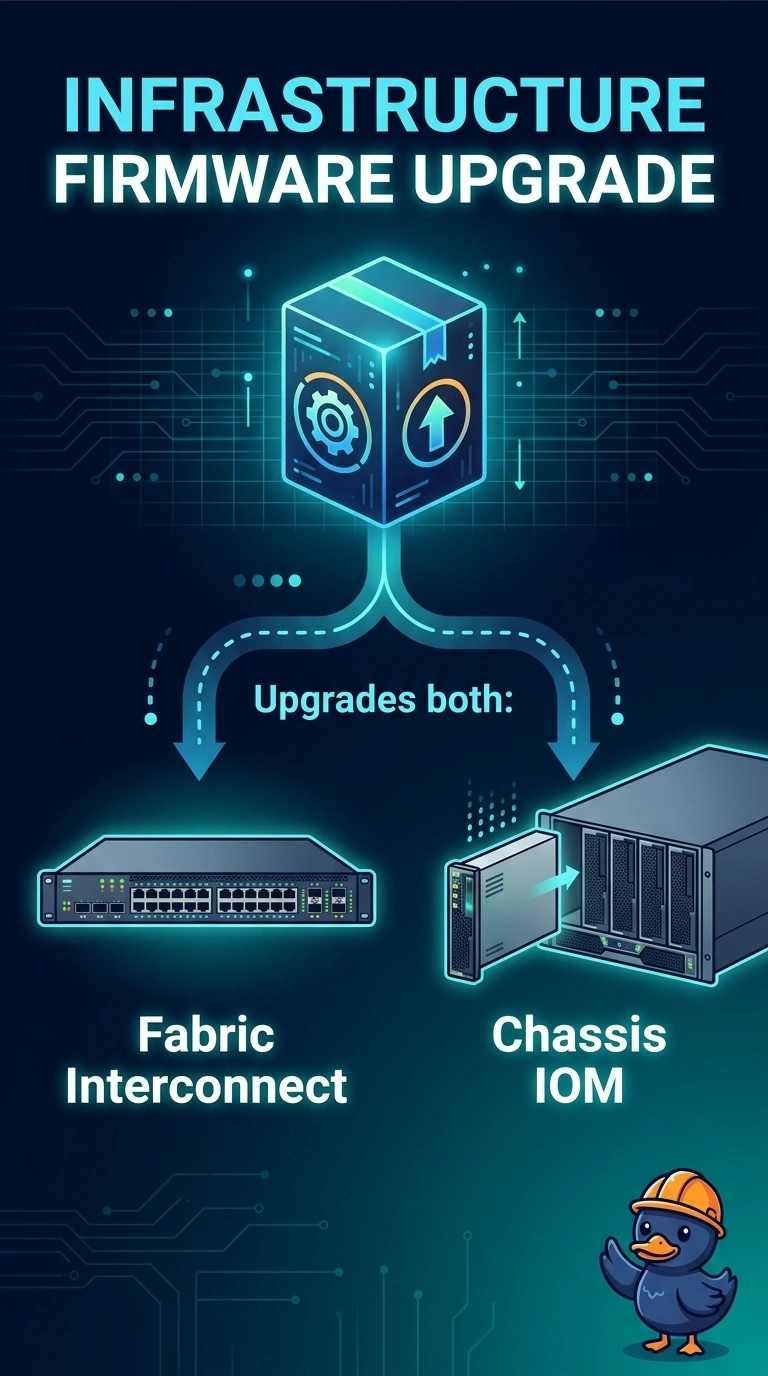
The IOM lives in the building's electrical room, not in the tenant laptop you just patched. You updated the host firmware package, and that package belongs to the blade, so the IOM stayed where it was. New IOM code rides with the infrastructure firmware that also covers the fabric interconnect.
Full Explanation
UCS splits firmware on purpose. The host firmware package covers server components such as BIOS, adapters, and controllers on the blade. The infrastructure firmware covers the fabric interconnects and the chassis IOMs. Updating every host package leaves IOM firmware unchanged, which is what the hospital observed. Loading the host package again still does not deliver an IOM image, and the IOM does not run the blade BIOS. A server pool qualification filters which blades may receive a service profile. It does not select or install IOM firmware. A chassis power policy describes how the power supplies are fed and how much redundancy you plan for. It does not reload or replace IOM code when the feeds look balanced. Caveat: an infrastructure upgrade can disrupt the domain path, so the interconnect pair is sequenced rather than treated like a single blade reboot. Operational check: compare the running IOM version with the infrastructure bundle you intend to install, then upgrade that infrastructure image and confirm the IOM version changes.