
A regional hospital applied a new host firmware package, and the blades came up on the new server firmware. The chassis IOM firmware did not change. Which package updates the IOM?
Select an answer to reveal the explanation.
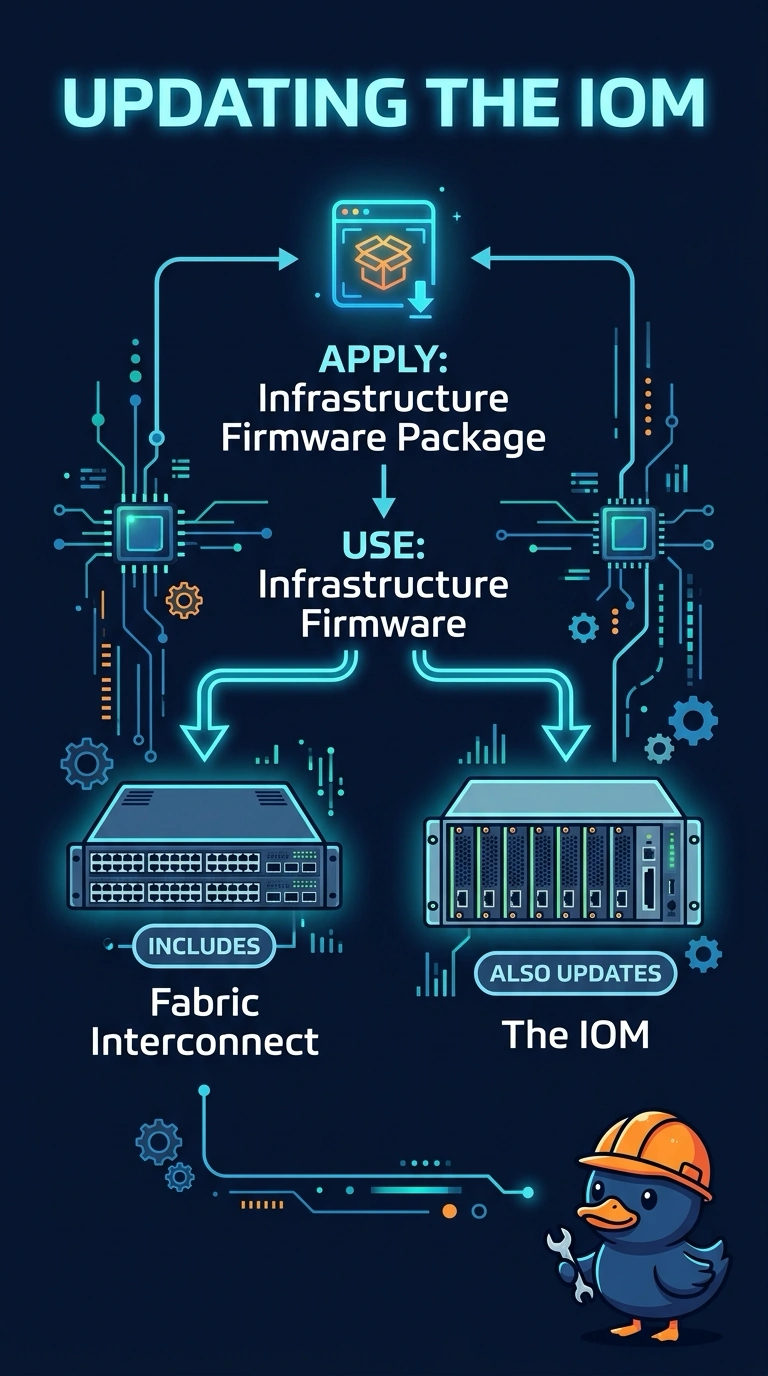
Short Explanation
The host firmware package is the server's toolbox, and the IOM is not a tool in that box. You upgraded the blades and the chassis module stayed put because IOM firmware rides with the infrastructure package for the fabric interconnect and the IOM. Acknowledging the blade again does not sneak that module image into the host package.
Full Explanation
Cisco UCS splits server firmware from infrastructure firmware. A host firmware package, attached through a service profile, updates server components such as BIOS, adapters, and storage controllers. That is why the hospital blades moved to the new server firmware. The IOM is chassis infrastructure. Its firmware is updated with the infrastructure package that also covers the fabric interconnects, not with the host package. Reacknowledging a blade tells UCS Manager to re-evaluate the server. It does not pull an IOM image out of a host firmware package, and a second reboot of the blade leaves the IOM where it was. A WWPN pool allocates Fibre Channel port names. It does not carry firmware images. A SAN boot target names an array WWPN and a LUN so the server can boot from the SAN. Selecting a LUN does not upgrade the IOM. Caveat: an infrastructure update on a fabric interconnect pair is sequenced so one side stays up, and the IOM update has to be part of that infrastructure workflow rather than a host-package edit. Operational check: stage the infrastructure firmware, confirm the IOM is included, run that update, and verify the IOM version changed while the host package is left for the servers.