
A media company host uses VLAN 50, the vNIC template already allows VLAN 50, and the upstream router uses that VLAN, but the fabric interconnect uplink port-channel does not allow it. Where should VLAN 50 be added?
Select an answer to reveal the explanation.
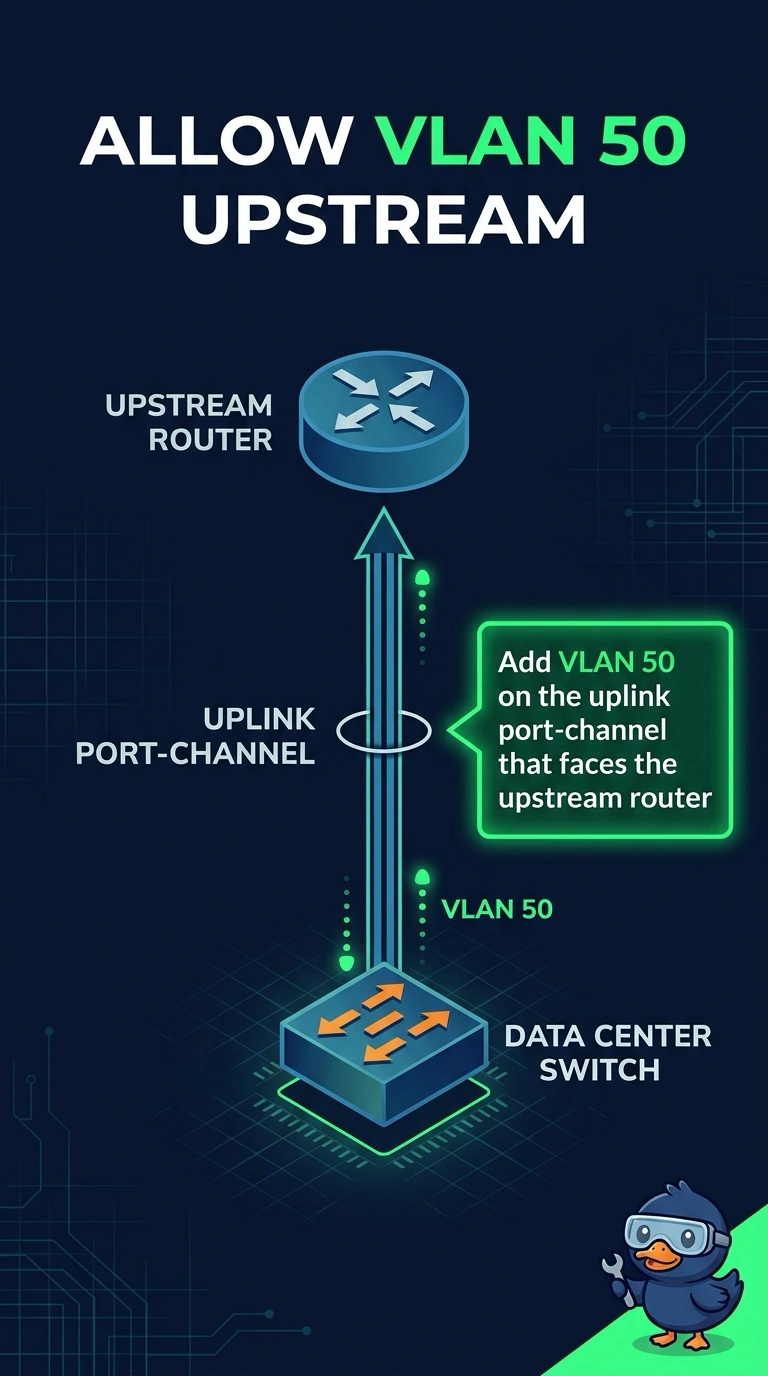
Short Explanation
The vNIC is the on-ramp, and the uplink is the highway exit. You already allowed VLAN 50 on the vNIC, and the frames die because the uplink port-channel does not allow that VLAN toward the router. Adding the VLAN to a WWN pool or to the discovery policy will not open the exit.
Full Explanation
A blade receives a VLAN from its vNIC, and the fabric interconnect can carry that VLAN upstream only if the uplink allows it. The media host already has VLAN 50 on the vNIC template, and the router is in VLAN 50, so the break is the uplink port-channel that does not list the VLAN. Adding VLAN 50 there lets the frames leave toward the router. Removing it from the vNIC would take the VLAN away from the host, which is the opposite of the fix, and a vNIC VLAN does not block an uplink that is willing to carry it. A WWNN pool allocates a Fibre Channel node name for the service profile. It does not transport Ethernet VLANs. The chassis discovery policy sets the minimum links required to discover a chassis. It does not maintain the allowed VLAN list on an uplink port-channel. Caveat: the VLAN also has to exist on the upstream switch port that faces this port-channel, or the fabric interconnect can allow it and the router still never sees the frames. Operational check: allow VLAN 50 on the uplink, confirm the port-channel lists it, and ping the router from the host.