
A media company cabled a new UCS blade chassis to a fabric interconnect pair, but the chassis never appears for discovery. The ports facing the chassis IOMs are still unconfigured Ethernet ports. What must change before discovery can start?
Select an answer to reveal the explanation.
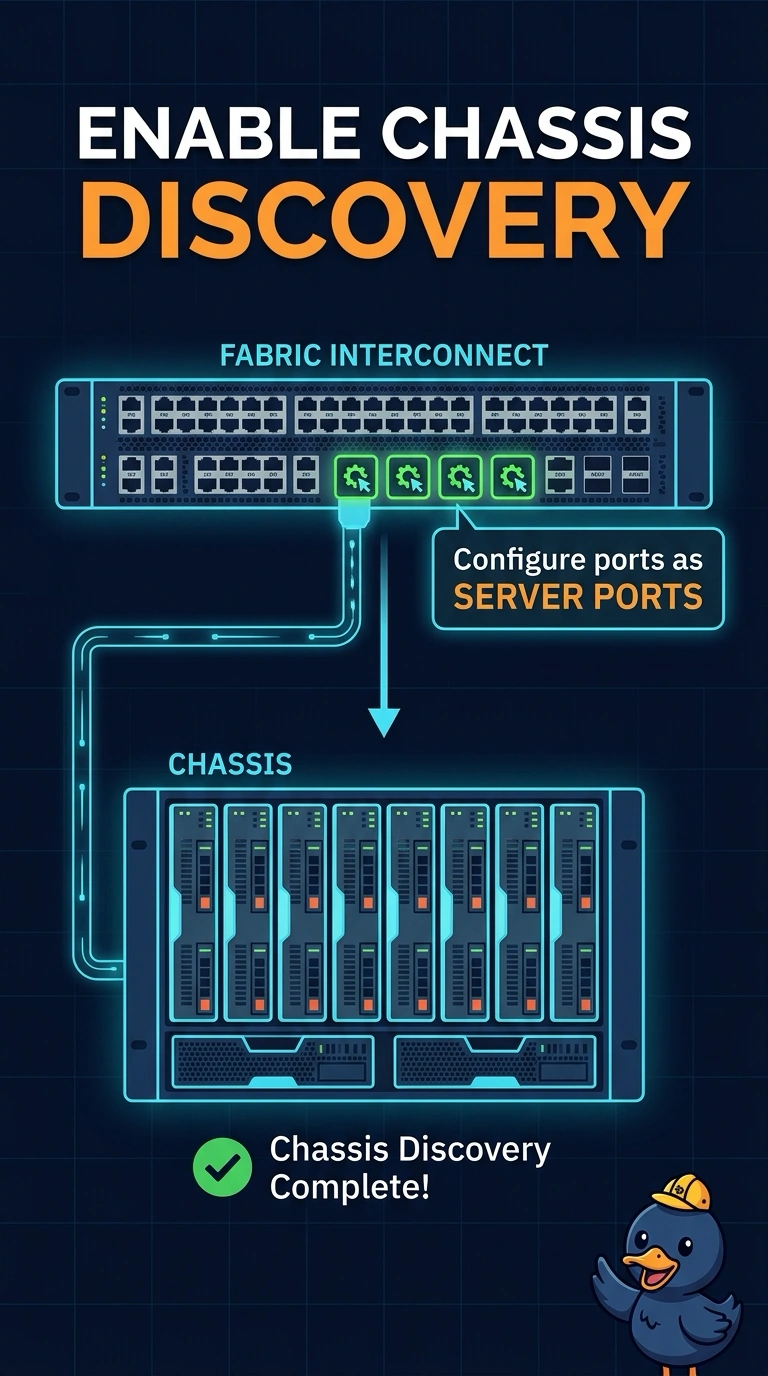
Short Explanation
Discovery starts at the door the chassis is actually plugged into. You mark that door a server port so the fabric interconnect looks for an IOM, not an upstream switch. Uplink ports face the data center LAN, so they will not introduce this chassis.
Full Explanation
UCS chassis discovery uses the fabric interconnect ports that are configured as server ports. Those ports link to the chassis IOMs, bring up the management path, and let the chassis show up so an administrator can acknowledge it. Leaving them as unconfigured Ethernet ports means the interconnect never treats the attached chassis as a server chassis, so nothing appears to discover. LAN uplink ports are the northbound ports toward the data center switches. Turning the IOM-facing ports into uplinks points them at the wrong role and still does not start chassis discovery. Ethernet switching mode changes how the fabric interconnect forwards frames. It is not a prerequisite for seeing a newly cabled chassis. A service profile template and a server pool matter only after blades exist in inventory. They cannot discover hardware that the interconnect has not been told to look for. Caveat: even with server ports set, the chassis still has to be acknowledged, and a bad cable or an unpowered IOM produces an empty discovery as well. Operational check: set the connected ports to server ports on both fabrics, then refresh the equipment view and acknowledge the chassis when it appears.