
The city NOC must troubleshoot courts connectivity without flooding the console with debugs from every subnet. Why choose a conditional debug?
Select an answer to reveal the explanation.
Short Explanation
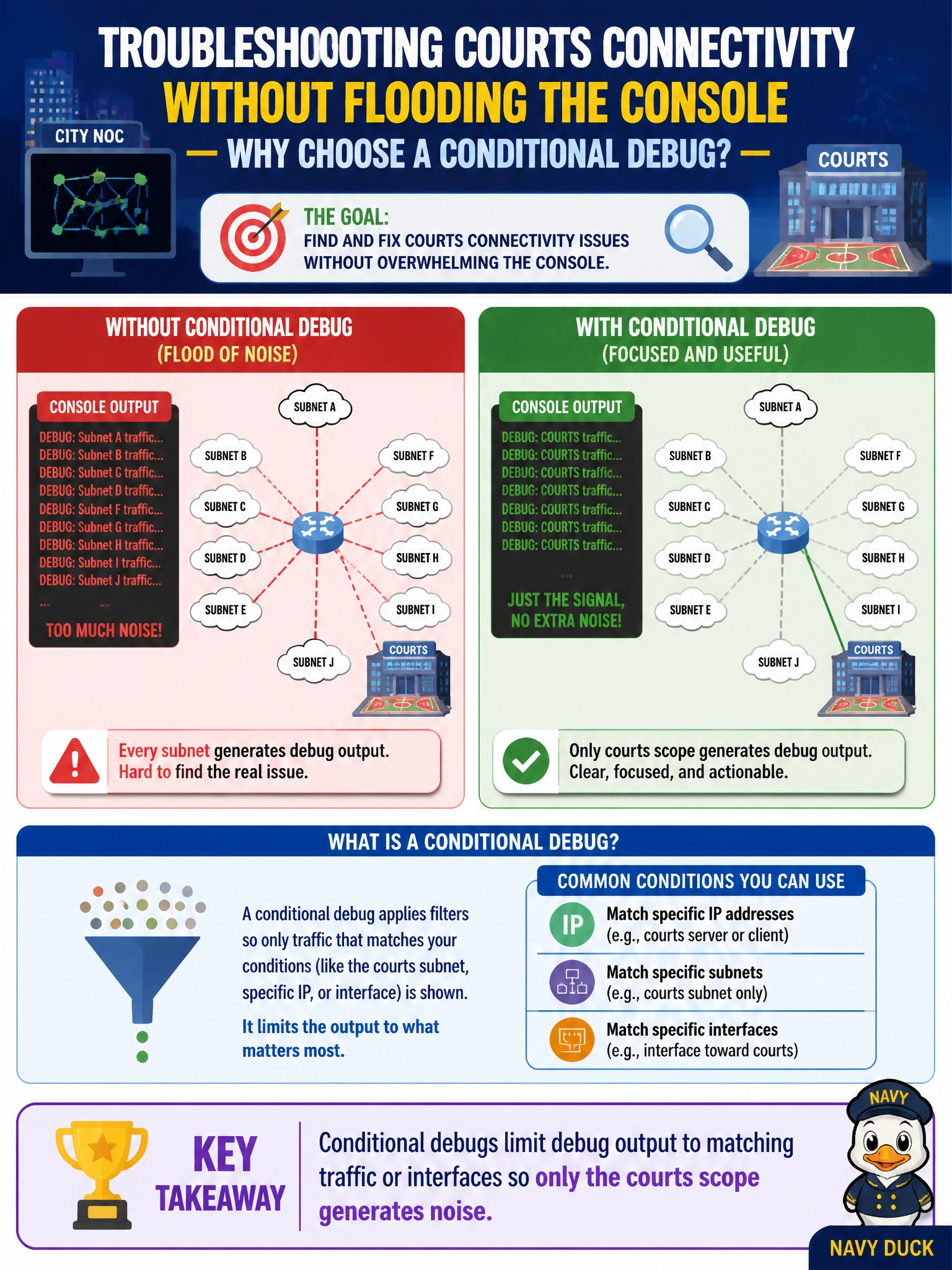
Unrestricted debugs are a fire hose aimed at your face. Conditional debugs put a filter on the nozzle—only the courts subnet sprays. Same troubleshooting power, way less console chaos and CPU drama.
Full Explanation
The city NOC troubleshooting courts connectivity without flooding the console with debugs from every subnet should choose a conditional debug because conditional debugs limit debug output to matching traffic or interfaces so only the courts scope generates noise. That scoped visibility lets engineers catch the failing flow or adjacency without drowning the terminal—or the CPU—in unrelated campus traffic. In a busy municipal NOC, conditional filters are the difference between a useful capture and an accidental outage caused by unrestricted debug volume.
Claiming conditional debugs permanently replace SNMP polling and Flexible NetFlow exporters fails because debugs are temporary diagnostic tools; they do not retire ongoing monitoring architectures. Claiming they increase CPU less than ping but more than unrestricted debug ip packet fails the concept and the safety story—unrestricted packet debugs are typically far more dangerous, and the point of conditionals is to reduce irrelevant output/impact. Claiming conditional debugs enable ERSPAN automatically toward the NOC analyzer fails because conditional debug configuration is not automatic ERSPAN enablement.
Exam caveat: prefer targeted/conditional debugs over debug all or unrestricted packet debugs in production narratives. Conditionals complement—not replace—syslog, SNMP, and NetFlow. Always plan to disable debugs after the capture window.
Operational check: apply an ACL or interface/condition filter matching only courts traffic, enable the specific debug, capture the event, then undebug and confirm CPU and logging rates return to baseline.